VIDEO
HIGHLIGHT
  • Features
  • Pricing
  • Mission
  • Updates
Log InStart for free

Summaries

Get a quick overview of the video using timestamped summaries.

Key Points

Extract the key points and their location in the video.

Transcripts

Quickly transcribe the video content in any language.

Smart Search

Search for specific topics or keywords in the summary or transcript.

Chat & Video Q&A

Engage with the content using Q&A features.

Highlights & Notes

Bookmark important sections and take notes. Think Kindle for videos.

Playlists

Organize videos into collections.

Export

Export summaries and highlights to Notion or Readwise.

Video Alerts

Google Alerts, but for videos.

New Features
November 13, 2025

Introducing Video Highlight Workspaces

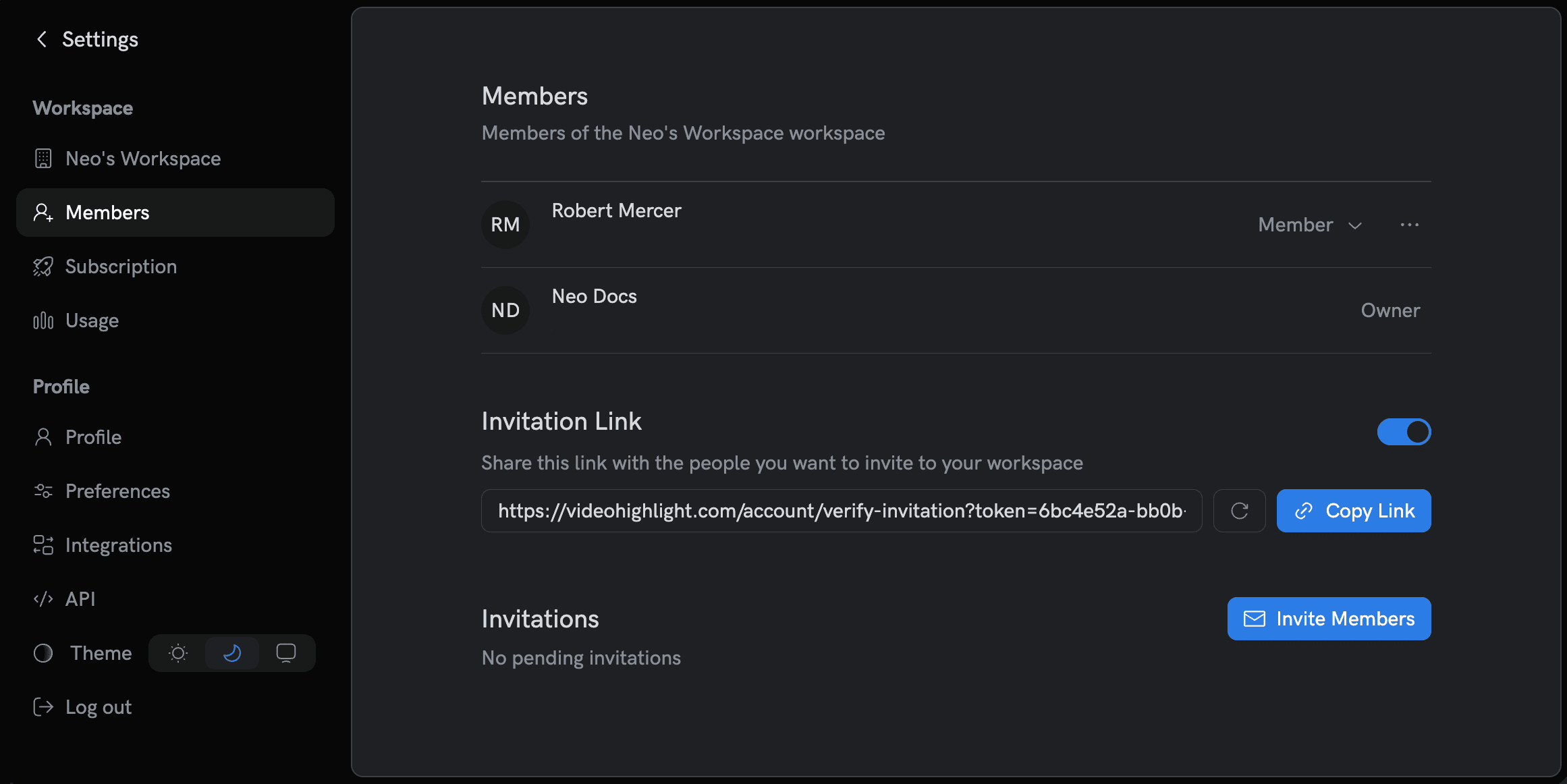
We’re excited to launch Workspaces — the best way to organize your work and collaborate in Video Highlight. Every user starts with a personal workspace. You can rename it, invite teammates on paid plans, switch across workspaces, and share playlists, transcripts, and highlights with your team.

What’s included?

  • Personal workspace by default: Created on sign-up. You can rename it anytime.

  • Invite teammates: Add collaborators via email or invite link. Roles supported today: Admin and Member.

  • Shared assets: Transcripts, highlights, and playlists shared with your workspace so everyone stays in sync.

  • Fast switching: Move between workspaces from the user menu or Settings sidebar.

Navigate to WorkspacesWorkspaces

Learn more:

  • Workspaces Overview
  • Invite Members & Roles
  • Switching & Sharing