Kindle for video
Highlight key moments, take notes, and build your personal video knowledge base.
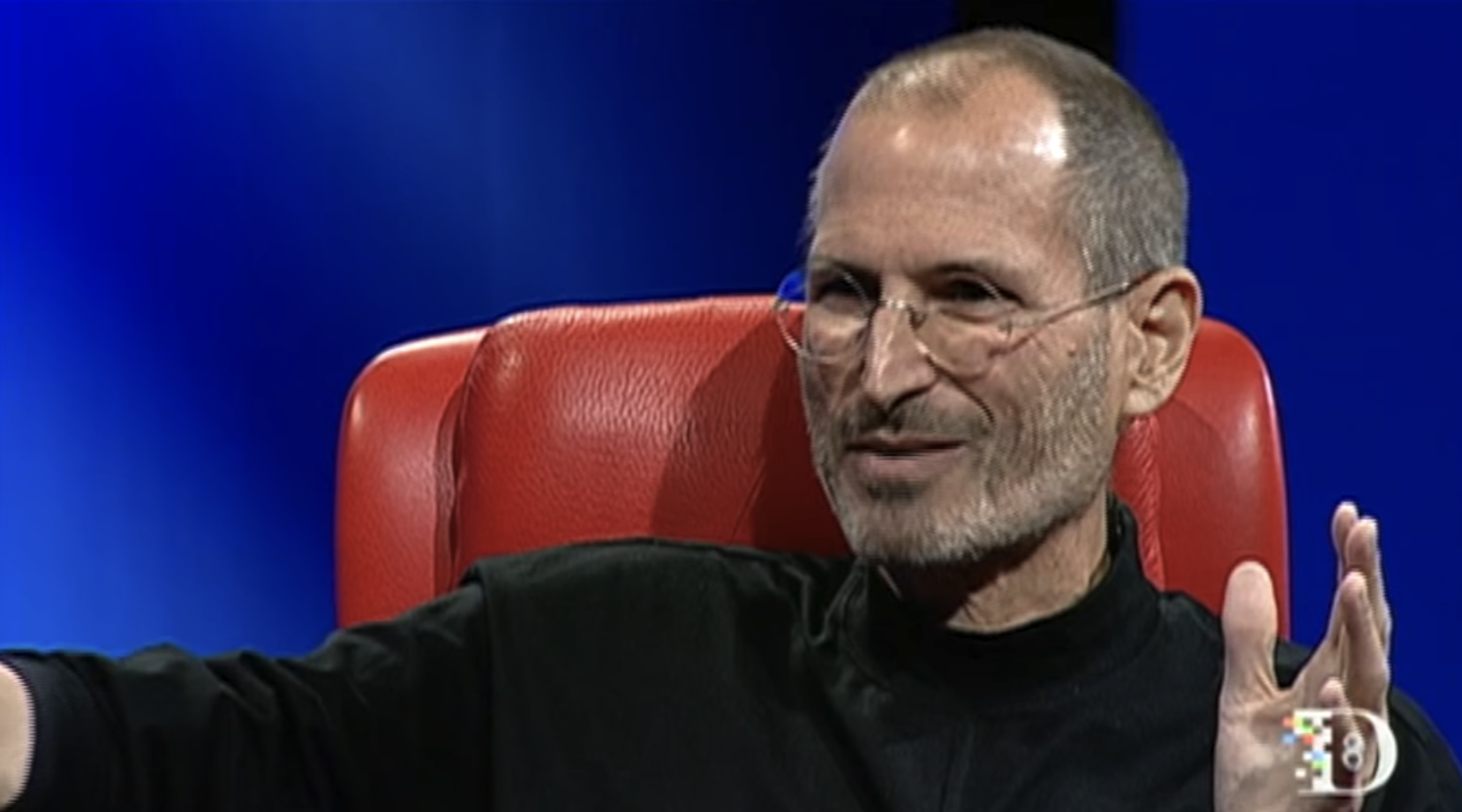
we went from the five-inch floppy disk to the three and a half-inch floppy disk with the Mac
More than just marking text
Annotate videos like you'd annotate a book.
Color-coded highlights
Four colors for categorization: concepts, questions, insights, actions.
Notes
Add context and thoughts to any highlight. Build understanding.
Popular highlights
See what others found valuable. Community highlights surface key sections you might have missed.
Screenshots
Capture video frames via our Chrome extension. Visual context for your highlights.
Export
Send to Notion and Readwise. Your highlights, your workflow.
Team sharing
View team highlights within your team. See what your colleagues found interesting.
How it works
Build your video knowledge base.
Select
Highlight any text
Color
Choose your color
Annotate
Add notes
Capture
Screenshot via extension
Export
Send to Notion
In practice
Highlight a passage in the transcript the way you would mark a book. The highlight keeps its timestamp, the note stays attached, and both export to Readwise for review.
Built for active learners
Researchers
Build annotated libraries of video evidence. Cite with confidence.
Students
Create study materials from lecture videos. Review before exams.
Teams
Share insights and key moments with colleagues. Learn together.
Explore related features
Frequently Asked Questions
What can I highlight?
Highlight any text in transcripts, summaries, or key points. Select the text and choose your color.
How many highlight colors are available?
Four colors: pink, orange, yellow, and blue. Use them to categorize by type: concepts in one color, questions in another, for example.
Can I add notes to highlights?
Yes, attach free-form notes to any highlight. Add context, questions, or your own thoughts for later reference.
Are screenshots supported?
Yes, capture video frames at the exact moment using our Chrome extension. Perfect for visual content or diagrams shown in videos.
Can I share highlights with my team?
Yes, highlights sync across your team for team collaboration. See what your colleagues found interesting.
How do I export highlights?
Export to Notion (full summary with highlights) or Readwise (highlighted segments only). One-click export from any video.

Hours of video. Minutes of reading.
Researchers, professionals, and creators use it on YouTube videos and on their own recordings