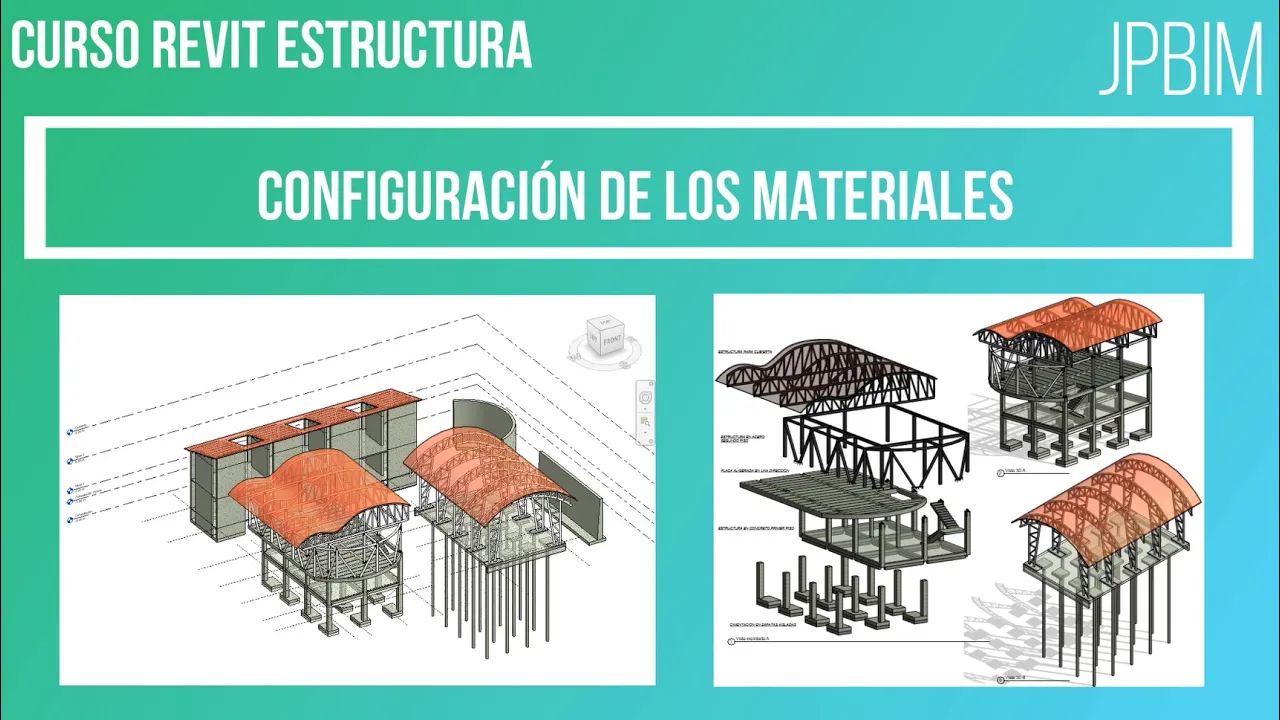
Video 4. Modelado de columnas en concreto (CURSO REVIT ESTRUCTURA AVANZADO)
How to Model Different Types of Columns in Reinforced Concrete Structures
Introduction to Column Modeling
- The video introduces the process of modeling various types of columns for a reinforced concrete structure, including square and circular columns, as well as larger pedestals.
Setting Up the View Range
- To effectively view the columns being modeled, adjustments are made to the view range settings by selecting "Edit" and setting both upper and lower limits to unlimited. This ensures all elements are visible during modeling.
Loading Concrete Column Families
- The presenter navigates through file directories to load specific column families into the project, emphasizing that if default libraries do not contain necessary files, users should check hidden folders in their system. The path includes navigating through Program Data and selecting appropriate structural column libraries.
Creating Rectangular Columns
- After loading the required families, rectangular (or square) columns are created by duplicating existing types and adjusting dimensions accordingly (e.g., 0.40m x 0.40m). This step is crucial for ensuring accurate representation in the model.
Methods for Placing Columns
- Two primary methods for placing columns are discussed:
- Vertical Placement: Directly creating columns at specified points.
- Grid Placement: Utilizing predefined grids allows for quicker placement at intersections of selected grid lines, enhancing efficiency in large projects with extensive layouts.
Finalizing Column Creation
- Once placed, users can create additional columns either individually or by using grid intersections; this method significantly speeds up the modeling process when dealing with numerous structural elements. Additionally, options exist for defining column height or depth based on project requirements (e.g., extending to foundation level).
Modifying Column Dimensions in Structural Design
Changing Column Types and Dimensions
- The speaker demonstrates how to change the type of a column, specifically modifying it to a diameter of 0.40 meters, even though the initial dimension is set at 300 millimeters.
- After selecting multiple columns, the speaker emphasizes editing their dimensions quickly to create circular pillars with specified diameters.
Adjusting Heights and Levels
- The importance of setting base levels for construction is highlighted; adjustments can be made if the foundation level needs to differ from standard wall foundations.
- The speaker explains how to adjust upper levels by adding negative offsets (e.g., -2 meters), which affects where the top of the column will end up.
Working with Multiple Levels
- A 3D view is utilized for easier selection and modification of structural columns, ensuring all modifications are consistent across selected elements.
- The speaker plans for upper levels to align correctly with concrete slabs while incorporating necessary offsets based on project specifications.
Understanding Project Structure and Phases
- An explanation is provided regarding different levels within a project: ground level (0), floor thickness (10 cm), and foundation thickness (30 cm), leading to an overall offset of -0.40 meters.
- The necessity for dividing columns into phases is discussed, particularly when working on complex projects that require distinct sections for construction efficiency.
Material Selection and Copying Columns
- The process involves selecting structural materials for columns; specific types like 3,000 psi concrete are chosen based on project requirements.
Structural Foundation and Column Design in Revit
Concrete Specifications
- The speaker emphasizes the importance of using a concrete mix greater than 3000 psi, specifically opting for 3500 psi for structural foundations.
- Instructions are given on how to select and modify column types within the software, focusing on creating a specific pedestal type.
Modifying Columns and Pedestals
- The dimensions of the pedestal are set to 0.50 x 0.50 meters, highlighting the need for precise measurements in structural design.
- A reminder is provided about setting view ranges to unlimited; this ensures visibility of all elements below columns in the design.
Adjusting Element Positions
- The process of selecting multiple pedestals for movement is described, utilizing control selections to streamline adjustments.
- Techniques for moving selected elements both horizontally and vertically are discussed, emphasizing careful placement relative to other structures.
Finalizing Structural Elements
- The speaker notes that circular sections will transition into square pedestals while maintaining central alignment, ensuring aesthetic coherence.
- A 3D view is introduced to visualize different elements with coherent color schemes applied for better material representation.
Construction Sequence Insights
- It’s suggested that construction should begin with foundational elements like columns rather than footings, as they guide subsequent structural placements.
Turn any video into a summary like this
YouTube links, meetings, lectures — with transcripts, search, and chat.