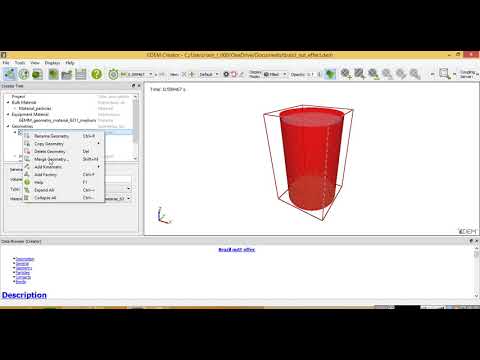
EDEM 2017 tutorial: Setup simple simulation of DEM particles
Setting Up a New EDM Deck
Introduction to the Software
- The speaker introduces a new version of the GEM theater from 2017, highlighting its user-friendly features compared to older versions.
- A project is initiated with the title "Brazil nutter fetch effect," focusing on simulating bulk material.
Adding Bulk Material
- The process for adding bulk material is explained, including right-clicking and using a wizard for selection.
- Specifications such as bulk density (1500 to 2000 kg/m³), angle of repose, coefficient of restitution, and static friction are discussed.
Particle Configuration
Defining Particles
- The speaker calculates properties like mass and volume for particles using an automatic feature in the software.
- A larger particle is created first, followed by another similar particle added from libraries with specific size adjustments.
Geometry Setup
Creating Geometry
- A slender cylinder geometry is defined with specific dimensions (point three).
- An injector is introduced as a virtual component that will inject particles into the simulation environment.
Factory Settings
Configuring Particle Injection
- A factory setup allows for adding 1000 particles randomly positioned and oriented within specified limits.
- Adjustments are made to particle density settings before saving the project file.
Simulation Parameters
Running Simulations
- The simulation begins after setting time parameters; vibrations are applied to the slender cylinder geometry.
- Adjustments are made to domain size and frequency settings during simulation trials.
Finalizing Simulation Results
Observations and Adjustments
- The Brazil nut effect is observed where particles segregate based on size during simulation execution.
- Final adjustments ensure that bigger particles align visually with smaller ones in the output.
Turn any video into a summary like this
YouTube links, meetings, lectures — with transcripts, search, and chat.