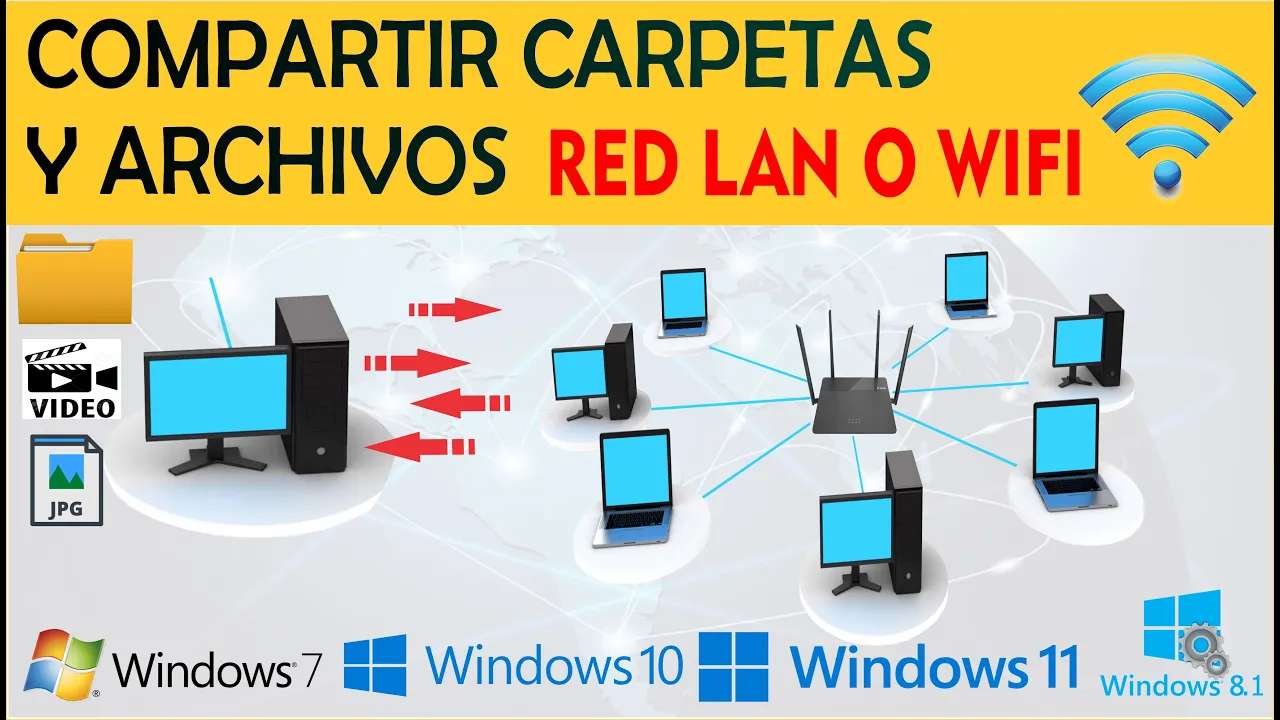
COMPARTIR CARPETAS Y ARCHIVOS EN RED LAN O WIFI / WINDOWS 10, WINDOWS 11
Sharing Folders on a Network Tutorial
In this tutorial, the speaker demonstrates how to easily share folders on a network between multiple computers. The steps are outlined clearly for viewers to follow along and implement the sharing process efficiently.
Creating and Sharing a Folder
- Creating a new folder named "Uribe" for demonstration purposes.
- Right-clicking on the folder, selecting properties, then sharing.
- Adding users "soporte uno" and "servidor" for sharing permissions.
- Granting full access permissions to both users.
- Configuring network adapter settings for enhanced security.
- Enabling password protection for shared folders to prevent unauthorized access.
Connecting to the Shared Folder
- Accessing the shared folder from another computer running Windows 11.
- Using Windows + r keys to connect by entering the server name.
- Providing network credentials for authentication.
- Adding server name, username (soporte), and password (soporte1).
Finalizing Connection Setup
- Verifying successful connection without further credential requests.
- Confirming seamless access to the shared folder without additional authentication prompts.