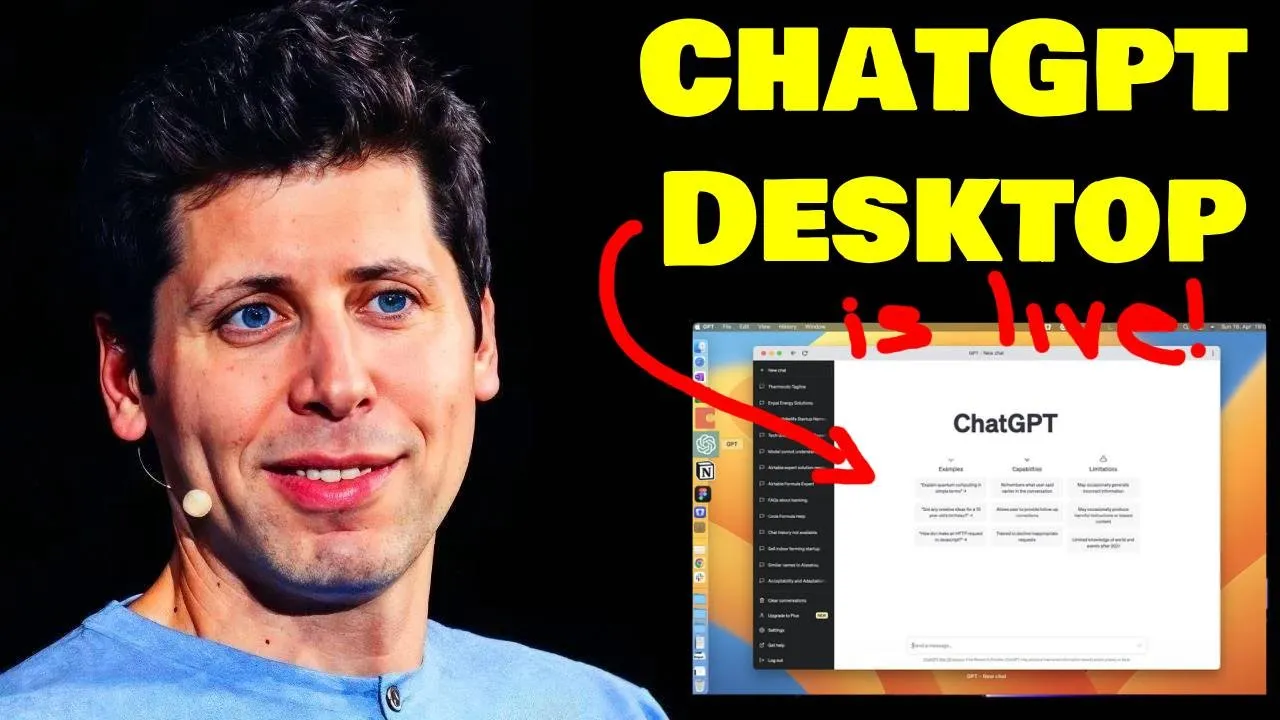
New ChatGPT Desktop App is LIVE | Start building with GPT-4o | ChatGPT + Google Drive + OneDrive
Detailed Updates on Chad BT and OpenAI Ecosystem
The speaker discusses the new updates coming to Chad BT and the OpenAI ecosystem, focusing on the desktop app, data analysis improvements, and the GPT-4 model.
Desktop App Updates
- Advanced data analytics in Chad BT allows creating charts and interacting with Excel or Google Sheets.
- Users can now pull in their own data from cloud services like Google Drive and Microsoft OneDrive.
GPT-4 Model Features
- The new GPT-4 model offers instant responses, back-and-forth interactions, and video recognition capabilities.
- Emphasizes letting AI do the work and subscribing to stay updated on AI news.
Downloading Chad GPT for Desktop
- Caution against scam apps impersonating OpenAI; Chad BT desktop app is not available on Apple App Store or Google Play.
- Currently only available for Mac OS; users need a device with Apple silicon (M1 or later).
Installation Process for Mac OS Users
Instructions for downloading and installing Chad GPT on Mac OS devices with Apple silicon chips.
Download Process
- Requires Mac OS 14+ with Apple silicon (M1 or later); Windows version planned for future release.
Installation Steps
- Click download, open the file, drag it to start installation; launch from applications folder after installation.
Launcher Shortcut Usage
- Use option + space to open launcher; upload files, share screenshots, take photos using shortcuts.
Exploring Features of Chad GPT Desktop Version
Demonstrates features of the Chad GPT desktop version including switching between models mid-chat and utilizing various functionalities.
Model Switching Capability
- Ability to switch between different models during chat conversations; default starting in GPT-4 but can switch to Omni model.
Functionalities Showcase
New Section
In this section, the speaker discusses the capabilities of GPT-3.5 and hints at upcoming features.
GPT-3.5 Capabilities
- GPT-3.5 can analyze emotions by reading facial expressions and describing them to users. It does not provide true video understanding but interprets snapshots from videos.
Upcoming Features
- The full model of GPT-3.5 is expected to roll out in a few weeks, promising significant upgrades.
- Red teaming processes are underway before the model's release to trusted users.
- A new voice mode with enhanced capabilities is set to launch soon.
- Users can interact through voice commands and choose different voices for responses.
Advanced Data Analytics Upgrade
This part focuses on the enhancements in advanced data analytics within Chad GPT.
Google Drive Integration
- Users can now directly link their Google Drive or Microsoft OneDrive accounts to upload files seamlessly for analysis.
- A major quality of life improvement allows creating interactive tables for detailed analysis.
- Specific areas can be clicked for follow-up questions or prompts suggested by Chad GPT.
- Interactive tables provide a more user-friendly interface compared to previous versions.
Setting up Data Analysis
- To set up data analysis, users need to access the Chad GPT website and connect their drive accounts for seamless integration.
- Custom instructions can be added to enhance interactions with Chad GPT, improving response accuracy based on user preferences and history.
- Memory feature enables Chad GPT to remember user-specific details for better assistance over time.
- Personalization settings allow customization for improved user experience and tailored responses.
New Section
In this section, the speaker interacts with Chad GPT and explores its memory function, testing its ability to recall information based on previous interactions.
Exploring Memory Functionality
- Chad GPT demonstrates the ability to remember details specific to the user, providing personalized responses based on past interactions.
- The memory of Chad GPT is updated when new information is provided by the user, allowing for customization of responses.
- Users can manually add information to Chad GPT's memory by specifying details such as company names, prompting updates in real-time.
- By instructing Chad GPT to remember certain facts like company names, users can observe the system recalling and incorporating this data into subsequent conversations.
Utilizing OpenAI Tools
This segment discusses upcoming features within OpenAI tools and provides a guide on how developers can engage with these resources.
Introduction to OpenAI Tools
- OpenAI introduces a new model integrating voice input and output functionalities under the opening ey umbrella, offering enhanced capabilities for developers.
- Developers are encouraged to explore OpenAI tools even without prior coding experience, with resources provided for beginners to start experimenting with AI technology.
- Instructions are given on obtaining an API key from OpenAI for accessing various functionalities within their platform, enabling users to connect software applications securely.
- Google Colab is recommended as a free tool by Google for running Jupyter-style notebooks in a cloud-based environment, facilitating code execution without local setup complexities.
Implementing AI Models
This part delves into practical steps for implementing AI models using OpenAI's resources and showcases how users can interact with different models effectively.
Implementing AI Models
- Users are guided through installing necessary packages from OpenAI using commands like 'pip install openai' within Google Colab notebooks for seamless integration of AI functionalities.
- A step-by-step process is outlined for connecting APIs and initializing conversations with specific models like GPT 3.5 Turbo or newer versions such as GPT 40.
Understanding GPT-3 Vision Model
In this section, the speaker demonstrates using an API key with the GPT-3 model to analyze an image from Wikipedia and receive a description of its contents.
Using the API Key and GPT-3 Model
- The API key is integrated for utilizing the GPT-3 model.
Code Blocks Explanation
- Different code blocks are explained:
- Importing necessary packages.
- Setting up the API key for OpenAI functions.
- Interacting with the model through chat.
- Displaying output using print function.
- Clicking run to execute the code.
Image Recognition Output
This part showcases running the code, receiving and interpreting output from the GPT-3 vision model regarding an image.
Running and Analyzing Output
- The code is executed, taking around 5 to 6 seconds to process.
- The output describes the image as a scenic outdoor pathway or boardwalk.
Utilizing Vision Capabilities
- Demonstrates leveraging GPT-3's vision capabilities to recognize and describe images accurately.
- Encourages viewers to explore AI learning opportunities through Natural20 learning community.