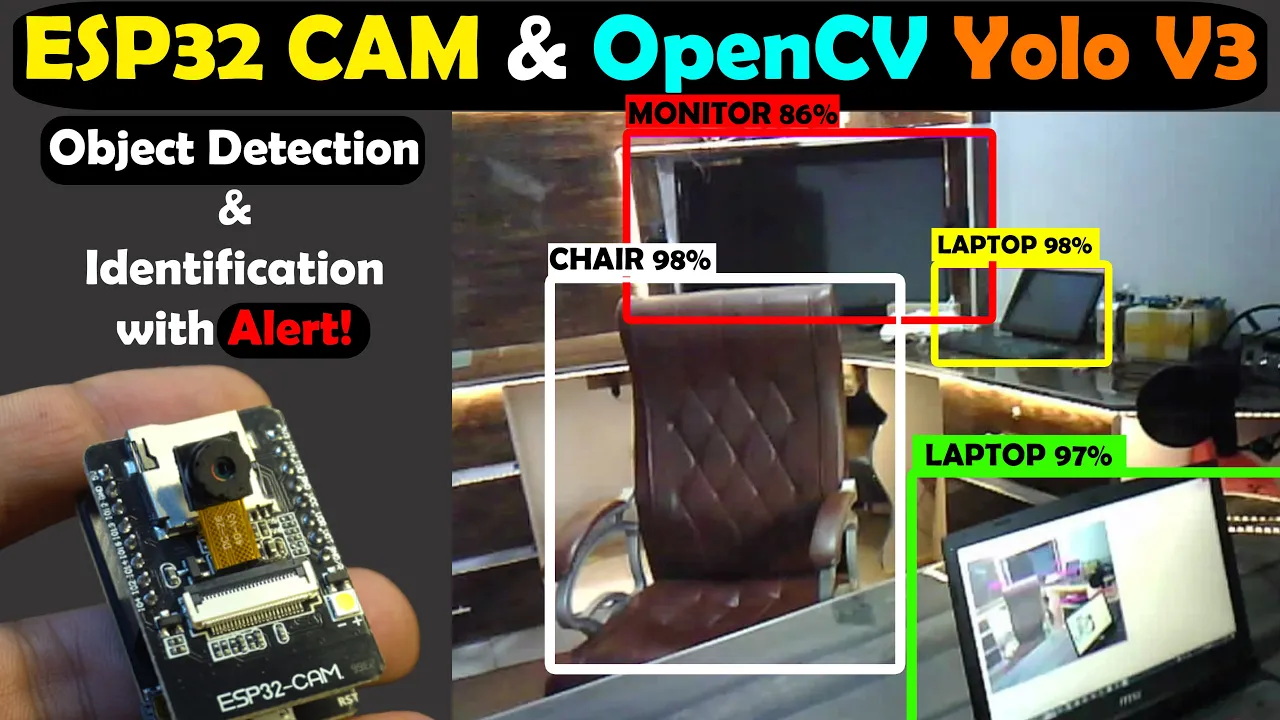
ESP32 CAM with Python OpenCV Yolo V3 for object detection and Identification, Image Processing
Introduction
The video introduces the use of ESP32 camera Mario with Python OpenCV YOLO V3 for object detection and identification. Different machines will be tested, including Raspberry Pi 4, Core i3 laptop, and MSI Intel Core i7 with Nvidia GPU.
Installing Python and OpenCV
- : Install Python by downloading the Windows x86-64 executable installer.
- : Check Python installation using CMD.
- : Install OpenCV by following a simple command in CMD.
Setting Up YOLO
- : Download YOLO v3-320 weights and CFG files.
- : Obtain coco.names file for YOLO.
Starting with ESP32 Camera Module
- : Upload program to ESP32 camera module for live video streaming.
- : Activate Ultim 365 workspace for PCB design support.
ESP32 Camera Module Setup
Demonstrates sharing projects on Ultim Designer using Ultim 365 workspace activation and setting up the ESP32 camera module for live video streaming.
Sharing Projects on Ultim Designer
- : Share projects by right-clicking on project name, selecting share, adding user's email, choosing permissions, and clicking share button.
Uploading Program to ESP32 Camera Module
- : Select ESP32 game board, check communication port, and upload program.
Live Video Streaming Setup
- : Copy IP address from serial monitor for Python OpenCV code usage.
Object Detection Testing
Focuses on testing object detection code written for all objects using Raspberry Pi as a test machine to evaluate its image processing capabilities with Python OpenCV YOLO V3.
Testing Object Detection Code
Camera Testing on Different Devices
In this section, the speaker tests a camera connected to various devices for image processing capabilities.
Raspberry Pi 4 Performance
- Raspberry Pi 4 struggles with image processing, being slow and not suitable for high-end tasks.
- The 8GB variant is popular for gaming but lacks efficiency in image processing.
- External hardware may be required for improved performance.
Core i3 Laptop Comparison
- Image processing on a Core i3 laptop is better than Raspberry Pi 4 but still slow.
- Users with a Core i3 laptop can expect moderate performance levels.
MSI Intel Core i7 9th Generation Laptop Test
- Image processing on an MSI Intel Core i7 9th generation gaming laptop is impressive.
- While not extremely fast, it is deemed acceptable for future image processing projects.
Bird and Gate Detection Code Implementation
The speaker demonstrates code designed to detect birds and gates using specific criteria.
Functionality of the Code
- The code focuses solely on detecting and identifying birds and gates while ignoring other objects.
- Detailed explanations are available in an article on electronicclinic.com.
Purpose of Bird and Gate Detection
- The system flawlessly detects birds and kids, generating alerts when both are present simultaneously.
- The setup aims to alert the user when birds gather around gates during daytime activities.
Alert System Integration
- Alerts can be sent via email or SMS using Arduino and GSM technology once triggered.