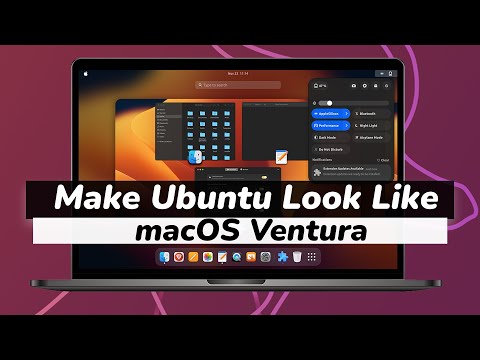
How to Make Ubuntu Look Like Mac OS Ventura ( NEW )
Introduction
The video is a step-by-step guide on how to customize the Gnome desktop to look like Mac OS Ventura.
Installing Time Shift and Backing Up System
- Update package list in terminal.
- Install time shift backup tool.
- Backup entire root system under user directories.
Getting Started
The video creator introduces the tutorial and shows a fresh copy of Ubuntu 2210 running on an Intel MacBook Pro.
Installing Required Tools
- Install Gnome shell extension manager, no tweaks, and git command.
- Clone repository from website URL into newly downloaded directory.
- Run script file with options to install multiple flavors of Mac OS themes.
Installing Icon Pack
- Download Mac OS Ventura icon pack from link provided in video.
- Double click on file and choose home directory. Create a hidden folder named "icons" inside home directory.
Polishing UI
The video creator installs extensions to improve the appearance of the UI.
Installing Extensions
- Install blur my shell extension to blur gnome shell.
- Install Quick Settings tweaker extension to add more toggles to Quick Settings panel.
- Install confess magic lamp effect extension for genie effect on window manager when minimizing or maximizing windows.
Adjusting Settings
- Change position of dock to bottom and disable panel mode in settings manager under Ubuntu desktop.
Customizing Ubuntu to Look Like Mac OS Aventura
In this video, ksk rail demonstrates how to customize Ubuntu 21.10 or 22.04 to look like Mac OS Aventura.
Installing the Mac OS Theme
- To install the Mac OS theme, download the theme files from the provided link.
- Extract the downloaded file and run the installer script in the terminal using
./install.sh.
- Use Gnome Tweaks to apply the new theme and accent colors.
Removing the Mac OS Theme
- To remove the Mac OS theme, open a terminal and run the installer script with Dash R and dash U options.
- This will delete all installed themes and accent colors.
- Run The Tweak script with dash R option to remove gdm theme.
- Use Tweaks application to change back to Yaru theme.
Restoring Ubuntu to Its Original State
- If you encounter issues when removing or uninstalling themes, use Time Shift backup and restore Ubuntu system back to its original state.
Conclusion
In conclusion, ksk rail thanks viewers for watching his video on customizing Ubuntu 21.10 or 22.04 to look like Mac OS Aventura.
Turn any video into a summary like this
YouTube links, meetings, lectures. With transcripts, search, and chat.