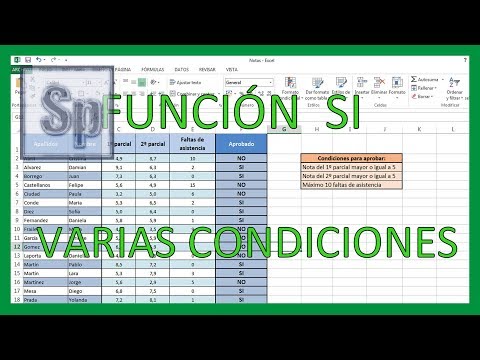
Excel - Función SI con varias condiciones. Tutorial en español HD
How to Use the IF Function with Multiple Conditions
Introduction to the IF Function
- The video introduces the topic of using the IF function in Excel with multiple conditions, illustrated through an example involving student grades and attendance.
Setting Conditions for Passing Grades
- To pass, students must meet three criteria:
- A score of 5 or higher in the first exam.
- A score of 5 or higher in the second exam.
- No more than 10 absences.
Implementing Logical Tests with AND Function
- The presenter demonstrates how to use the AND function within the IF function:
- Begins by typing
=IF(and then usesAND(to include multiple logical tests.
- First condition checks if the first exam score is greater than or equal to 5.
- Second condition checks if the second exam score is also greater than or equal to 5.
- Third condition verifies that absences are less than or equal to 10.
Returning Results Based on Conditions
- After setting up conditions, it specifies what should be returned:
- If all conditions are met, return "YES".
- If any condition fails, return "NO".
- The example shows a case where a student's first exam score is below passing (4.9), resulting in a "NO" output.