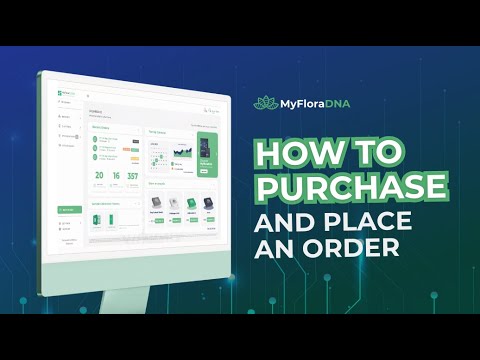
How to purchase and place an order
How to Order Testing Services on My Flora Cloud
Step 1: Logging In and Purchasing Tests
- Begin by logging into your My Flora Cloud account.
- Navigate to the "store services" section in the sidebar to purchase the required test.
- Select the specific pathogen you wish to test for.
Step 2: Completing Your Purchase
- Enter the desired quantity of tests you want to purchase.
- In the billing and shipping section, choose a facility if multiple options are available for where the collection kit will be sent.
- Click on "pay now" to process your payment; an invoice and payment link will be emailed via QuickBooks once confirmed.
- Note that this step only purchases testing credits; creating an actual order is still necessary.
Step 3: Creating Your Order
- Go to the "orders" tab; initially, no active orders will appear since only a purchase was completed.
- Click on "new order," where you'll see pathogens and quantities purchased listed.
- Select how many tests you want to use for this order; it's not mandatory to use all at once.
Finalizing Your Order
- Click "order now" to finalize your testing order.