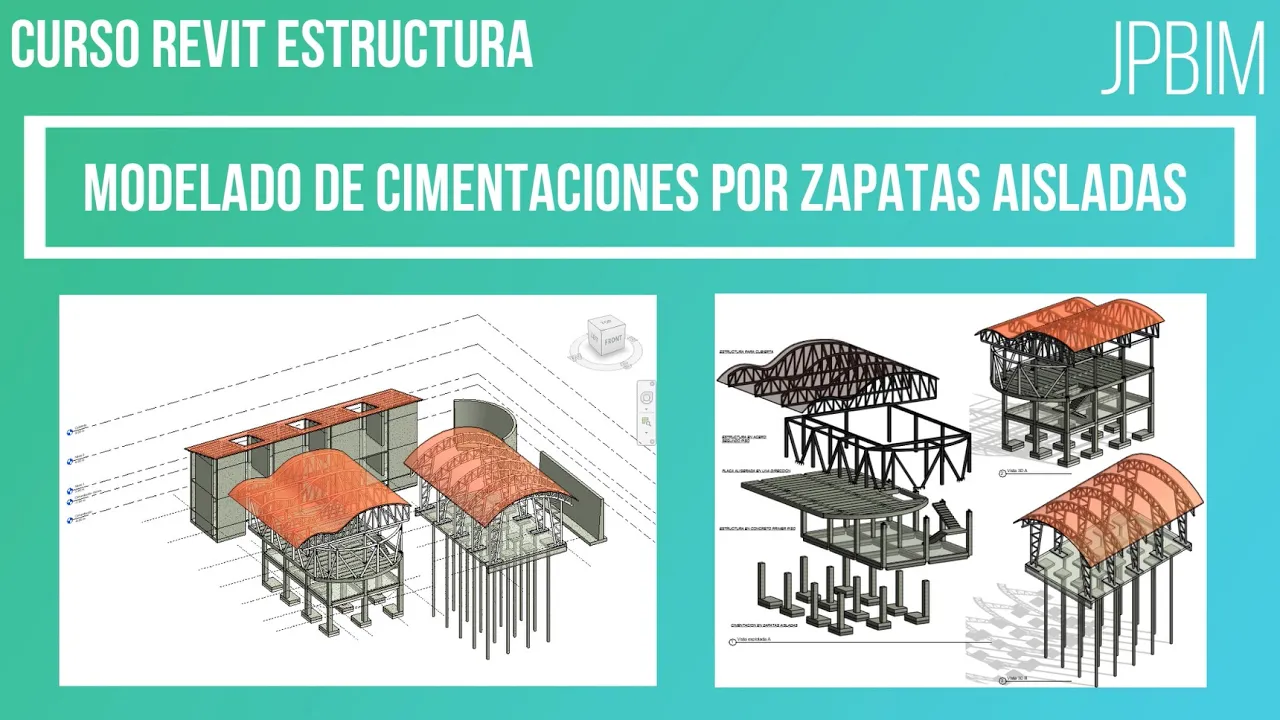
Video 5. Modelado de zapatas (Cimentaciones parte 1) (CURSO REVIT ESTRUCTURA AVANZADO)
Creating Foundations: An Introduction to Isolated Footings
Overview of the Foundation Creation Process
- The video begins with an introduction to a series focused on creating foundations, specifically isolated footings and cyclopean concrete.
- The presenter emphasizes the importance of working in the foundation plan view rather than 3D or Level 1 views for better visibility during footing creation.
Setting Up the View Range
- Instructions are provided to modify the view range settings, ensuring both upper and lower limits are set to unlimited for optimal visibility when creating footings.
Loading Structural Foundations
- The presenter guides viewers through loading structural foundation templates from specific directories, highlighting that default templates may not be pre-loaded.
- A focus is placed on selecting a standard rectangular footing type from available options, which includes various types of foundations.
Modifying Footing Types
- Viewers learn how to edit and duplicate existing footing types, changing dimensions to 150 x 220 x 0.36 meters for their project needs.
Inserting Isolated Footings
- Different methods for inserting footings into the project are discussed; one method involves placing them directly at desired locations within the project space.
- Another method allows users to select grid lines for automatic placement of footings at column centers, emphasizing efficiency in design.
Adjusting Footing Positions
- The importance of positioning footings correctly relative to columns is highlighted; adjustments can be made using selection tools and moving commands.
Managing Column Relationships with Footings
- It’s noted that if a column's base level is adjusted (e.g., raised by one meter), connected footings will move accordingly due to their anchored relationship.
- For projects where independent movement is desired, alternative methods of creation without anchoring should be considered.
Creating Structural Foundations in Design Software
Setting Up the Foundation Elements
- The process begins with creating a foundation (zapata) similar to how floors or structural slabs are designed, using a 3D list for selection.
- Concrete material is changed to 3,500 psi for the foundations, ensuring it meets necessary specifications before proceeding with the design.
- After copying and pasting elements into the desired level, it's confirmed that new foundations have been created at the same location as previous ones.
Modifying Foundation Types
- The type of foundation is modified by duplicating existing types and adjusting parameters such as thickness to 0.30 meters while keeping width and length consistent.
- Structural material is updated to reflect the chosen concrete type, enhancing both functionality and aesthetic appeal in rendering.
Efficiency in Design Process