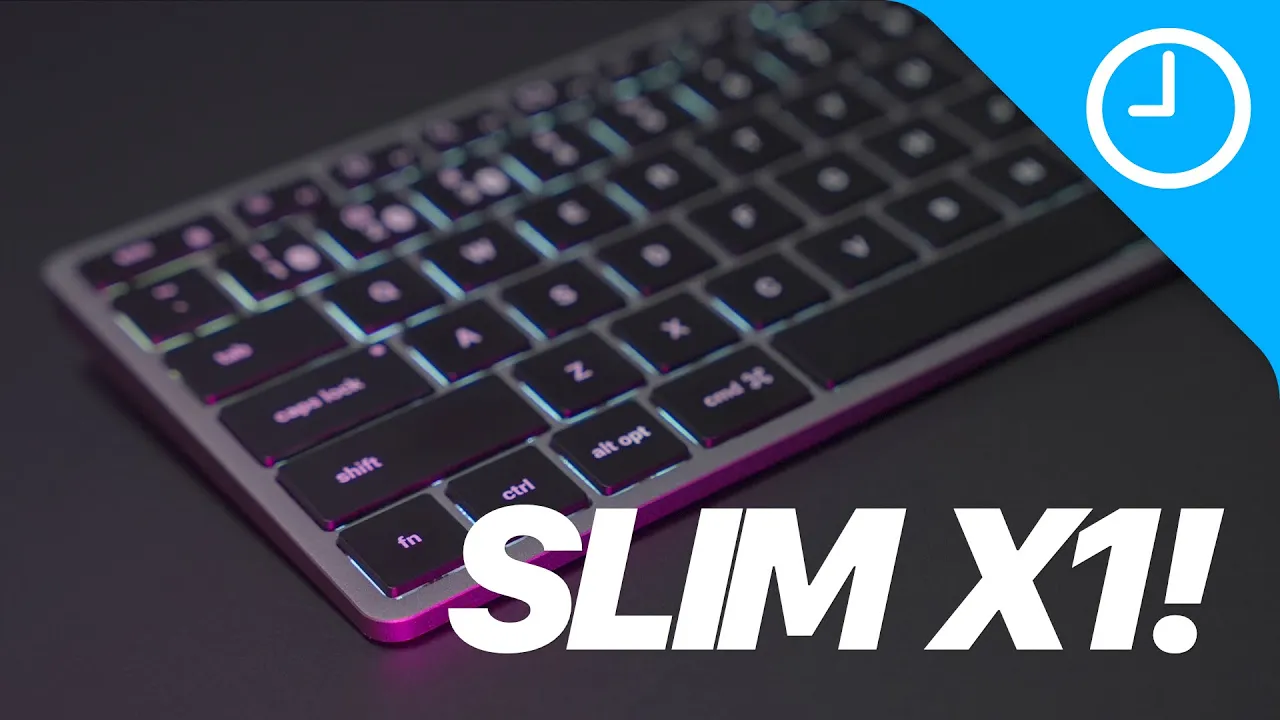
Satechi Slim X1 Review - better than Magic Keyboard?
Satachi Slim X1 Bluetooth Backlit Keyboard Review
In this video, the Satachi Slim X1 Bluetooth backlit keyboard is reviewed as a potential alternative to the Magic Keyboard for Mac and iPad.
Design and Build Quality
- The Satachi Slim X1 features anodized space gray aluminum construction with black keycaps, providing a sleek appearance.
- Rubber feet are included to adjust the typing angle for enhanced comfort, although they are separate attachments.
Key Features and Functionality
- The keyboard offers USB Type-C connectivity instead of Lightning, catering to both Mac and iPad users.
- A comparison is drawn between the Slim X1 and the Magic Keyboard in terms of size, key layout, and functionality.
Typing Experience Comparison
- Typing on the Slim X1 is compared to the Magic Keyboard, highlighting differences in key response and feel.
- The backlight feature of the Slim X1 with adjustable brightness levels is discussed as a significant advantage over the Magic Keyboard's lack of backlighting.
Multi-Device Support
- The Slim X1 supports up to three different Bluetooth connections simultaneously, allowing seamless switching between devices.
Keyboard Review and Comparison
In this section, the speaker demonstrates the functionality of the Slim X1 keyboard from Satechi, highlighting its ability to seamlessly switch between multiple devices and discussing its design features.
Connecting to Multiple Devices
- The Slim X1 keyboard allows users to switch between three devices (Mac Mini, MacBook Pro, iPad Air) by holding the function key and pressing keys one, two, or three.
Design Features and Connectivity
- The keyboard features an all-aluminum build with black keycaps in space gray color.
- It offers USB-C connectivity for recharging and can be used in wired mode by connecting a cable to the Mac and toggling via the function key.
Comparison with Magic Keyboard
This part compares the Slim X1 keyboard with Apple's Magic Keyboard, emphasizing differences in typing experience, features, and pricing.
Typing Experience
- The speaker prefers the typing feel of the Magic Keyboard but acknowledges that some users may prefer the keys on the Slim X1.
- The Slim X1 offers a function key lock for using F keys exclusively.
Features and Pricing
- Despite personal preferences on typing feel, the Slim X1 is considered an upgrade over the Magic Keyboard due to its ability to connect to multiple devices and backlit keys at a lower price point.