UD3 Componentes de E S 1
Introduction to Input/Output Components
In this section, we will discuss the input/output components of a computer system. These components are considered part of the input/output block and play a crucial role in interacting with the user and other systems.
Input/Output Components
- Input/output (I/O) units/devices are essential components that allow us to access and deliver information from our computer system.
- Units of input include devices like keyboards, mice, scanners, webcams, etc., which acquire information from the user.
- Units of output include devices like monitors, printers, projectors, etc., which display or deliver information to the user.
- Some devices can function as both input and output units, such as storage devices like hard drives and optical drives.
- These I/O components facilitate interaction between our system and its environment, including other systems and users.
Connectivity and Peripheral Devices
In this section, we will explore connectivity options for input/output devices and discuss peripheral devices that can be connected internally or externally to the computer system.
Connectivity Options
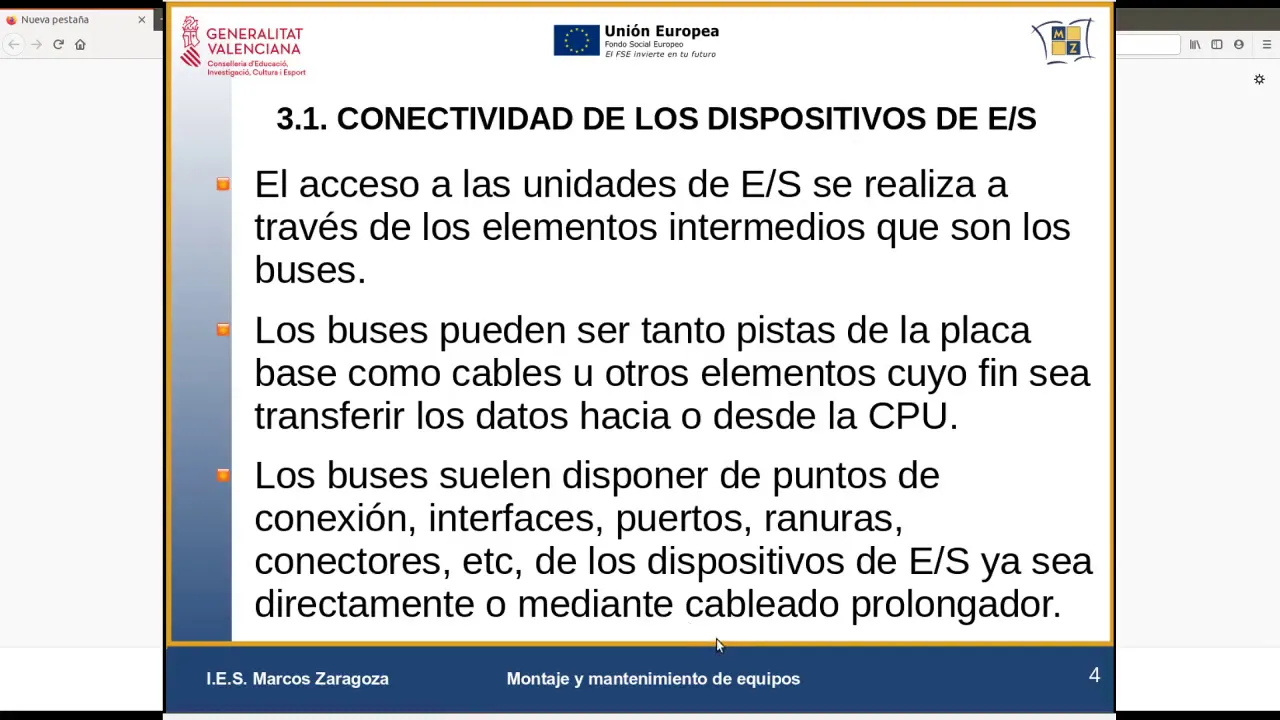
- The connectivity between input/output devices is established through intermediate elements called buses.
- Buses serve as connections between the CPU and external/internal I/O devices on the motherboard.
- Buses can be in the form of tracks on the motherboard or cables used for extended connections.
- Buses provide ports, interfaces, slots, connectors for connecting CPUs with input/output units.
Peripheral Devices
- Peripheral devices can be connected either internally or externally to the computer system.
- Internal peripheral devices include internal hard drives, expansion cards (e.g., network cards), which connect directly to the motherboard inside the computer case.
- External peripheral devices include mice, keyboards, monitors, printers that are typically located outside of the computer case.
- Internal devices are connected directly to the motherboard, while external devices are connected via cables or wireless connections.
- Peripheral devices enable input and output functionalities in the computer system.
Buses for Connectivity
In this section, we will discuss different types of buses used for connectivity within a computer system, including internal and external buses.
Internal Buses
- Internal buses connect the CPU and memory to other internal components on the motherboard.
- These buses are not considered input/output buses but serve as internal connections within the motherboard.
- Examples of internal buses include CPU and memory buses, chipset connections, and direct CPU connectors for displays.
External Buses
- External buses are considered input/output (I/O) buses and facilitate connectivity with expansion cards and storage devices.
- Examples of external I/O buses include PCI Express (PCIe) for general-purpose expansion cards and storage devices like SATA or M.2.
- USB (Universal Serial Bus) is another common external bus used for connecting peripheral devices like mice, keyboards, printers, etc.
Interface Controllers
In this section, we will explore interface controllers that manage the connection between CPUs and input/output devices. These controllers ensure proper communication between the CPU and the device.
Interface Controllers
- Interface controllers act as intermediaries between CPUs and input/output devices.
- They manage signal transmission between the CPU and the device they are connected to.
- Each device may have its own controller responsible for handling signals from both ends of the connection.
- The protocol used by interface controllers varies depending on the type of connectivity; for example, PCIe has its own protocol.
These notes provide a comprehensive summary of the transcript by organizing key points into meaningful sections. The timestamps provided allow easy navigation to specific parts of the video when studying the transcript.
Serial Transmission and Parallel Transmission
This section discusses the concept of serial transmission and parallel transmission in computer buses. It explains how multiple lanes are used to increase bandwidth and how the controller manages these connections.
Serial Transmission vs. Parallel Transmission
- Serial transmission involves multiplying lanes to add more bandwidth.
- Parallel transmission can function with a single bus lane, but it often uses multiple slots connected to the controller.
- The controller manages these connections within the chipset.
CPU-Chipset Connection
- The bus connecting the CPU and chipset can be HyperTransport or other types of buses.
- In this case, we focus on the connection between the chipset and expansion devices.
- The chipset connects to expansion devices through PCI Express.
CPU's Own PCI Express Controller
- Sometimes, the CPU also has its own PCI Express controller.
- This allows direct graphics connection for GPUs, especially in 16x expansion slots.
- Graphics connections consist of lines or lanes (1x, 4x, 8x, 16x), with each version offering different speeds.
PCI Express Versions and Compatibility
This section covers different versions of PCI Express and their compatibility. It explains how connectors remain identical across versions but may utilize fewer lanes for lower-speed cards.
PCI Express Versions
- Currently, version 4 offers transmission speeds up to 32 gigabytes per second (2 gigabytes per lane).
- Each new version approximately doubles the speed of its predecessor.
- Version 3: Around 1 gigabyte per lane
- Version 2: Around half a gigabyte per lane
- Version 1: 256 megabytes per lane
Compatibility and Connector Usage
- Versions like PCIe x4 can be used in PCIe x16 slots but will only utilize four lanes instead of sixteen.
- Some motherboards may have x11 or other non-standard configurations.
- If you have a PCIe x4 card, it can only use the available lanes (e.g., x16) if that's what you want.
SATA Bus and Connections
This section introduces the Serial ATA (SATA) bus, its connection types, and how it is integrated into hardware controllers. It also mentions the possibility of connecting SATA to PCI Express slots.
SATA Bus
- The SATA bus is also a serial bus like PCI Express.
- It has multiple ports that connect point-to-point.
- The chipset usually integrates the SATA controller.
Connection Types
- SATA connections can be made to other connectors on the motherboard, such as PCI Express x4 slots.
- However, using PCI Express for SATA may not fully utilize its speed potential due to protocol differences.
Speed and Versions
- Currently, version 3 offers transmission speeds up to 6 gigabytes per second.
- When connecting devices via SATA, it is important to consider their mechanical or SSD nature.
USB Connections and Formats
This section discusses USB connections and formats for various external devices. It highlights different versions and speeds available in the market.
USB 3.0
- USB 3.0 offers faster transfer speeds compared to previous versions.
- Many disks are sold with USB 3.0 support, including both SSDs and mechanical drives.
- There are various formats and speeds available in different versions:
- Version 2: Maximum speed of 480 megabytes per second
- Version 3: Maximum speed of 5 gigabytes per second
- Version 3.1: Maximum speed of 10 gigabytes per second
- Version 3.2: Maximum speed of 20 gigabytes per second
Conclusion
This summary provides an overview of the topics covered in the transcript. It explains the concepts of serial and parallel transmission, PCI Express versions and compatibility, SATA bus connections, and USB formats for external devices.