Creative requests | monday.com tutorials
Creative Request Workflow
In this video, we will learn how to use the creative request workflow in Monday.com to standardize request intake, organize and manage all assets, and break down each project to consistently meet deadlines.
Creative Request Board
- The board uses status columns to denote department priority channel and more.
- This workflow is highly customizable allowing you to tailor each board to fit your needs.
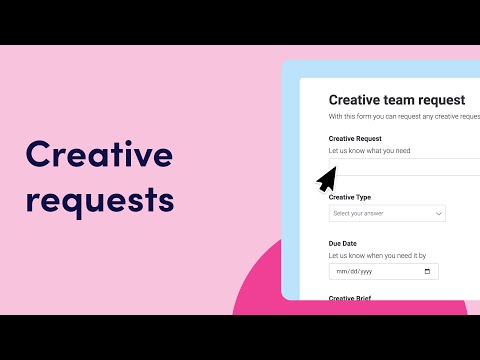
- To pull in new requests, there is a handy form view that can be configured.
- You can share or embed your form with these links.
Automations
- With automations, requests can be moved to the relevant group with a simple status change.
- This helps keep track of corresponding assets as they pile up.
- The digital asset manager allows team members to complete drafts and upload files for review after assigning ownership.
- Feedback from stakeholders can be documented here as well.
Workload View
- It's important to manage your team's capacity.
- Check out the workload view where you'll see right away if someone has too much on their plate and make adjustments on the fly.
Low Level Boards
- Add low level boards to manage the details for each project.
- Here your team can let their creative juices fly by breaking down each request into individual tasks.
Linking Boards
- To keep things synced across your boards we have the link-to-item and mirror columns.
- In this case, we can link a task to the asset needed on our digital asset manager and see overall progress without switching boards.
Overall, this simple yet powerful workflow allows you to closely manage all aspects of your creative process so that you can deliver content on time.