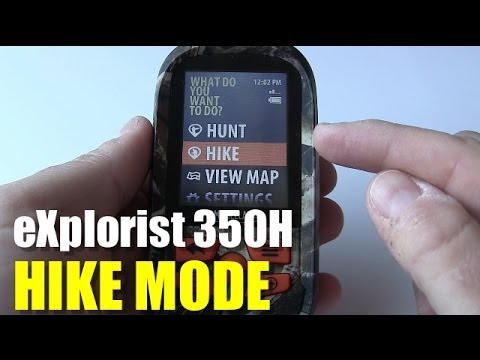
Magellan eXplorist 350H - Hike Mode
Overview of Hike Mode on the Mellan Explorers 350h
Introduction to Hike Mode
- The hike mode is similar to the hunt mode, featuring three main functions: Track Me, My Trips, and Plan Trips.
- Users can start their hiking journey by selecting "Track Me," which initiates tracking and sets a starting waypoint.
Utilizing Waypoints
- In hike mode, users can mark waypoints using specific icons designed for hiking activities.
- There is an option to add field notes when marking waypoints; however, the default setting does not include this feature.
Navigation Features
- Users can backtrack or end their trip through menu options while viewing location information. They can switch between different map views such as Dash Nav and Compass Nav.
- After completing a hike, users receive a summary that includes details about start and end waypoints along with track files.
Managing Hiking Trips
- All saved trips are organized into folders on the device: hiking trips in a "hike" folder and hunting trips in a "hunt" folder, each containing GPX files for tracks and waypoints.
- The "Plan Trip" function allows users to manually input coordinates or drop pins on maps for navigation purposes; detailed coverage of this feature will be provided in future videos.
Key Functions Recap
- The essential features for hiking with the Explorers 350h include Track Me and My Trips functionalities, which facilitate easy navigation during hikes. Users can also mark spots as waypoints based on their needs (landmark or prey tracking). Hunting mode has its own set of specific icons for these tasks.