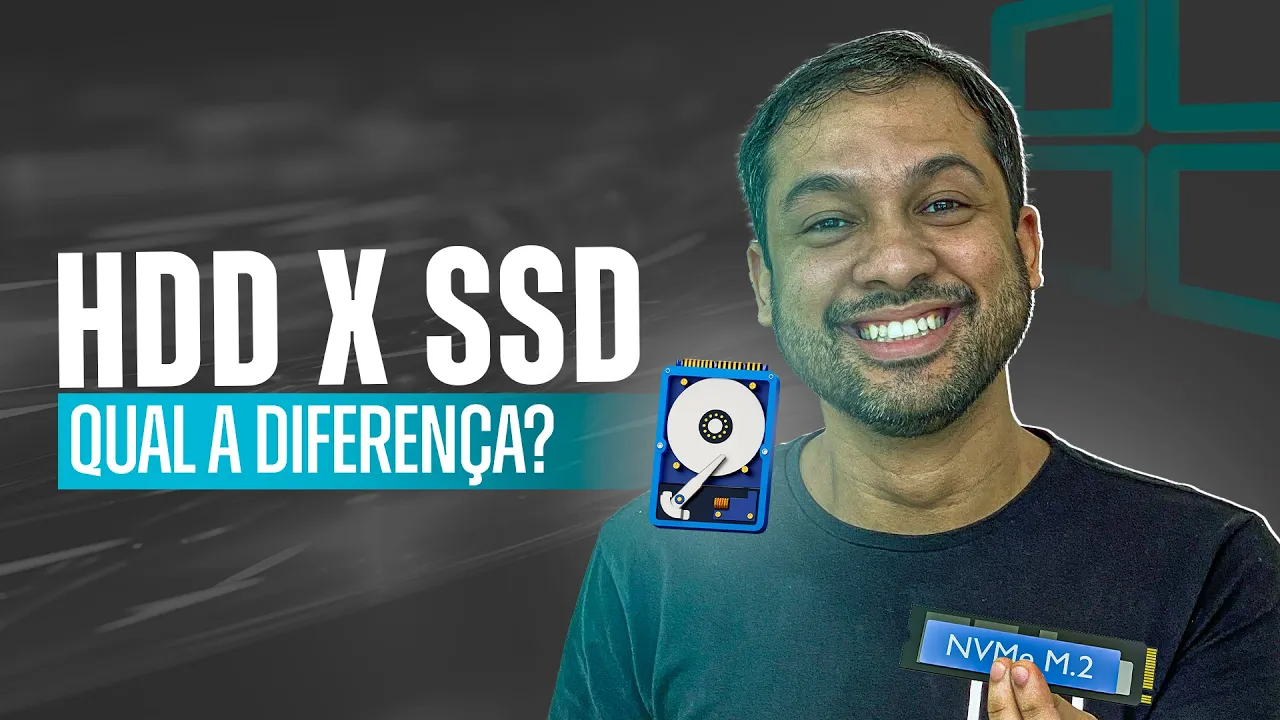
HDD X SSD, Qual a diferença? - Aula 31
Introduction to Basic Computer Course
Overview of the Course
- The instructor welcomes students and mentions that this is another lesson in the basic computer course, reassuring viewers that they are nearing completion and can earn their certificate soon.
Today's Topic: HD vs. SSD
- The focus of today's lesson is on Hard Drives (HD) and Solid State Drives (SSD), including their characteristics, comparisons, and purchasing advice.
Understanding Hard Drives (HDD)
Terminology Clarification
- The term "HD" is commonly used in Brazil; however, the correct terminology is HDD (Hard Disk Drive). Other terms include "disco rígido," "disco duro," or "disco magnético."
Physical Structure of HDD
- An HDD consists of physical components designed for large data storage. Its capacity is measured in gigabytes or terabytes.
- The disk inside an HDD has a mechanical structure with a reading head that accesses data as the disks spin, similar to how a record player operates.
Logical Organization of Data
- Each disk surface contains concentric circles called tracks, which are further divided into sectors for data storage. Each sector typically holds 512 bytes.
- A cluster refers to a logical grouping of multiple sectors used for storing data collectively.
Performance Comparison: HD vs. SSD
Speed Differences
- HDDs are significantly slower than SSDs; an average HDD can be up to 60 times slower than even a low-quality SSD.
Upgrade Recommendations
- For users experiencing slow performance on older laptops from 2017–2019, upgrading from an HDD to an SSD can dramatically improve speed without needing to purchase a new laptop.
Types and Specifications of Hard Drives
Connection Types
- There are different connection types for hard drives: IDE (older technology) and SATA III, which supports speeds up to 6 Gb/s.
RPM Variations
- Hard drives come with varying rotational speeds measured in RPM (Revolutions Per Minute). Common options include:
- 5400 RPM: Typically found in notebook drives.
- 7200 RPM: Offers better performance.
What Makes a Computer Slow?
The Impact of Hard Drives on Performance
- A slow computer often has an outdated hard drive (HD), which significantly hampers performance. The speaker mentions that the HD model in question is particularly slow, making the laptop feel sluggish.
- Many laptops use 5400 RPM HDs to conserve energy, but this results in lower performance due to the mechanical nature of these drives, which consume more power when spinning at higher speeds.
Advantages of Solid State Drives (SSDs)
- Upgrading to an SSD can enhance both speed and battery life. SSDs are electronic storage devices with no moving parts, leading to faster data access and reduced energy consumption.
- While SSD prices have decreased over time, they remain more expensive than traditional HDs. For example, a 1TB HD costs around R$180 while a 1TB SSD is approximately R$400.
Optimal Storage Solutions
- It’s recommended to install the operating system (Windows) and frequently used applications on an SSD for optimal performance. Storing large files like photos or videos on an HD does not affect overall speed.
- The ideal setup involves using both an SSD for essential programs and an HD for less frequently accessed data such as backups and media files.
Types of SSDs Explained
Understanding SATA vs M.2 SSDs
- There are different types of SSD connections: SATA and M.2. SATA is older technology primarily used for traditional hard drives, while M.2 offers improved communication speeds with motherboards.
- The physical connection differs between SATA and M.2; M.2 connectors resemble RAM sticks and provide faster data transfer rates compared to standard SATA connections.
Advancements in NVMe Technology
- NVMe (Non-Volatile Memory Express) represents a significant advancement over previous technologies by allowing faster data transfer rates through improved protocols.
- Effective computer performance relies on both hardware quality (like having a good GPU or CPU) and software stability (such as having a reliable Windows installation).
Understanding SSDs and HDDs
Overview of Storage Technologies
- The discussion begins with the evolution of storage technology, highlighting how early programs managed data transfer between hard drives (HDD) and motherboards.
- As Solid State Drives (SSDs) emerged, they offered significantly faster speeds than traditional HDDs, leading to the development of new technologies like NVMe to manage these speeds effectively.
Transition from SATA to NVMe
- The speaker explains that for a motherboard to utilize NVMe technology, it must be compatible with this newer standard; otherwise, performance gains may not be realized.
- A comparison is made regarding the performance difference when upgrading from SATA SSD to NVMe SSD; while there are improvements in read-heavy tasks, overall system speed may only see marginal benefits.
Cost and Performance Considerations
- Price comparisons reveal that SATA and NVMe SSDs can be similarly priced; thus, opting for an NVMe drive is recommended due to its superior speed in file transfers and decompression tasks.
- The speaker emphasizes that while gaming performance might not drastically improve with an NVMe upgrade, other tasks will benefit significantly.
Recommendations Based on Use Case
- For users focused on storage capacity for media files like music or videos, a traditional HDD is suggested as a cost-effective solution. A 5400 RPM HDD is recommended for better value without sacrificing much performance.
- Conversely, those seeking enhanced performance should invest in an M.2 NVMe SSD for optimal speed and efficiency in data handling.
Conclusion