How to use a For-Loop in VHDL

How to use a For-Loop in VHDL

Learning to Use For Loops in VHDL

In this section, Jonas introduces the concept of using for loops in VHDL to iterate a fixed number of times.

Introducing For Loops

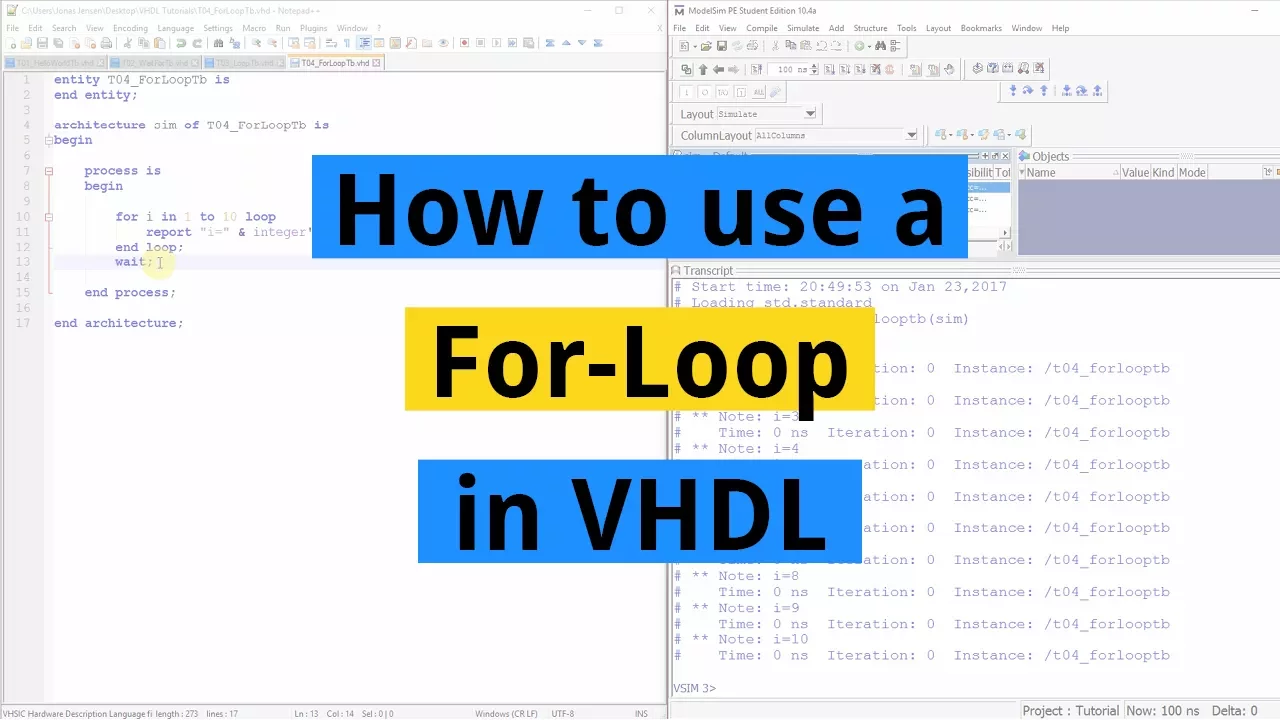
  • Jonas demonstrates how to use the for loop by iterating through a range of numbers from 1 to 10.
  • The for loop iterates 10 times, with each iteration represented by the constant 'I'.
  • Within the loop, Jonas adds a report statement to print out the value of 'I' during each iteration.

Converting Integer to String

  • To print an integer as a string in VHDL, Jonas explains using the attribute 'integer'image.
  • After completing the code, he compiles it in ModelSim and initiates a simulation successfully.

Simulation and Conclusion

  • Starting the simulation in ModelSim, Jonas showcases how the program prints values from 1 to 10 before hitting the wait statement.
Video description

Learn how to create a For-Loop in VHDL and how to print integer values to the console. The For-Loop can be used for iterating over a fixed interval of numbers in VHDL. Blog post for this video: https://vhdlwhiz.com/for-loop/ The syntax of the For-Loop is: for [constant_name] in [range] loop [code to loop over] end loop; A “range” is a VHDL thing which describes a closed interval of integer numbers. This is an example range which contains all the numbers between 1 and 10, including the two endpoints: 1 to 10 The number belonging to the current iteration will be available inside of the For-Loop as a constant. When declaring the For-Loop, we have to specify a name for this contant. Sometimes I will find a descriptive name for it, but mostly I will just use “i” for integer. Using the above information, we can create an example For-Loop which iterates over all integer numbers from 1 to 10: for i in 1 to 10 loop [code to loop over] end loop; Sometimes we want to print the value of integers to the simulator’s console window. Such code isn’t synthesizable, meaning that it cannot be translated into real hardware, but it is useful as a debugging feature in testbenches. To achieve this, we first have to convert the integer to a string. This can be done by using this syntax: integer’image([name_of_integer]) To concatenate (join) two strings in VHDL, we can use the concatenation operator “&”. Using the above information, we can create another example of the For-Loop which prints out the numbers from 1 to 10: for i in 1 to 10 loop report “i=” & integer’image(i); end loop;