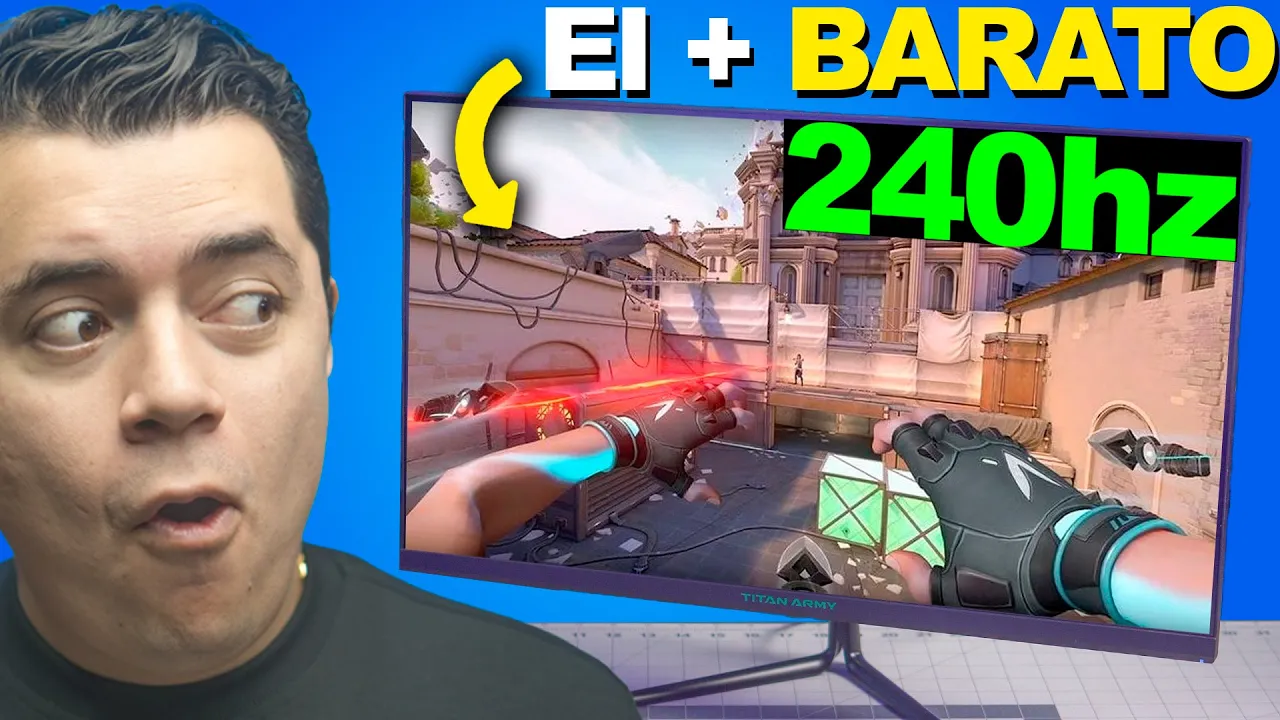
El monitor MÁS ECONOMICO para Gamers de 240hz
El Monitor de 240 Hz más Barato del Mercado
In this section, the speaker introduces a budget-friendly 240 Hz monitor and discusses its specifications and features.
Introduction to the 240 Hz Monitor
- The monitor can display up to 240 images per second, making it suitable for gaming.
- Initial impressions indicate that the monitor is set at 240 Hz, with noticeable improvements in visual quality.
- The monitor features a VVA panel, offering a balance between IPS and TN panels for optimal gaming performance.
Panel Types and Qualities
This part focuses on different panel types commonly used in monitors and their characteristics.
Panel Types Discussion
- TN panels are cost-effective but have poorer color representation.
- IPS panels offer superior color accuracy but come at a higher price point.
- The VVA panel in the discussed monitor strikes a balance suitable for gaming with a contrast ratio of 3,000:1.
Response Time Importance in Gaming Monitors
Exploring the significance of response time in gaming monitors for enhanced gameplay experience.
Understanding Response Time
- The monitor boasts a rapid 1ms response time crucial for competitive gaming.
- Explanation of Grey-to-Grey (G2G) response time and its impact on visual clarity during fast-paced gameplay scenarios.
Optimizing Monitor Refresh Rates with FPS
Discussing the importance of matching monitor refresh rates with frames per second (FPS) for optimal performance.
Matching Refresh Rates
- Emphasizes the need for FPS exceeding the monitor's refresh rate to fully utilize its capabilities.
Monitor Features and Specifications
In this section, the speaker discusses the features and specifications of a monitor, highlighting its resolution, size, panel quality, and color accuracy.
Monitor Panel Quality
- The monitor has a resolution and size that make it ideal for various uses.
- Despite being viewed from different angles, the panel maintains 178 degrees of visibility without distorting colors or darkening.
- The monitor's color accuracy is emphasized by its Adobe RGB certification of 95% and sRGB certification of 99%, making it suitable for tasks like video editing.
Monitor Price and Value
This part focuses on the pricing of the monitor in relation to its specifications and value proposition.
Pricing Discussion
- The speaker mentions that despite the impressive specs, the monitor comes at a reasonable price point.
- A viewer from El Salvador asks about compatibility issues with a motherboard lacking a specific USB port type.
- The importance of having a motherboard with the necessary connectors for full functionality is highlighted.
Gaming Features and Settings
Here, the speaker delves into gaming-related features and settings offered by the monitor.
Gaming Enhancements
- The monitor offers various gaming modes tailored for different game genres like RTS, RPG, and FPS.
- Features such as adaptive sync, shadow balance adjustment, refresh rate settings up to 240Hz are discussed to enhance gameplay experience.
Monitor Configuration Options
This segment explores the customization options available for adjusting various aspects of the monitor's display.
Display Customization
- Users can adjust brightness, contrast, dynamic range settings along with activating contextual modes to optimize their viewing experience.
Detailed Discussion on USB Killer and Monitor Review
In this section, the speaker discusses the USB Killer and reviews a monitor, highlighting its features and affordability.
USB Killer Creation and Purpose
- The USB Killer was created for warfare purposes to destroy components instantly during wartime ().
- Initially designed to eliminate important data or render computers inoperable, similar to espionage tactics ().
Evolution of USB Killer
- Over time, the USB Killer evolved to cater to newer computer models, adapting to changes in technology ().
- Originally invented for military use, it transitioned into a tool for consumers to protect their data by destroying devices if necessary.
Conclusion: Affordable High Refresh Rate Monitor Review
The speaker concludes by summarizing the review of an affordable high refresh rate monitor, emphasizing its features and value for creating an optimal setup.
Monitor Review Highlights
- Detailed exploration of various aspects such as size, color options, and overall appeal of the monitor ().