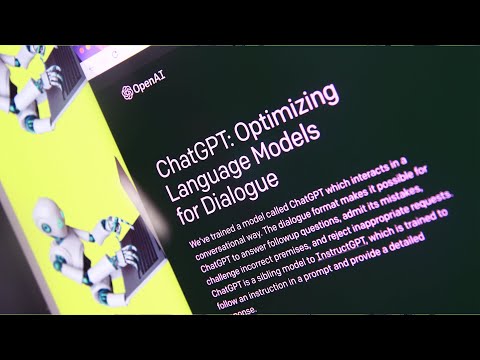
How to start using ChatGPT
How to Use Chat GPT
This transcript explains how to use Chat GPT, an AI chatbot that can handle anything from requests to debugging code to writing essays or translating text.
Creating an OpenAI Account
- To get started with Chat GPT, create an OpenAI account by going to chat.openai.com and registering with your email.
- Once you've logged in, read through the terms and disclosure from Chat GPT and click on "Next" to accept the terms.
Writing Prompts for the AI Chatbot
- Write prompts for the AI chatbot once you have accepted the terms.
Accessing Chat GPT
- Currently, Chat GPT is at capacity and not accessible because it is in its research learning phase. However, it is still free.
- You can choose to be notified when it's back on or simply try again later in the day if you'd rather stick with the free version.
- Alternatively, you could opt for a paid subscription service called Chat GPT Plus which costs $20 per month. This pilot program will start becoming available in the coming weeks.
Conclusion
This transcript provides a brief overview of how to use Chat GPT, including creating an OpenAI account, accepting terms and conditions, writing prompts for the AI chatbot and accessing it either through a free version or a paid subscription service called Chat GPT Plus.
Turn any video into a summary like this
YouTube links, meetings, lectures. With transcripts, search, and chat.