Introduction to AWS Cloud9
Introduction to AWS Cloud9
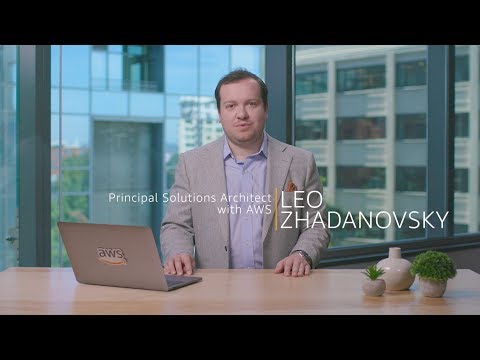
In this section, Leo Janowski introduces AWS Cloud9 and explains how to create an environment.
Creating an Environment
- To create an AWS Cloud9 environment, go to the AWS Cloud9 website and click on "Create Environment".
- Give the environment a name and choose default settings. Click "Create Environment" to complete the process.
Features of AWS Cloud9
- The left side of the interface displays a listing of projects while the right side has a fully functional terminal and code editor.
- Built-in integration with Amazon Web Services (AWS) allows for easy access to services like S3 buckets.
- Syntax highlighting and code completion are available for various programming languages.
- One can share their environment with colleagues for pair programming using the "Environment Share" feature.
Editing Code in AWS Cloud9
- Git is pre-installed in AWS Cloud9, making it easy to clone repositories and commit changes back into Git.
- The user can change key bindings and themes in settings, including changing from Vim mode to other modes.
- Syntax highlighting is available for various programming languages, including Bash scripts which can be edited directly within the IDE.