UD2 Componentes fundamentales de los sistemas microinformáticos 16
Understanding Graphics Cards and Monitors
Introduction to Graphics Components
- The discussion begins with an overview of graphics cards as a fundamental component in computing, particularly for systems that utilize monitors.
- In business environments, less powerful graphic systems may be sufficient, focusing more on processors and memory rather than high-end graphics.
Interaction with Computing Systems
- User interaction primarily occurs through input devices like keyboards and mice, while output is displayed via monitors.
- A graphical controller acts as an intermediary between the CPU and the monitor, translating commands from the CPU into visual signals.
Characteristics of Graphic Systems
- The characteristics of graphic systems affect both graphics cards and monitors; these are based on universal standards applicable across various display types.
- Displays are constructed from pixels—tiny illuminated points that combine to form images. The proximity of these pixels makes individual points indistinguishable at normal viewing distances.
Pixel Composition and Color Representation
- Each pixel consists of three sub-pixels representing red, green, and blue (RGB), which combine to create the colors seen on screen.
- The arrangement of pixels forms a grid pattern on screens, quantified by horizontal and vertical pixel counts.
Screen Resolution Explained
- Screen resolution is expressed as two numbers indicating horizontal and vertical pixel counts (e.g., 1280x720).
Understanding Color Depth and Pixel Information in Digital Displays
The Basics of RGB Color Model
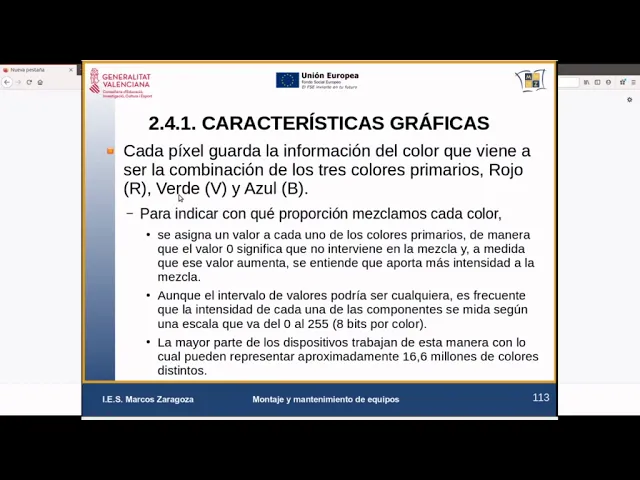
- Each pixel contains color information derived from the combination of three primary colors: red, green, and blue (RGB).
- Each color intensity is represented by a byte, with one byte for red, one for green, and one for blue. This results in 256 possible values (0-255) for each color.
- Standard displays typically use 8 bits per color channel (red, green, blue), totaling 24 bits per pixel. This allows for approximately 16 million distinct colors.
Human Perception of Colors
- The ability to display 16 million colors provides a wide chromatic range that the human eye can recognize, allowing for detailed image differentiation.
- A combination of 24 bits is referred to as "true color," closely aligning with human visual sensitivity. This concept is known as color depth.
Exploring Color Depth
- Color depth indicates how many bits are used to represent the color information of each pixel. Higher bit depths allow more tonal variations.
- While most screens operate at 24-bit depth, some specialized images may require higher depths (e.g., up to 30 or even 48 bits).
Alternative Color Models
- Besides RGB, other systems like CMYK (Cyan, Magenta, Yellow, Black) utilize four channels and often have different applications in printing.
Monitor Resolutions Over Time
- Historical monitor resolutions started low (e.g., 320x200), primarily displaying text; advancements in graphics have led to increased resolution demands over time.
- Common standards include VGA resolutions starting from SVGA (800x600), evolving through various formats such as HDMI and DisplayPort supporting higher resolutions.
Current Standards in Display Technology
- Modern monitors support high-definition standards like HD (720p: 1280x720), Full HD (1080p: 1920x1080), reflecting industry trends towards higher clarity and detail.
- Television standards influence computer monitor resolutions; however, computers can handle a broader range due to advanced graphics cards.
Understanding Video Resolutions and Color Depth
Video Resolutions Explained
- The discussion begins with the concept of video resolutions, specifically 720p and 1080p, which are common in television. The resolution for 1080p is defined as 1920 by 1080 pixels.
- Ultra HD or 4K resolution is introduced as the next step beyond 1080p, with a vertical resolution of 2160 pixels (3840 by 2160). This highlights the trend towards higher definition displays.
- The importance of graphics cards capable of handling high resolutions like 4K is emphasized, noting that while higher resolutions provide more detail, human perception may not always distinguish between them effectively.
Color Depth and Its Implications
- The standard color depth typically used is RGB at 24 bits across three channels. However, there are variations such as using four channels for increased color depth.
- A detailed explanation of how pixel representation works based on bits per pixel is provided. For instance, one bit can represent two colors; increasing to eight bits allows for a much broader range of colors.
- The transition from low to high bit depths illustrates how image quality improves significantly with more bits per pixel, leading to better tonal representation in images.
Turn any video into a summary like this
YouTube links, meetings, lectures. With transcripts, search, and chat.