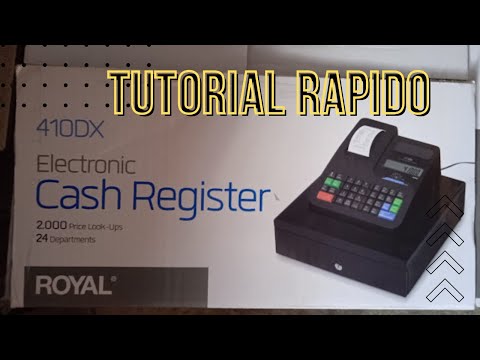
410DX Royal Caja Registradora
Machine Operation Overview
Introduction to the Royal 410 Cash Register
- The Royal 410 cash register is introduced, highlighting its operation in different modes (Red 1 and Red 2).
- Explanation of sales reports generated by the machine, including daily totals and itemized sales for better tracking.
Programming Features
- Discussion on programming features that allow inputting quantities and setting date/time; emphasizes simplicity in handling taxes.
- Example transaction where an item priced at two pesos is processed without tax, demonstrating basic functionality.
Transaction Process
- Step-by-step walkthrough of processing a sale: entering amounts, calculating change, and completing transactions efficiently.
- Demonstration of using stored memory for quick access to frequently sold items, enhancing speed during transactions.
Advanced Features and Memory Usage
Utilizing Stored Codes
- Instructions on selecting pre-programmed items from memory for faster checkout processes.
- Explanation of how to program new items into the system's memory for future use.
Managing Multiple Items
- Steps to link prices with specific codes in the register’s memory; allows easy retrieval during sales.
- Verification process for checking quantities and pricing before finalizing a sale.
Finalizing Transactions
Completing Sales with Tickets
- Overview of generating tickets after processing multiple items; highlights automatic calculations performed by the register.
- Emphasis on ensuring accurate payment processing through subtotal checks before issuing change.
Reporting Sales Data
- Mention of programming date/time settings to maintain consistent records without frequent manual input.
How to Reset a Cash Register
Steps to Clear the Cash Register Memory
- The video demonstrates how to clear the total on a cash register after practicing its use, ensuring that all previous transactions are removed from memory.
- To reset the cash register, select "Proc," input "20," and then press "Go." This action will effectively restart the system.
- After performing the reset, you can verify that no data remains in memory by generating a sales report (X report), which should show a grand total of zero.
- The process also includes clearing any cash amounts recorded. If immediate deletion is necessary, cutting off power will reset everything to zero; however, this requires reprogramming of numbers and settings afterward.