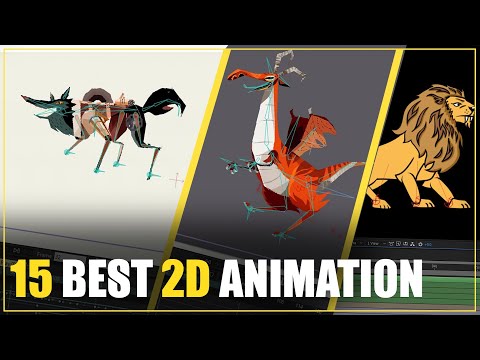
15 BEST 2D ANIMATION SOFTWARE
Introduction
In this video, the speaker discusses various 2D animation software options. The animation sector has advanced over the years and is now used in various fields such as cartoons and computer games.
Amazing 2D Animation Software Options
- Toon Boom Harmony: Specialized software for 2D animation, commonly used for creating cartoons. It offers features like square animations and character rigging.
- Pencil 2D: A software with a basic interface that allows for easy creation of beautiful animated drawings.
- Moho Pro: Known as an "animation king," Moho Pro offers a wide range of features for easy and fast animation, including character rigging and dynamics.
- Synfig: This free software eliminates the need to draw each frame individually, making it ideal for classical 2D animation. It supports all operating systems.
- Pencil: A free vector drawing program that specializes in creating animated digital comic books using traditional hand-drawn techniques.
- Krita: More than just an animation software, Krita offers practical tools for creating amazing drawings that can be turned into animations. It is free to use and supports commercial projects.
- After Effects: A versatile software known for its capabilities beyond 2D animation, including 3D animations, visual effects, and motion graphics. It offers character rigging plugins like Dewic and Rubber Horse.
- Plastic Animation Paper: Ideal for fast and high-quality work, this software has gained popularity among animators. It boasts power, speed, efficiency, ease of use, and simplicity.
- OpenToonz: Developed by Digital Video S.p.A in Italy and later privatized by Studio Ghibli, OpenToonz has been used for creating animation work for years. It is free to use and open source.
- PowToon: A software designed for easy and fast animations, making it suitable for YouTube broadcasters or anyone looking to produce quick animations.
- FlipBook: An easy-to-learn software with a user-friendly interface that allows for the creation of beautiful animations using diagrams.
Timestamps are approximate and may vary slightly.
Expressions generate lip sync animation
This section discusses how expressions can be used to generate lip sync animation.
How to Generate Lip Sync Animation with Expressions
- Expressions can be used to create realistic lip sync animation.
- By manipulating the parameters of the mouth and face using expressions, accurate lip movements can be achieved.
- The timing and intensity of the expressions can be adjusted to match the audio or dialogue.
- Using a combination of phoneme shapes and facial expressions, a wide range of lip sync animations can be created.
- It is important to consider the emotions and character traits when generating lip sync animation with expressions.
Timestamps are not available for this section.