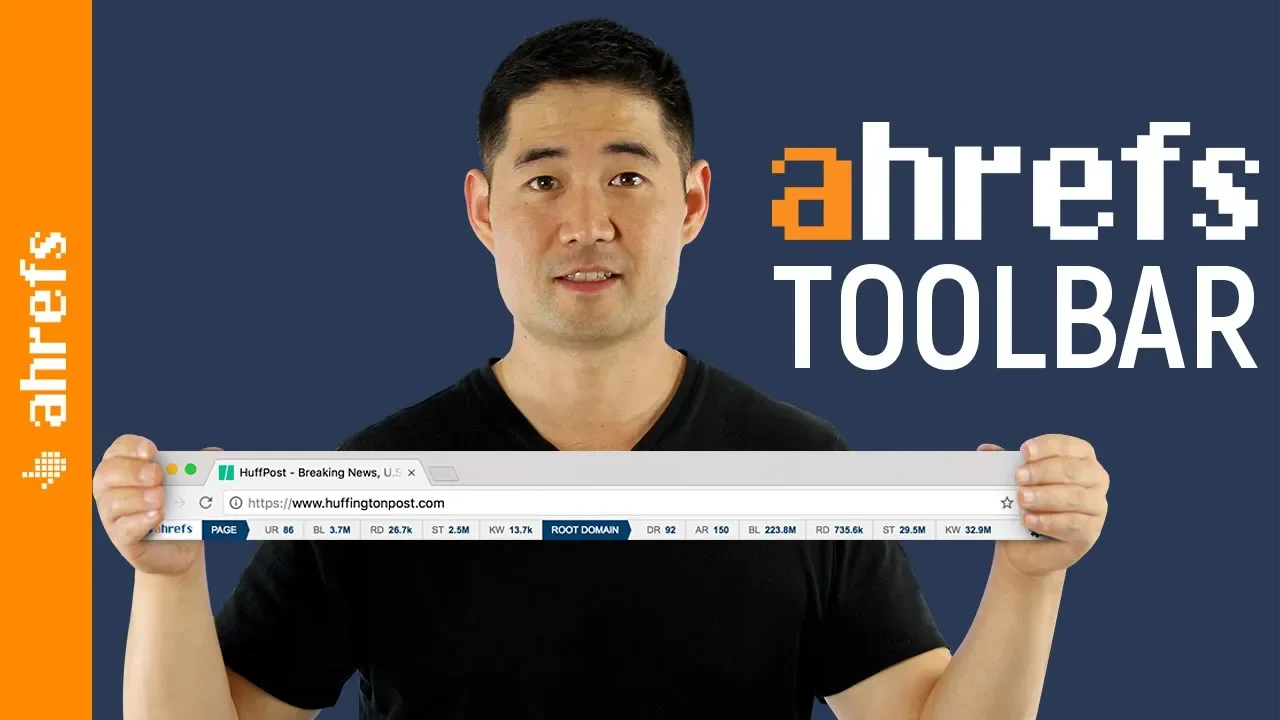
The New SEO Toolbar by Ahrefs (and How to Use it)
Introduction and Installation
In this section, the speaker introduces Ahrefs' SEO toolbar and explains how to install it on Google Chrome or Firefox.
Installing Ahrefs' SEO Toolbar
- The toolbar is available as a Google Chrome extension and Firefox add-on.
- Install it on your preferred browser.
Using Ahrefs' Toolbar in Google SERPs
This section focuses on using Ahrefs' Toolbar in the Google search engine results pages (SERPs).
Keyword Metrics in SERPs
- Inline view of keyword metrics for your search query in the selected country.
- Default view shows US search metrics, but you can change the country.
- Clicking on the gear icon allows you to select a different country for keyword data.
Accessing Relevant Reports
- The toolbar is integrated with Ahrefs' SEO tools.
- Clicking on the Ahrefs logo opens up detailed search metrics for the keyword in Keywords Explorer.
- Provides more keyword ideas using various reports.
SEO Metrics for Individual Pages
- Scroll down to see SEO metrics for each individual page in the SERPs.
- Left side shows page-level data such as URL rating, backlinks, referring domains, monthly search traffic, and total keywords.
Understanding Traffic Potential
This section discusses analyzing search traffic and keywords of top-ranking pages to understand the full traffic potential of a topic.
Traffic Potential Analysis
- Analyzing search traffic and keywords of top 10 ranking pages provides insights into traffic potential.
- Example: Search query "bumps on skin" has an average monthly search volume of 8,000 in the US. Top-ranking pages receive tens or even hundreds of thousands of search visitors each month.
Domain Level Metrics
This section focuses on domain level metrics and their importance in evaluating overall domain performance.
Evaluating Domain Performance
- Domain level metrics provide an idea of how a domain is performing overall.
- Example: Analyzing search results for a guest post query like "write for us" + "your topic" helps identify websites worth pitching based on domain level metrics.
Traffic and Domain Rating
- Look at the search traffic a domain receives as a whole.
- Consider the domain rating, which represents the strength of a target website's backlink profile.
- These metrics help streamline prospecting efforts.
Customizing Search Metrics
This section explains how to customize the search metrics displayed in Ahrefs' Toolbar.
Customization Options
- Click on the gear icon to customize the search metrics.
- Choose specific metrics to display, such as organic traffic and domain rating, by unchecking other options.
- Customization allows for cleaner and easier scanning through relevant data.
Using Ahrefs' Toolbar while Browsing Pages
This section discusses using Ahrefs' Toolbar while browsing individual pages outside of Google SERPs.
Organic Data Discovery
- Ahrefs' Toolbar can be used when browsing pages on various websites.
- Example scenario: Reading through Reader's Digest and using the search function to find information about hairstyles.
Analyzing Page Metrics
- The toolbar displays page-level data, including monthly search visitors and keywords for individual pages.
- Clicking on numbers provides access to backlinks report or organic keywords report for deeper analysis.
Discovering Interesting Data from Other Websites
This section highlights other websites where interesting data can be discovered while browsing.
Examples of Interesting Data
- Amazon, Wikipedia, Medium, Quora, and favorite blogs in bookmarks can provide valuable insights during regular browsing.
- Look for search visitors, backlinks, and keyword rankings to uncover useful information.
The transcript is already in English.
Understanding Ahrefs Toolbar
In this section, we learn about the Ahrefs toolbar and its features.
Ahrefs Toolbar Standby Mode
- The Ahrefs toolbar can be put into standby mode by clicking on the icon in the extensions bar.
- Standby mode allows you to browse without using any credits.
- In standby mode, you can still see the domain rating for each website you visit.
Using Ahrefs Toolbar
- To further investigate a page or website, click on the toolbar icon again to see all metrics.
- The toolbar provides information on the strength of a website's backlink profile.
- This feature helps you gauge the overall authority of a website.
Future Innovations
- The team behind Ahrefs is committed to continuous improvement and making the toolbar even more useful for users.