Getting started with deploying foundation models on Amazon SageMaker | Amazon Web Services
How to Deploy a Hugging Face Model on SageMaker Endpoints
Section Overview
This section provides a step-by-step guide on deploying a Hugging Face model onto Amazon SageMaker endpoints, including the necessary setup and execution of inference tasks.
Introduction to Deployment
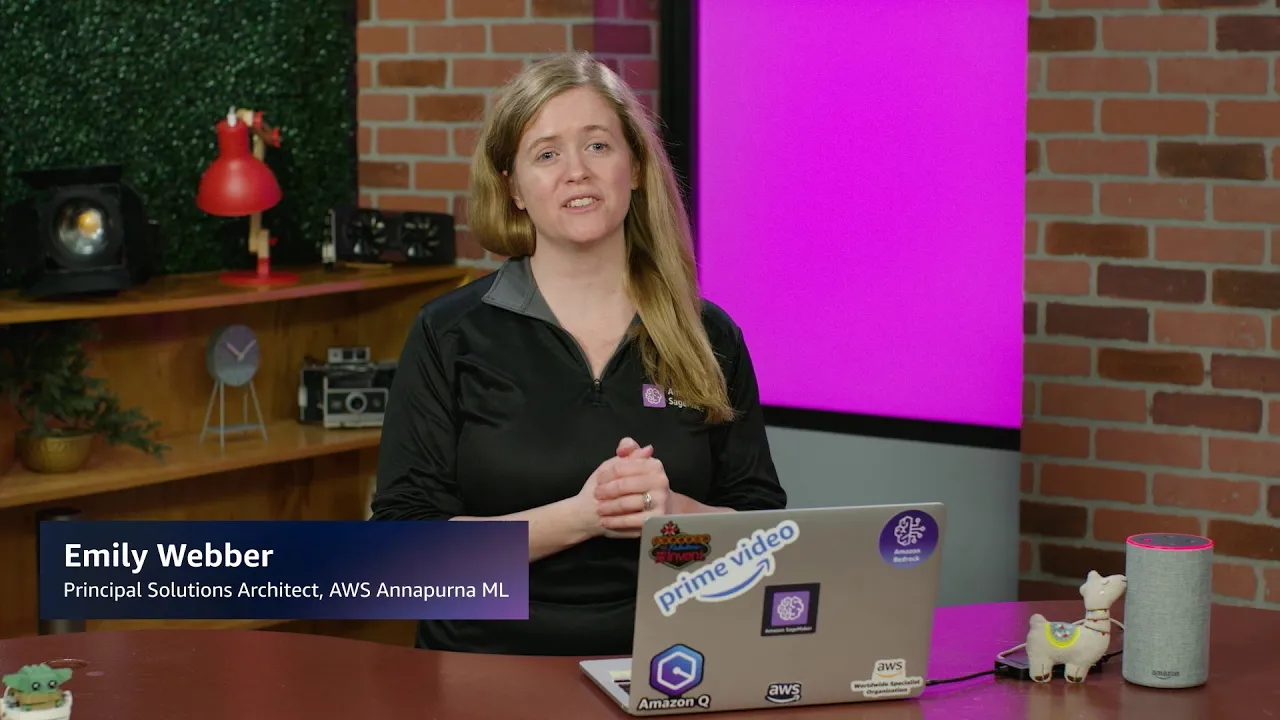
- Emily introduces the topic of deploying Hugging Face models on SageMaker endpoints, emphasizing that users can host their own models in addition to pre-packaged ones from SageMaker JumpStart.
- The demonstration focuses on deploying a vision question answering (VQA) model, which will identify objects in an image provided by the user.
Setting Up the Environment
- Users are instructed to upgrade pip and install the SageMaker Python SDK as initial steps for setting up their environment.
- The process involves creating a
HuggingFaceModelobject using the model ID from Hugging Face, along with specifying versions for transformers, PyTorch, and Python.
Deploying the Model
- After establishing a connection with the model, it is deployed to an endpoint using
huggingface_model.deploy, specifically targeting an m5 machine (CPU-based).
- Serialization and deserialization objects are also passed during deployment to facilitate data handling when running inference.
Running Inference
- An image named "spheres.jpeg" is uploaded to an S3 bucket prior to invoking the endpoint.
- The question posed to the model is "What is in this image?" which is sent through
runtime.invoke_endpointusing application/json format.
Results of Inference