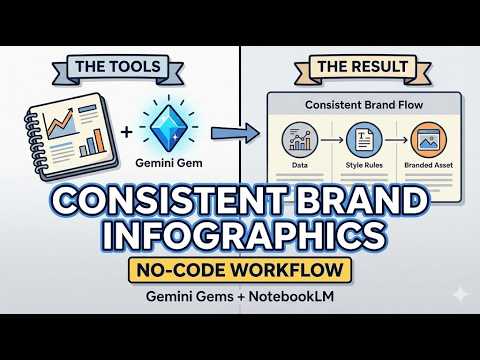
Create Consistent Brand Infographics with Gemini Gems & NotebookLM (No-Code)
Creating Consistent Infographics with NotebookLM and Gemini Gems
Introduction to the Process
- The video focuses on using NotebookLM and Gemini Gems to create infographics that align with brand specifications. This involves utilizing an existing infographic as a foundation for future designs.
Master Prompt Development
- A master prompt will be modified to suit the preferred infographic, which serves as a template for creating new prompts throughout the demonstration. This is essential for maintaining consistency in design.
Image Upload and Rule Creation
- Users are instructed to upload their base image and input draft design rules tailored for sketchnotes, ensuring these rules reflect the uploaded image accurately. Selecting the Pro version is emphasized for optimal results.
Testing Image Consistency
- After setting up the initial parameters, users test AI-generated images against their uploaded base image to confirm consistency before finalizing hard-coded rules within Gemini Gems. Successful tests indicate alignment between original and generated images.
Exporting Rules and Creating New Gems
- Once consistent rules are established, they can be exported to Google Docs, where users can create a new gem by naming it appropriately and providing user instructions in the description area instead of just describing its function. This approach enhances clarity for end-users.
Instructional Guidance for AI
- Instructions based on a master visual style are copied into the gem's instruction box, allowing customization of how AI interprets commands while retaining control over output quality through manual adjustments if necessary. Users have options but should proceed cautiously with automatic rewrites of instructions.
Finalizing Gem Setup
- Users must ensure that all documents linked within their gems are correctly named and formatted before saving changes in Google Drive, reinforcing coherence across all materials used in generating infographics through AI tools like Gemini Gems.
Testing Generated Infographics
- After completing setup, users initiate testing of their newly created gem by selecting appropriate settings (e.g., Pro version) to generate infographics that maintain high levels of consistency with previous designs while allowing flexibility in format choices beyond sketchnotes alone.
This structured approach ensures that users can effectively leverage technology to produce visually appealing and brand-consistent infographics efficiently.
Rewriting Instructions and Creating a New Gem
Overview of the Process
- The speaker discusses downloading content from NotebookLM and pasting prompts to instruct the AI for rewriting rules, specifically de-emphasizing sketchnotes.
- After rewriting the rules, the next step involves exporting these new instructions to a Google Doc for testing consistency with an original image from NotebookLM.
Gym Instructions Revision
- The speaker mentions needing to rewrite gym instructions before recreating them, emphasizing the importance of clarity in user guidance.
- Instructions are copied into a gym management tool, where default settings are adjusted to create images based on newly established guidelines.
Finalizing and Testing the New Gem
- The process includes ensuring that documents are correctly named (Master Visual Style), inserting them into relevant areas, and saving the new gem created from these instructions.
- Finally, after creating and sharing the gem with clients, testing is conducted using a pro version to ensure consistency with previously downloaded images.