Topic 3 Part 1: Data Storage
Data Storage and Organization
Introduction to Data Organization
- The session begins with a greeting and an introduction to the topic of data organization, comparing it to organizing clothes.
- Emphasizes the importance of tidying up data in computers similar to folding and storing clothes properly.
Objectives of Learning about Data Storage
- By the end of this lesson, students should understand basic concepts related to storage, differentiate categories of storage, and discuss various types of storage systems.
- Key learning outcomes include understanding characteristics of different storage systems such as hard drives, flash memory, optical disks, and cloud storage.
Characteristics of Data Storage Systems
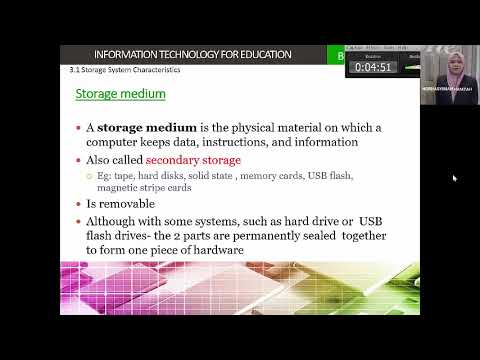
- Discusses primary vs secondary storage: Primary is often faster but limited in size; secondary can store larger amounts but may be slower.
- Introduces two main components:
- Storage Medium: Physical materials where data is stored (e.g., hard drives).
- Storage Device: Tools used to access or retrieve data from these mediums (e.g., USB drives).
Types of Storage Media
- Historical context provided on older media like tapes for music and video which have been largely replaced by modern devices like hard disks and solid-state drives.
- Highlights that modern devices allow for both permanent and temporary data storage options.
Categories of Storage Devices
- Internal storage devices are integrated into computers (e.g., motherboard), while external devices can be plugged in (e.g., USB flash drives).
- Mentions remote storage options such as network servers or web servers that provide additional flexibility for data management without requiring physical space on personal devices.