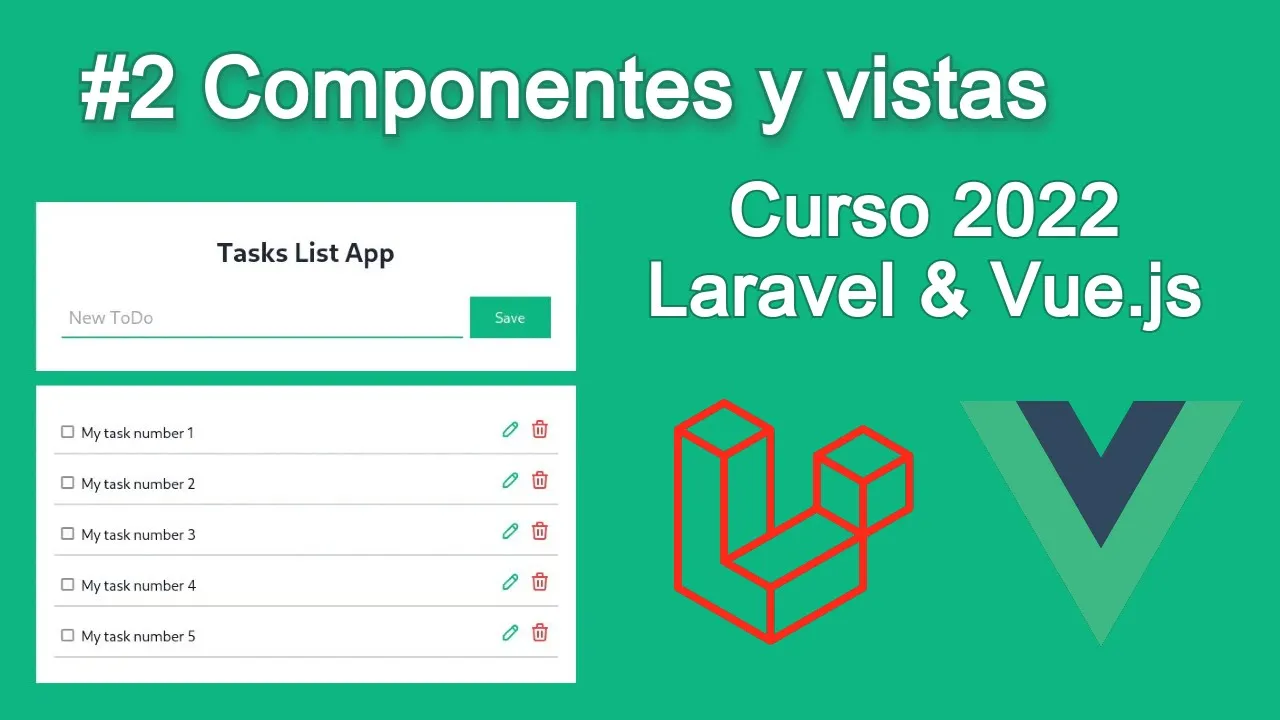
Curso Laravel 8 y Vue.js - Componentes de Vue.js en vistas de Laravel
New Section
In this section, the speaker introduces the topic of the video and discusses setting up a project in Laravel.
Introduction to Arabic Course in Laravel
- The speaker greets the audience and welcomes them to the second video of the Arabic course in Laravel.
- A new project named "Laravel Vue" has been created, along with some Vue components.
- Instructions are given on opening the terminal either from Visual Studio Code or through command line based on different operating systems.
Setting Up Components
This part focuses on setting up components correctly within the project.
Setting Up Components
- It is essential to have a folder named "components" after installing Vue correctly.
- The next step involves opening the terminal to run commands for viewing the project.
Including Components in Views
Here, instructions are provided on including Vue components in views.
Including Components in Views
- To include components in views, navigate to "welcome.blade.php" within the views folder.
- Clearing out existing content from a page and refreshing it helps verify changes made.
Working with Components
This segment delves into working with components effectively.
Working with Components
- Within the main folder, there are two key elements: "components" folder for Vue components and a file named "app.js" for calling these components.
- Demonstrates how to call components using simple lines of code with parameters specifying component names and locations.
Troubleshooting Component Display
Troubleshooting steps when encountering issues displaying components.
Troubleshooting Component Display
- If component display fails after setup, ensure all steps have been followed correctly.
Qué es MPM y Carga de Componentes
In this section, the speaker discusses MPM, loading components, and the front-end theme setup.
Understanding MPM and Component Loading
- Explains the concept of MPM and how it relates to component loading in the front-end development process.
- Emphasizes the importance of using PHP artisan commands and npm root watch to ensure automatic saving of changes made in the project.
- Guides on installing an extension called "The Turn" for syntax highlighting in Visual Studio Code when working with view files.
Creating Project Structure and Templates
This part focuses on setting up project folders, creating templates, and selecting frameworks for front-end development.
Setting Up Project Structure
- Establishes a folder named "outs" for Blade templates to enhance practicality over using 'welcome'.
- Mentions using Tailwind CSS as a preferred front-end framework and provides a link for further learning.
- Introduces a template that will remain empty initially to avoid component interference during initial stages.
Building Layouts and Components
The discussion revolves around creating layouts, adding components, and structuring content within the project.
Creating Layouts and Components
- Instructs on creating a new folder named "layouts" to house index.blade.php file for layout structuring.
- Demonstrates linking the layout template by specifying '@extends' followed by 'layouts.app' without including '.blade.php'.
Developing Vue Components
Focuses on creating Vue components within specific directories to streamline development processes.
Vue Component Development
- Discusses utilizing classes for styling instead of tags like h1 within Vue components.
- Guides on organizing components into folders such as 'components/task' with individual component files like 'form'.
Finalizing Component Integration
Wraps up by integrating created components into the project structure for enhanced functionality.
Integrating Components
- Demonstrates including created components like 'task-form' within index.blade.php file for seamless integration.