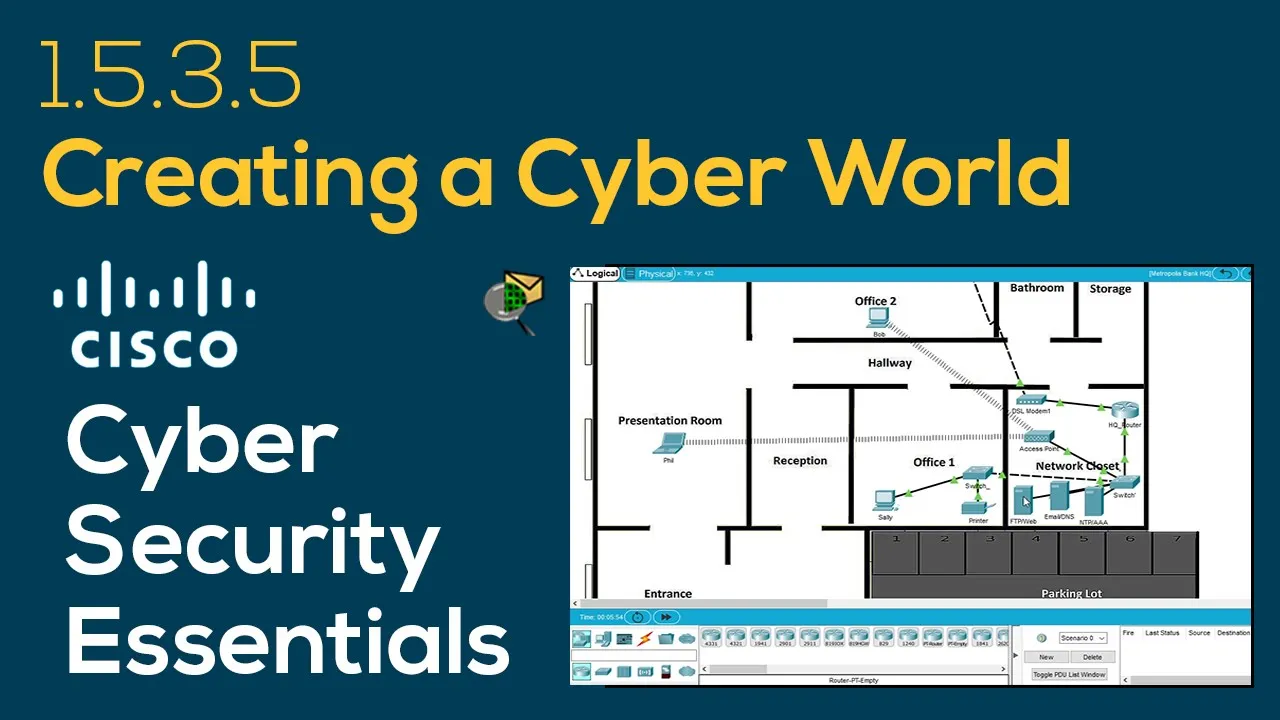
Cisco Cybersecurity Essentials 1.5.3.5 Creating a Cyber World – Packet Tracer demonstration
How to Configure a Cyber World in Cisco Cyber Security Essentials
Introduction to the Exercise
The video demonstrates how to solve an exercise from the Cisco Cyber Security Essentials course, focusing on configuring various servers including FTP, web, email, DNS, NTP, and AAA.
Viewers are encouraged to subscribe for more content and ask questions in the comments.
Configuring the FTP Server
The first step involves activating the FTP service by navigating to the Metropolis Bank headquarters network and selecting the FTP server.
User accounts are created with usernames (Bob, Mary, Mike) and passwords (cisco123), granting full permissions (write, read, delete, rename).
Activating HTTP and DNS Services
The HTTP service is activated alongside HTTPS; however, initial attempts to access a website via domain name fail due to unconfigured DNS.
Accessing a webpage using its IP address confirms that connectivity works but highlights the need for proper DNS configuration.
Configuring DNS Records
The DNS server is configured by adding resource records: an A record for email (email.cisco.corp -> 10.44.1.253) and another for web (www.cisco.corp -> 10.44.1.254).
After configuring these records successfully, accessing www.cisco.corp now works as intended.
Setting Up Email Server
The email server is configured by activating SMTP and POP3 services with domain name cisco.corp.
User accounts are created for Sally and Bob with simple passwords; caution is advised against using easily guessable passwords in real-world scenarios.
Configuring Email Clients
Email clients on PCs are set up with user information: Sally's email address is sally@cisco.corp while Bob's is bob@cisco.corp.
NTP and AAA Configuration
The NTP service is activated for clock synchronization across devices; authentication settings include enabling key 1 with password cisco123.
AAA service configuration includes setting up client details such as HQ router IP (10.44.1.1), secret (cisco123), along with creating an admin user account.
Testing Email Functionality
An email test from Sally to Bob confirms successful communication through the configured email server.
Upon checking Bob's client after sending an email from Sally’s account, it shows successful receipt of the message indicating that all configurations were effective.
🟥 Subscribe ☑️ Like ✒️ Comment
Write in the comments any question about the exercise, packet tracer, networking or linux.
Like if the video was helpful 👍
Cisco Cybersecurity Essentials
1.5.3.5 Creating a Cyber World
Objectives
Part 1: Configure the FTP Server
Part 2: Configure the Web Server
Part 3: Configure the Email Server
Part 4: Configure the DNS Server
Part 5: Configure the NTP Server
Part 6: Configure the AAA Server
Background / Scenario
In this activity, you will configure basic server components. The IP addressing configuration is already complete. You will use the Services tab on multiple servers to deploy FTP, Web, Email, DNS, NTP, and AAA services.
*****
Other exercises
Packer Tracer
1.5.3.5 Creating a Cyber World https://youtu.be/t34Ku3fdU14
1.5.3.6 Communicating in a Cyber World https://youtu.be/ql3HTPwVRSw
3.3.2.7 WEP/WPA2 PSK/WPA2 RADIUS https://youtu.be/YZD7oofSkB0
4.3.3.3 Configuring VPN Transport Mode https://youtu.be/Yf_LIZWqDPs
4.3.3.4 Configuring VPN Tunnel Mode https://youtu.be/YtFDMEZDRxA
6.2.3.8 Router and Switch Redundancy https://youtu.be/p8Pjg_McZ7E
6.2.4.4 Router and Switch Resilience https://youtu.be/YWr5Ttuj2u0
7.4.2.4 Server Firewalls and Router ACLs https://youtu.be/zehDPIEP7Rw
8.3.1.3 Skills Integrated Challenge https://youtu.be/cxbAEKyvAkc
Linux
2.5.2.5 Authentication, Authorization and Accounting https://youtu.be/ciSIUwrc8mg
3.3.1.9 Detecting Threats and Vulnerabilities https://youtu.be/MGm71Z6qikA
4.3.2.3 Using Steganography https://youtu.be/wP6CNdpoEUg
5.1.2.4 Password Cracking https://youtu.be/G-aNvZ8nKeo
7.1.1.6 Hardening a Linux System https://youtu.be/M8jXbJujpfw
*****
Related Content
Cisco Packet Tracer demonstrations https://bit.ly/3agQyCJ
Linux OS tutorials and reviews https://bit.ly/3odVU6G
CISCO Cybersecurity Essentials
Lab exercises https://bit.ly/39Kui4S (playlist)
Lab exercises https://bit.ly/39T3iQU (blog post)
Questions and Answers for the quiz https://bit.ly/3aw1V9O (playlist)
Questions and Answers for the quiz https://bit.ly/3tzZNX9 (blog post)
Exercícios em Português https://bit.ly/39My0en (playlist)
*****
EM PORTUGUÊS
Demonstração dos exercícios do curso Essenciais de Cibersegurança da Cisco
1.5.3.5 Creating a Cyber World https://youtu.be/a-OH5sMA-fE
1.5.3.6 Communicating in a Cyber World https://youtu.be/tcE3NDryKAs
3.3.2.7 WEP/WPA2 PSK/WPA2 RADIUS https://youtu.be/ugmJzmJDA08
4.3.3.3 Configuring VPN Transport Mode https://youtu.be/GZ-RduoHCPo
4.3.3.4 Configuring VPN Tunnel Mode https://youtu.be/8WDG0WRF0I8
6.2.3.8 Router and Switch Redundancy https://youtu.be/S3GZLQPcFZw
6.2.4.4 Router and Switch Resilience https://youtu.be/qhzHHAVKJKQ
7.4.2.4 Server Firewalls and Router ACLs https://youtu.be/Lof2uUMPrgQ
8.3.1.3 Skills Integrated Challenge https://youtu.be/kVZLdzrSNe8
2.5.2.5 Authentication, Authorization and Accounting https://youtu.be/i-_FP2K5zXU
3.3.1.9 Detecting Threats and Vulnerabilities https://youtu.be/-we-sLQTkQ4
4.3.2.3 Using Steganography https://youtu.be/H5bQmio0hxM
5.1.2.4 Password Cracking https://youtu.be/-SOWntE_UM0
7.1.1.6 Hardening a Linux System https://youtu.be/xN40BgbZ0EU
*****
Other playlists
🥼 Research Projects https://bit.ly/3980JdU
🛠️ Tutorials https://bit.ly/3pUruIr
💾 Linux operating system https://bit.ly/3odVU6G
📚 Computer Networking Course https://bit.ly/2Hq5tjv
💻 Cisco Packet Tracer https://bit.ly/3agQyCJ
📲 Augmented & Virtual Reality https://bit.ly/3rlUIjl
🚦 Colors changing mood light https://bit.ly/3t5tYWd
🚨 Strobe lights https://bit.ly/3kYTwid
🕑 Time counters up to 12 hours https://bit.ly/394DwbU
⏳ Countdown timers with alarm https://bit.ly/36ZMkgR
🎨 Generative Design https://bit.ly/3nUDhEB
🏳️ Flags of countries in 8K https://bit.ly/39mFC7M
🌈 Mood colors in fullscreen 8K https://bit.ly/2IPVjJL
🌈 Colors in fullscreen 4K https://bit.ly/2IUQoGZ
🔊 Sound noise to sleep https://bit.ly/3ougMa4
😵 Hypnosis https://bit.ly/3kW2s84
🚗 Dashcam Portugal https://bit.ly/396Hb9G
📦 Unboxing https://bit.ly/397O3Ua
🕹️ Gaming https://bit.ly/3m7sAy8
Social
Instagram https://instagram.com/jomirife
Youtube https://youtube.com/jomirife
Twitter https://twitter.com/jomirife
Facebook https://facebook.com/JomirifeMedia
Blog https://jomirife.blogspot.com
🌎
Cisco cyber security course laboratory exercise demonstration.
Demonstração de exercícios de laboratório do curso de segurança cibernética da Cisco.
Demonstratie van Cisco-cyberbeveiligingscursus laboratoriumoefening.
Démonstration d'exercices de laboratoire de cours de cybersécurité Cisco.
Demonstration der Laborübungen im Cisco Cyber Security-Kurs.
Dimostrazione dell'esercizio in laboratorio del corso di sicurezza informatica Cisco.
Демонстрация лабораторных упражнений курса Cisco по кибербезопасности.
Demostración de ejercicios de laboratorio del curso de seguridad cibernética de Cisco.
思科网络安全课程实验室练习演示。
シスコサイバーセキュリティコースのラボ演習のデモンストレーション。
सिस्को साइबर सुरक्षा पाठ्यक्रम प्रयोगशाला व्यायाम प्रदर्शन।.
عرض تمرين معملي لدورة Cisco للأمن السيبراني.