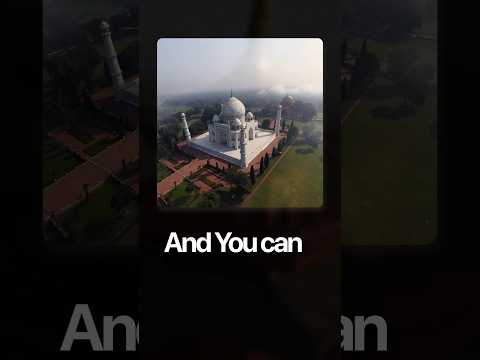
Free Image to Video with 50+ Camera Movement Presets using Higgsfield AI
Creating Videos from Images with Camera Movements
Introduction to Image-to-Video Tool
- The video discusses a method for creating dynamic videos using a single image, emphasizing the innovative camera movements that can be applied.
- Viewers are informed that this process can be done for free through an online tool.
Step-by-Step Guide
- To use the tool, users should navigate to the "image to video" tab on the website.
- Users need to select their desired type of camera movement before uploading their chosen image.
- After uploading, they must write a suitable prompt and click on 'generate' to create their video.
Final Output
- Once generated, users will have a ready-made video based on their input image and selected parameters.
- The creator encourages viewers to follow and comment with "camera" for access to the link of this tool.