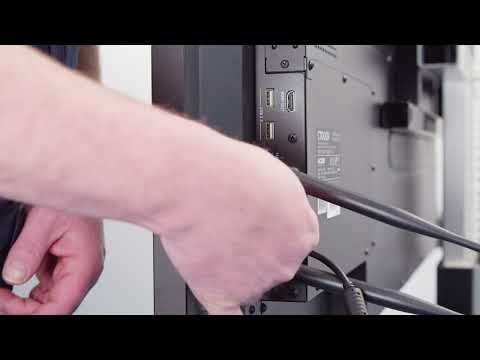
CTOUCH Riva 2 - how to connect via HDMI
Connecting Your Device via HDMI
This section covers the steps to connect your device via HDMI.
Steps to Connect Your Device via HDMI
- Plug the cable into your Reaver and in your laptop.
- Next, plug in a USB cable to enable Touchback.
- To change sources, press the bottom button, go to source, and change to the desired input.