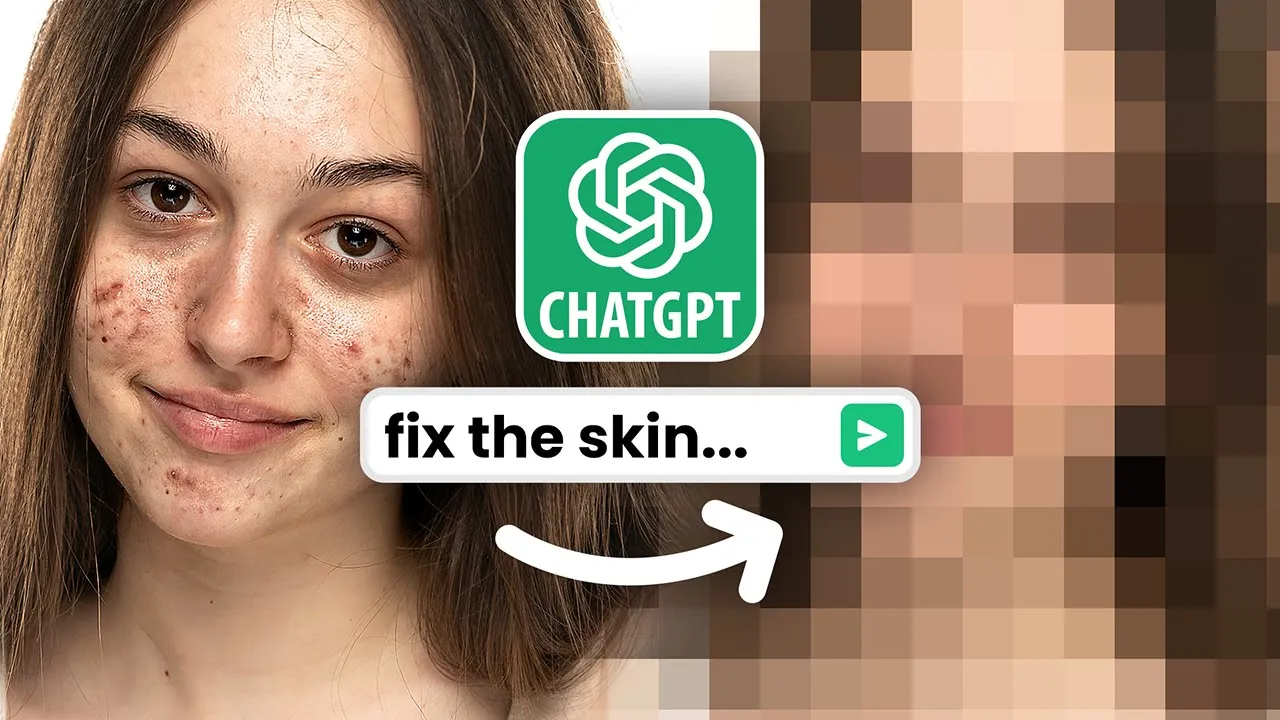
End of Photoshop? ChatGPT Now Edits Photos!
New Section
In this section, the speaker introduces a tool called Chat GPT and demonstrates how to use it for color grading images. The speaker also mentions the requirements for using Chat GPT Plus Membership.
Getting Started with Chat GPT
- To use Chat GPT, a Chat GPT Plus Membership is required.
- Enable code interpreter and plugins in the settings of the membership.
- Select gpt4 and ensure code interpreter is checked to access file upload functionality.
Color Grading an Image
- Upload an image by dragging and dropping or clicking on the plus button.
- Specify desired color grading instructions, such as making the image pop with warm cinematic tones.
- The AI processes the image according to the provided instructions.
Limitations of Chat GPT
- The initial color grading results may not be perfect but can be improved upon.
- Basic Photoshop skills can achieve similar or better results using adjustment layers like color lookup and curves.
Downloading Processed Images
- A download link is provided to save the processed image.
New Section
In this section, the speaker introduces another AI tool called Sound Match by Epidemic Sound for suggesting music tracks based on video clips.
Using Sound Match by Epidemic Sound
- Upload a video snippet to Sound Match.
- The AI analyzes the video's mood and rhythm to suggest suitable soundtracks.
- Epidemic Sound offers unlimited access to their music tracks and sound effects without copyright concerns.
New Section
This section explores further usage of Chat GPT for noise reduction and exposure adjustments in images. The limitations of current capabilities are discussed.
Noise Reduction and Exposure Adjustment
- Upload an image with noise issues or low exposure.
- Specify instructions for noise reduction or exposure adjustment.
- Chat GPT processes the image accordingly.
Comparison with Other Tools
- While Chat GPT's results are decent, other applications like Lightroom offer better noise reduction and color correction capabilities.
- Adobe is also rapidly developing their tools, making them more competitive.
New Section
In this section, the speaker demonstrates another image enhancement task using Chat GPT and discusses its limitations.
Image Brightening and Color Correction
- Upload an image with dark colors or low exposure.
- Request instructions to increase overall exposure and improve colors.
- Chat GPT provides the adjusted image but prompts for additional color balance adjustments.
Limitations of Chat GPT
- The speaker acknowledges that current capabilities of Chat GPT are limited and may not produce optimal results compared to other tools like Lightroom.
The transcript does not provide timestamps beyond this point.
Introduction and Initial Impressions
The speaker discusses the complexity of maintaining skin texture while softening the skin. They express their curiosity about the processing involved and mention enjoying the storytelling aspect of the editing process.
Initial Impressions
- The speaker finds the task of softening skin while maintaining texture complicated.
- They express curiosity about how the processing works.
- The speaker enjoys the storytelling aspect of each editing process.
Memory Constraints and Image Resizing
The speaker encounters memory constraints due to high-quality images. They resize an image to reduce its size and attempt a frequency separation technique.
Memory Constraints and Image Resizing
- High-quality images cause memory constraints during processing.
- The speaker resizes an image to be under 1mb to alleviate memory issues.
- Frequency separation technique is mentioned but not elaborated upon.
Frustration with Results
The speaker expresses frustration with the results obtained so far, comparing it to people who boast but fail to deliver. They continue experimenting with different attempts.
Frustration with Results
- The speaker is disappointed with the removal of blemishes, as it seems to remove entire portions of the image.
- They express confusion and frustration at the outcome.
- Despite losing hope, they mention other AI plugins that they recommend for professional retouching.
Professional Retouching with AI Plugins
The speaker introduces AI plugins for professional retouching. They demonstrate using a plugin called "Retouch For Me" for removing blemishes and applying dodging and burning techniques.
Professional Retouching with AI Plugins
- The speaker recommends using AI plugins for professional retouching.
- They demonstrate using a plugin called "Retouch For Me" for removing blemishes.
- The plugin analyzes blemishes and allows sensitivity adjustment for desired removal.
- Dodging and burning techniques are applied using the same plugin.
Face Detection and Cropping for Instagram
The speaker attempts to crop an image for Instagram while ensuring that faces are not cropped. They encounter difficulties with face detection and introduce an image editor plugin.
Face Detection and Cropping for Instagram
- The speaker tries to crop an image for Instagram without cropping faces.
- Difficulties arise with face detection, resulting in undesired cropping.
- An image editor plugin is introduced as a solution but has limitations in uploading images directly.
- A workaround is demonstrated by using a website to generate a link for the image.
AI as a Tool
The speaker reflects on the role of AI as a tool rather than something to be feared. They emphasize the importance of human direction in the creative process.
AI as a Tool
- The speaker reassures that AI is currently just a tool, not taking over completely.
- They highlight the need for human direction in the creative process when working with AI.
Timestamps have been associated with relevant bullet points based on their proximity to the provided timestamps.
New Section The Future and Call to Action
In this section, the speaker discusses the future and encourages viewers to engage with the content by liking, subscribing, and ringing the bell for notifications.
The Future and Call to Action
- The speaker thanks viewers for watching the video .
- Encourages viewers to leave comments about the future .
- Asks viewers to like the video if they enjoyed it .
- Reminds viewers to subscribe and ring the bell for future content .
- Expresses gratitude for watching and mentions seeing viewers in the next video .
- Encourages viewers to stay tuned and keep creating .
The language used in this section is English.