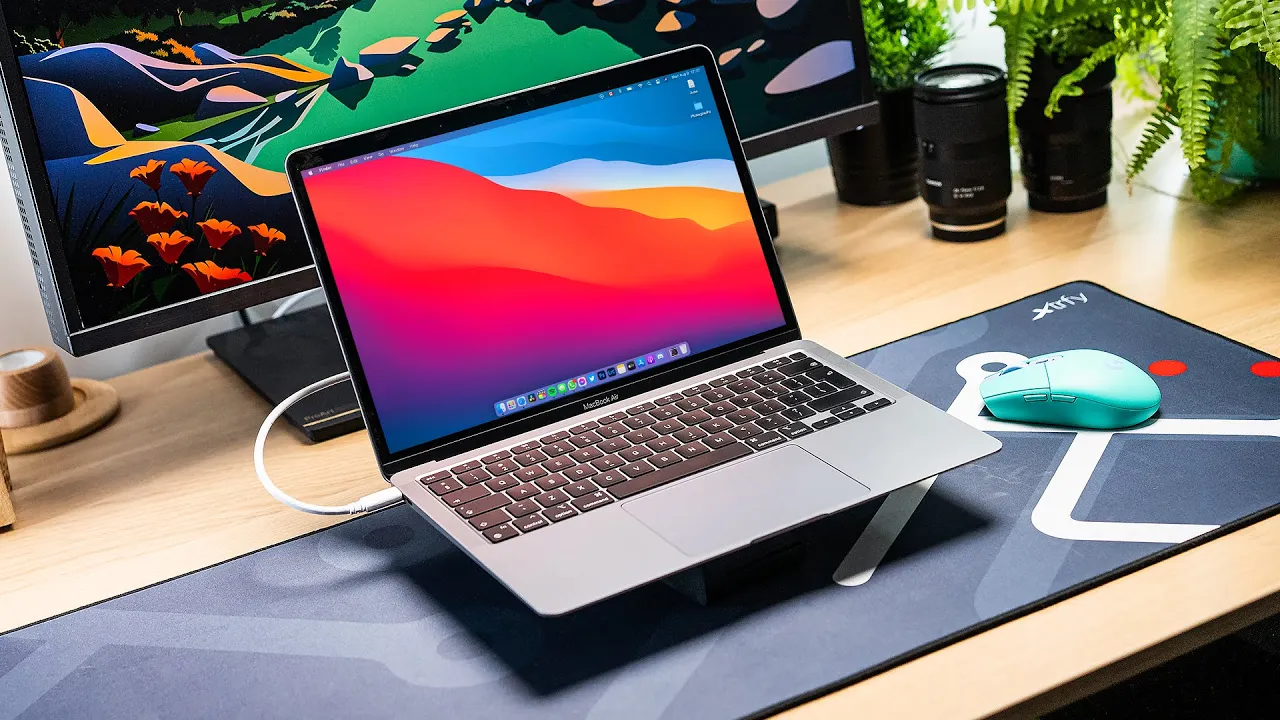
Apple M1 MacBook Air - Long Term User Review
Introduction
Dmitry introduces the base model MacBook Air M1 and highlights its impact on his daily work routine.
Dmitry's Impression of the MacBook Air M1
- Dmitry expresses that the MacBook Air M1 has significantly transformed his daily work routine, considering it the best computer he has ever owned.
- He emphasizes the power and efficiency of the baseline machine for his specific workflow needs, including editing and gaming tasks.
- Dmitry mentions his wife's positive feedback on the MacBook Air M1, highlighting its portability and effectiveness in getting tasks done efficiently.
Performance and Features
Dmitry delves into various performance aspects and features of the MacBook Air M1.
Performance Insights
- The webcam quality is noted to be at 720p, but microphone quality is impressive for voice memos and calls.
- The speakers on the MacBook Air are commended for their large output, surpassing those of Windows notebooks used previously.
Keyboard, Ports, and Display
- Dmitry appreciates the updated keyboard with fast adaptability, adequate travel distance, and a silent profile.
- Dual Thunderbolt 3 ports are mentioned as sufficient for Dmitry's needs with a simple hub setup. He discusses limitations regarding external displays compared to Intel versions.
User Experience
User experience aspects such as ease of use, battery life, and performance consistency are highlighted by Dmitry.
User-Friendly Features
- The instant-on nature of M1 machines is praised along with automatic unlock features using Apple Watch or fingerprint unlock for various functions like purchases and passwords.
Battery Life and Performance Consistency
- Lower power consumption during basic productivity tasks is emphasized as a significant advantage over other machines. Consistent performance while on battery power is noted as beneficial for users transitioning from Windows devices.
Workflow Efficiency
Dmitry discusses how the MacBook Air M1 enhances his workflow efficiency in tasks like email management, content creation in Adobe Lightroom, and Photoshop.
Workflow Optimization
- Remarkable battery life allows uninterrupted work sessions with minimal concern about charging needs throughout the day.
Content Creation Capabilities
The MacBook Air M1: 6 Months Later
In this section, the speaker reflects on their experience using the MacBook Air M1 for six months, highlighting both positive aspects and areas of improvement.
Performance and Limitations
- The MacBook Air M1 performs well in Final Cut but struggles with DaVinci Resolve playback due to grading.
- Storage limitation is a concern with only 256GB, insufficient even for basic use without external storage.
- Upgrading to 16GB RAM significantly boosts performance for multitasking and productivity tasks.
- The 8GB RAM model experiences occasional slowdowns and crashes under heavy usage.
Future Proofing and User Experience
- For power users, upgrading to 16GB RAM is essential for smoother performance.
- The fanless design of the M1 Air enhances user experience by maintaining silence during operation.
Display and Form Factor
- The MacBook Air's hinge design allows easy one-handed opening without wobbling during typing.
- The display features a pleasant True Tone technology with excellent resolution suitable for Mac OS scaling.
Overall Assessment
- After six months of use, the base model MacBook Air M1 is deemed the best $1000 computer despite limitations in storage and RAM.
- Choosing between 8GB and 16GB RAM depends on future-proofing needs; the base model suffices for general tasks but lacks in heavy video production.
Conclusion