Module 6 Qualifying and Transforming Source Data 1
Welcome to Informatica Cloud 101
In this module, the focus is on qualifying and transforming data using filters and expressions in tasks within Informatica Cloud.
Data Filters in Tasks
- A data filter limits or qualifies pulled data from the source, becoming part of the where clause passed to sources.
- Two types of data filters exist: Informatica Cloud simple and advanced, each suited for different scenarios based on source connection type and complexity.
- Simple data filters are used when filter criteria can be joined with the AND operator, suitable for non-flat file sources.
- Advanced data filters are employed for complex criteria requiring OR conditions or nested conditions, mandatory for flat file sources.
Creating Data Filters
- Simple data filter example: loading specific records from Salesforce account object based on criteria like account type and billing state.
- Advanced data filter example: loading accounts meeting revenue and location criteria from Salesforce account object.
Creating an Advanced Data Filter in a Synchronization Task
Demonstrates creating an advanced data filter within a synchronization task in Informatica Intelligent Cloud Services.
Setting Up the Task
- Create a new synchronization task by selecting appropriate connections and objects for source (local CSV file) and target (Salesforce).
Defining Data Filters
- Define an advanced data filter by specifying expressions based on source requirements to refine the dataset being synchronized.
Mapping Fields & Expressions
- Map fields between source and target objects while incorporating expressions obtained from Informatica Network site for splitting contact names effectively.
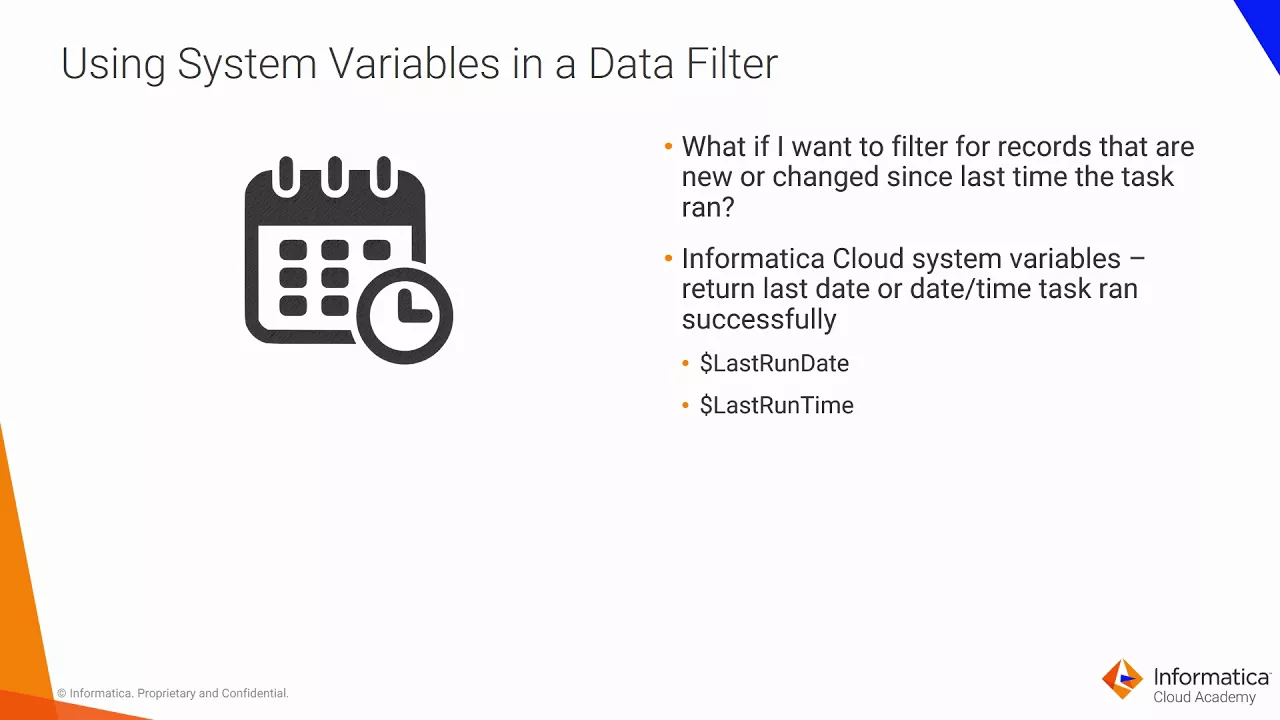
Utilizing System Variables in Data Synchronization Tasks
Explores leveraging system variables like last run date/time in Informatica Cloud to synchronize only new or changed records efficiently.
System Variables Usage
- Access system variables such as last run date/time to pull updated records since the previous task execution, ensuring efficient synchronization processes.
Data Processing and Field Expressions
This section discusses the process of data processing from one system to another, emphasizing incremental processing and field expressions for data transformation.
Data Processing
- Incremental processing involves creating a data filter based on the last modified date to process only new or updated records.
- Comparing the last modified date in source records allows for efficient processing by filtering out unnecessary data each time the task runs.
Field Expressions
- Field expressions enable transforming source data before loading it into the target, useful for scenarios like mapping multiple source fields to a single target field.
- Examples of field expression usage include converting data values, performing data cleanup (e.g., trimming spaces), and combining fields using transformation language operators.
Transformation Language in Informatica Cloud
The discussion delves into the transformation language used in Informatica Cloud, highlighting its components and capabilities for writing complex expressions.
Transformation Language Components
- When writing expressions, access components like fields (source field names), literals (numeric or string values), functions (for data manipulation), operators (for computations), and constants (predefined values like true).
Phone Number Formatting Module Overview
This module covers three labs focusing on building and configuring data synchronization tasks, utilizing data filters to limit records from the source, employing field expressions for data conversion, enhancing performance with dealer filters, and applying formatting to phone numbers.
Building and Configuring Data Synchronization Task
- The module concludes with a change in the phone number.
- Three laps are included in this module.
- In the first lap, a data synchronization task is built and configured.
- Data filter usage limits records pulled from the source.
- Field expressions convert field-level data.
Dealer Filter Usage and Performance Enhancement
- The second lab focuses on using a dealer filter to enhance performance.
- Incremental processing of data is performed for efficiency.
Bonus Lab: Applying Field Level Expression for Phone Number Formatting
- A bonus lab involves adding a field level expression to format phone numbers.