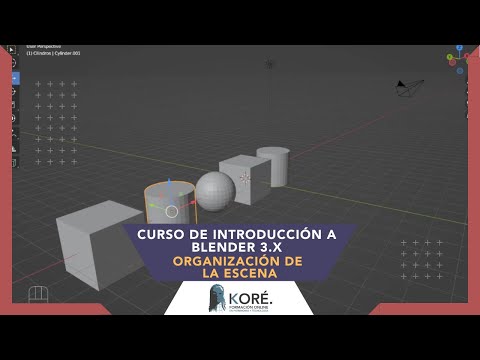
Organización de la escena
Organizing Objects in Blender
In this video, we learn how to organize objects in our scene and show or hide them as needed. We also learn the importance of good organization when working with complex scenes.
Renaming Collections
- To better work with our objects, we rename the collection by double-clicking on it and typing a new name.
- We create a new collection by right-clicking on the main collection and selecting "New Collection." We then drag objects into this new collection.
- We can create additional collections for specific types of objects, such as cylinders or spheres.
Hiding and Showing Objects
- We can exclude collections from view using the first button next to each collection's name. Alternatively, we can click on the eye icon to hide or show individual objects.
- To quickly hide all selected objects, press "H". To unhide everything that has been hidden, press "Alt + H".
- The camera icon next to an object indicates whether it will be visible in renderings.
Tips for Good Organization
- Good organization is important because complex scenes can become cluttered with many objects.
- Creating collections for different types of objects helps keep things organized.
- When editing an object, you can temporarily hide parts of it without actually deleting them.
Organizing a Scene with Collections
In this section, the instructor explains how to organize a scene in Blender using collections.
Using Collections for Organization
- Collections are used to organize objects in a scene.
- Collections can be hidden or shown as needed, making it easier to work with specific objects.
- When an object is added to a collection, it is automatically removed from any other collection it was previously in.
Introduction to Modeling in Blender
In this section, the instructor introduces modeling in Blender and previews what will be covered in future videos.
Modeling Basics
- The next section will cover modeling a real 3D object from start to finish.
- The process will include texturing and rendering the model.
- This project will provide a foundation for more complex projects.
Conclusion
The instructor concludes the video and encourages viewers to continue learning Blender.
Final Thoughts
- Learning Blender takes time and practice, but it is worth it.
- Future videos will cover more advanced topics.
- Thanks for watching!