Practica 1 - implementando todo lo visto
Introduction to Excel Practice
Creating a Simple Student List
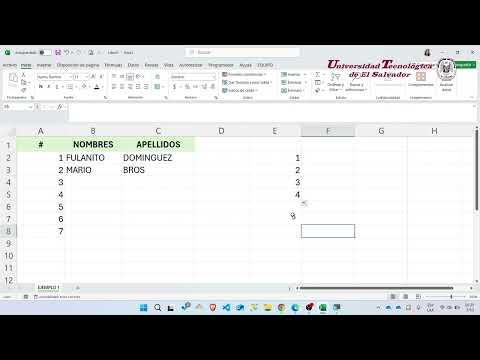
- The video begins with an introduction aimed at students, focusing on practical implementation of previously covered concepts in Excel.
- The instructor demonstrates how to create a simple list of students, starting with numbering and naming them, using "Fulanito Domínguez" and "Mario Bros" as examples.
- To efficiently number multiple entries (e.g., 50 students), the instructor shows how to select and drag cells to auto-fill numbers sequentially.
- A key point is that Excel automates many tasks, including numbering; for proper sequential listing, at least two initial numbers must be selected before dragging down.
- The instructor explains how names can also be duplicated but emphasizes that non-numeric entries do not follow a sequential pattern like numbers.
Formatting the Student List
- After creating the list, the next step involves applying borders to visually delimit the content within the spreadsheet.
- Various border options are demonstrated, including selecting only bottom borders or external borders for clarity in presentation.
- The session concludes by summarizing that through this exercise, several fundamental Excel skills have been practiced effectively.
Turn any video into a summary like this
YouTube links, meetings, lectures. With transcripts, search, and chat.