Аудитории (3 вида)(Часть 2)
Introduction to Lookalike Audiences
Overview of Lookalike Audiences
- The session focuses on understanding "Lookalike Audiences" in Facebook's advertising platform, explaining its purpose and functionality.
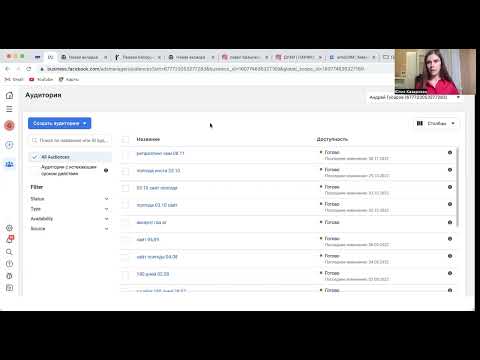
- The speaker navigates through the Facebook Ads Manager interface to locate and create Lookalike Audiences, building on previous lessons about custom audiences.
Creating Custom Audiences
- A custom audience is created based on users who have interacted with a website or landing pages. This audience can be tested for effectiveness.
- Once a custom audience is established, the speaker suggests using it as a basis for creating a Lookalike Audience, which targets new users similar to those in the original audience.
Steps to Create Lookalike Audiences
Process of Creation
- To create a Lookalike Audience, navigate to the audiences section in Ads Manager and select the option to create an audience based on existing data.
- There are two methods: first by testing a custom audience before creating a Lookalike Audience or creating both simultaneously online.
Importance of Testing
- It’s recommended to test your initial custom audience before generating a Lookalike Audience, especially if you lack experience in that niche market.
Understanding Audience Characteristics
Analyzing Engagement
- If the initial custom audience yields good results (e.g., low-cost leads), it can be used as a template for creating similar audiences.
Data Source Requirements
- A pixel must be set up correctly; this allows Facebook to gather data necessary for identifying potential customers who resemble your existing ones.
Geographic Targeting Considerations
Geographic Relevance
- When setting up Lookalike Audiences, geographic targeting is crucial. You cannot target regions where you do not have any user data.
Minimum User Requirement
- At least 100 users from your source region are needed to create an effective Lookalike Audience; otherwise, it may not yield meaningful results.
Defining Audience Warmth
Percentage Settings Explained
- The percentage settings (0% - 10%) indicate how closely related the new audience will be compared to the original one. Lower percentages yield warmer (more likely to convert) audiences.
Recommendations for Setup
- Starting with around 3% is advisable since it balances reach and relevance without being too broad or too narrow.
Finalizing Your Campaign Setup
Avoiding Overlap Issues
- Care should be taken when defining multiple audiences; overlapping settings can lead to ineffective targeting strategies.
Creation Timeframe
- After setting up your campaigns, expect some time (up to 24 hours typically less), for Facebook's algorithms to process and establish these new audiences effectively.