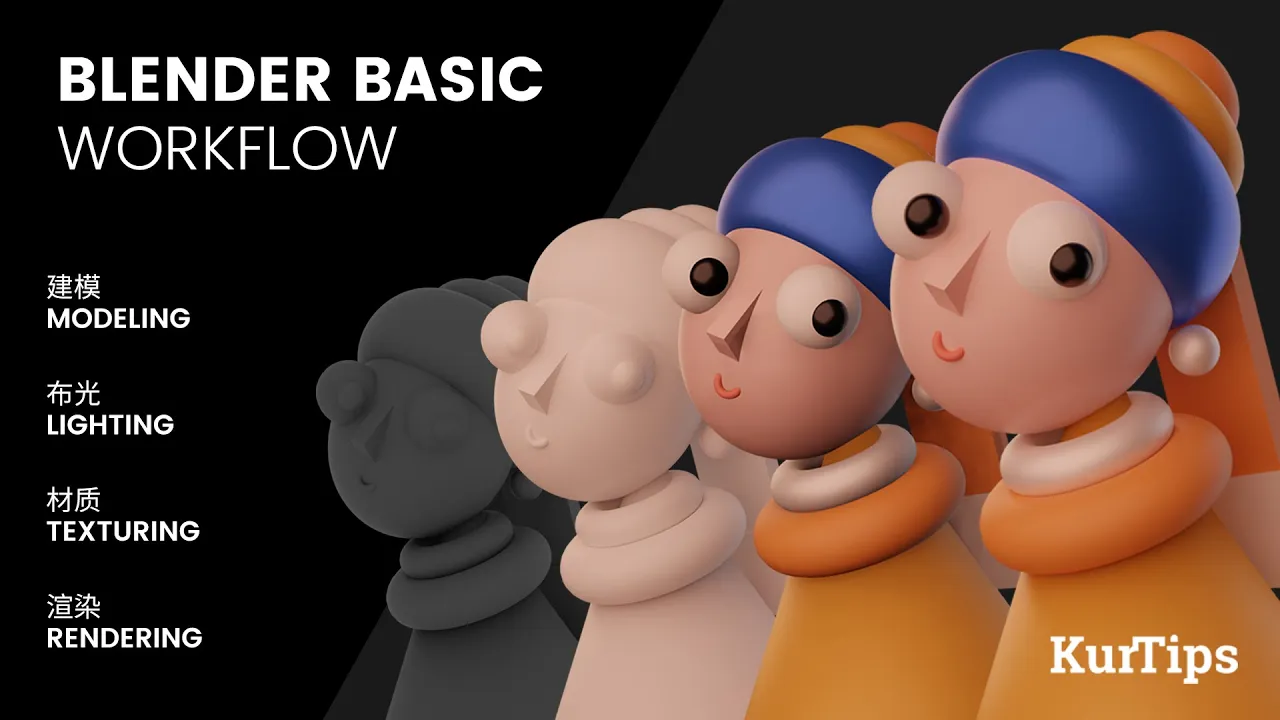
Blender零基础入门教程02【基础篇】EP1.1 下载与安装

Blender零基础入门教程02【基础篇】EP1.1 下载与安装

如何下载和安装Blender

基础视频介绍

  • 本章将介绍Blender的基本下载和安装,内容涵盖四个章节,以帮助建立良好的基础。

下载Blender

  • 可以从两个网站下载Blender:官方站点 Blender.org 和中国社区 BlenderCN.org。我们将使用最新版本3.5进行教学,但3.0及以上版本也可用。

选择合适的下载链接

  • 在中国社区主页上点击“Blender 3.5”,提供多个国内镜像以加快下载速度,包括清华和阿里云的地址。根据操作系统选择相应链接:Windows或MacOS。

安装过程

  • 从官方网站直接点击“下载Blender”链接,理论上会自动检测计算机类型。若未显示,可在黑色区域手动选择所需版本。对于Apple电脑,要注意Intel版与Apple Silicon版的区别。
  • 如果芯片为M1或M2,则选择第二个选项。点击蓝色按钮开始下载,保存到指定位置即可。Blender软件体积较小,仅200MB左右,非常适合3D软件。

完成安装

  • 下载完成后,双击文件并依次点击“下一步”、“接受”、“下一步”,然后安装。在桌面上会出现图标,双击进入Blender 3.5,可以同时安装多个版本而不互相干扰。

软件界面设置

  • 启动后会显示语言界面,选择中文并保存新设置。可以调整字体大小和分辨率,以便更好地查看界面内容。

计算机硬件要求

最低硬件要求

  • Blender对计算机有最低硬件要求:64位CPU、8GB内存以及2GB显存。如果电脑不太旧,一般都能满足这些要求;预算充足的话,更佳配置效果更好。

使用设备建议

Video description

Blender 3.5零基础入门教程 -【基础篇】1.1 下载与安装 Welcome to my Blender Beginner Tutorial series! In this comprehensive tutorial, I will guide you step-by-step through the basics of using Blender, the powerful open-source 3D modeling and animation software. Whether you're a complete beginner or have some experience with 3D software, this tutorial is designed to help you get started and build a solid foundation in Blender. We'll cover essential topics such as navigating the interface, creating and manipulating objects, applying materials and textures, basic animation techniques, and much more. Throughout the tutorial, I'll explain each concept in a clear and concise manner, making it easy for you to follow along and grasp the fundamental principles of Blender. By the end of this series, you'll have the skills and confidence to create your own 3D models and animations.