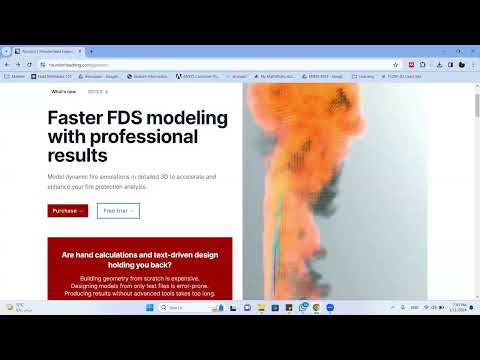
How to Download & Setup Fire Dynamic Simulator FDS & Pyrosim
How to Install FDS and PyroSim
Introduction to the Installation Process
- The video begins with a greeting and an overview of the purpose: installing FDS (Fire Dynamics Simulator) and PyroSim for setting up simulations.
- This is noted as the first video in a series focused on this topic.
Downloading Software
- The presenter suggests using Google to search for the necessary software.
- They navigate through the download process, indicating that the file size is manageable at around 200 MB.
- Instructions are provided on how to open and proceed with installation without any additional prompts or shortcuts required.
Installation Steps
- The installation process is straightforward; users are advised to follow along step-by-step without needing extra configurations.
- A mention of potential issues arises, but it’s suggested that these can be resolved during installation.
Academic Licensing Information
- Discussion about academic licenses reveals that students can access six months free or receive discounts on full versions, emphasizing affordability for educational purposes.
- Users must submit their email addresses during registration, which may lead to complications if attempted multiple times from the same device.
Finalizing Installation
- After downloading, users should select specific options (like 64-bit version), ensuring they choose appropriate settings during installation.
- The key input requirement is highlighted; users need to enter their license key correctly for successful activation.
Using PyroSim Post Installation
- Once installed, PyroSim opens successfully. The presenter shows its interface and mentions upcoming videos focusing on creating tunnel designs within simulations.
- Emphasis is placed on utilizing various features effectively, including running simulations directly from PyroSim without needing command line interfaces.
Conclusion and Future Content
- The video concludes with a promise of future content related to drawing tunnels and further simulation techniques.