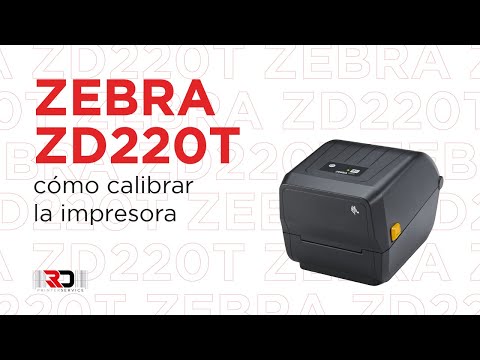
Como calibrar una impresora de etiquetas Zebra ZD220t RD Printer Service
How to Calibrate a Zebra ZD220 Label Printer
Introduction to Calibration Process
- The tutorial welcomes viewers and introduces the topic of calibrating a Zebra ZD220 label printer.
- Viewers are encouraged to subscribe for more informative content related to printer services.
Initial Setup for Calibration
- To check if the printer is balanced, press the "fit" button located on the cover; the printer will advance but may not stop correctly between labels.
- It’s crucial that the label sensor is positioned in the middle of the guide and directly beneath the roll before closing the printer.
Executing Calibration Steps
- Hold down the "fit" button until its LED indicator blinks twice; this signals that calibration is starting.