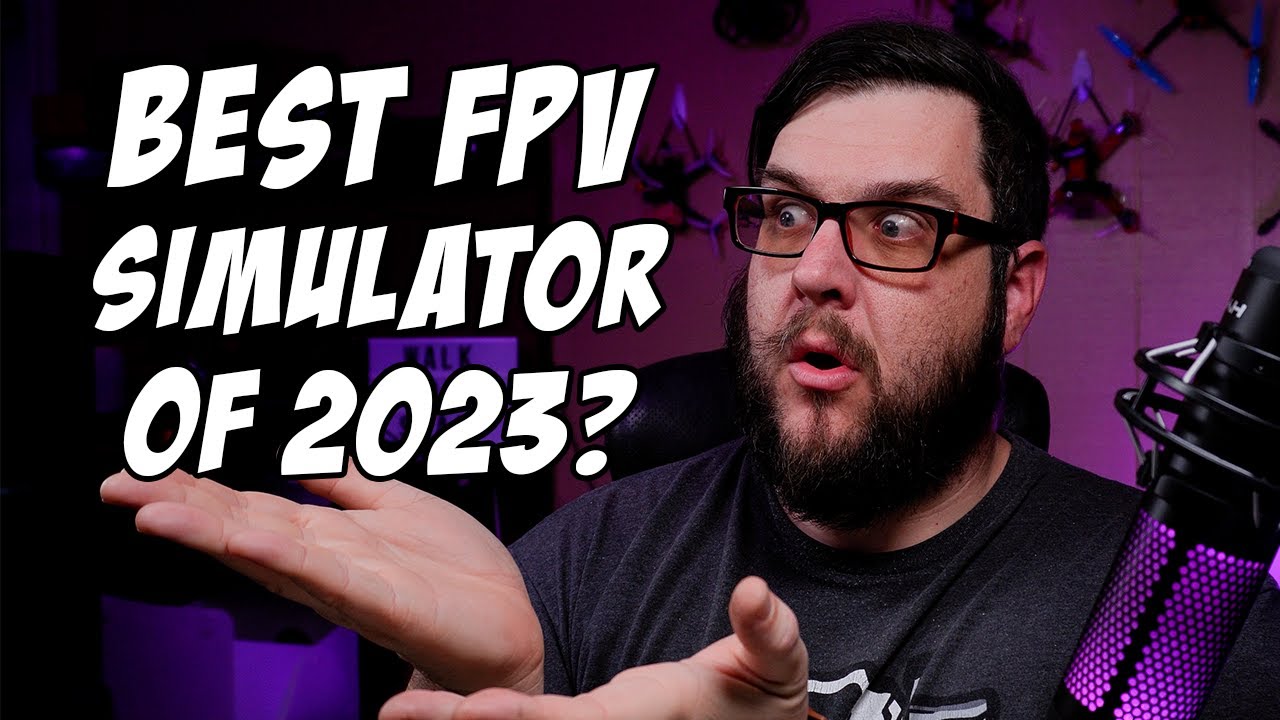
The 6 best FPV simulators of 2023 for flying freestyle! Only one will come out on top
Why aren't FPV drone simulators like The Sims?
The speaker ponders why FPV drone simulators are not designed like The Sims game, imagining a town full of depressed and broke people waiting for their pre-orders and breaking things. They speculate that it would be a depressing scenario, with the top one percent being the owners of FPV stores.
- The speaker wonders why FPV drone simulators are not designed to resemble The Sims game.
- Imagines a scenario where people in the simulator are depressed and broke, waiting for their pre-orders and breaking things.
- Speculates that the top one percent in this simulated community would be the owners of FPV stores.
Introduction to six best FPV drone simulators
The speaker introduces the topic of discussing six of the best FPV drone simulators in 2023. They mention that these simulators have different price ranges, ranging from free to over twenty dollars. The purpose is to provide information on which simulator new pilots should consider buying.
- Introducing six of the best FPV drone simulators in 2023.
- Price ranges vary from free to over twenty dollars.
- Aimed at helping new pilots decide which simulator to buy.
Importance of starting with a simulator as a new pilot
Many pilots prefer starting out with a simulator because it allows them to practice without breaking their drones or having to pay for repairs. The speaker will cover all aspects of these simulators, including graphics, physics, options, features, and suitability for freestyle flying.
- Starting with a simulator helps avoid breaking drones and paying for repairs.
- Many pilots want recommendations on which simulator to start with as beginners.
- Simulators allow for practice without the risk of damaging physical drones.
- The speaker will cover graphics, physics, options, features, and suitability for freestyle flying.
Focus on radio-compatible simulators for larger FPV freestyle drones
The speaker clarifies that the discussed simulators are compatible with radios and focused on larger FPV freestyle drones. They mention that other simulators may be better suited for different types of drones or platforms like tiny whoops or racing.
- The focus is on simulators compatible with radios.
- Specifically targeting larger FPV freestyle drones.
- Acknowledgment that other simulators may be better suited for different drone types or platforms.
Number six simulator: AI Drone Simu
The speaker introduces AI Drone Simu as their sixth favorite pick out of the list. They mention its claim to fame is the ability to load black box logs from real-life flights into the simulator. However, they express disappointment in its performance and graphics quality.
- AI Drone Simu is introduced as the sixth pick.
- Its claim to fame is the ability to load black box logs from real-life flights.
- Speaker expresses disappointment in its performance and graphics quality.
Feasibility of uploading custom models in AI Drone Simu
While it is possible to download models uploaded by others in AI Drone Simu, uploading custom models is not feasible. However, the simulator offers a wide range of physics settings per quad, allowing users to make adjustments according to their preferences.
- Uploading custom models in AI Drone Simu is not feasible.
- Users can download models uploaded by others.
- Simulator provides a wide range of physics settings per quad for customization.
Graphics and performance of AI Drone Simu
The speaker mentions that AI Drone Simu has decent-sized maps with good variety. However, they criticize the graphics quality, stating that it looks laggy, disconnected, and overall unattractive.
- AI Drone Simu offers decent-sized maps with good variety.
- Criticism of the simulator's graphics quality.
- Speaker finds it laggy, disconnected, and unattractive.
Cost and recommendation for AI Drone Simu
AI Drone Simu is a paid simulator available on Steam for $19.99. The speaker does not recommend this simulator due to its performance issues and lackluster graphics.
- AI Drone Simu costs $19.99 on Steam.
- Speaker does not recommend this simulator due to performance issues and graphics quality.
Number five simulator: Orca FPV Skydive
Orca FPV Skydive is introduced as the fifth pick in the list of simulators. It is highlighted as a free option with some downsides yet popular among many users.
- Orca FPV Skydive is introduced as the fifth pick.
- Emphasis on it being a free simulator.
- Mentioned that there are some downsides but still popular among users.
Overview of Simulators for FPV Flying
In this section, the speaker discusses different simulators for FPV flying and provides insights on their features and functionalities.
Orca Simulator
- The Orca simulator does not allow downloading additional models or customizing the appearance.
- The rates tab in Orca has a unique interface with sliders instead of allowing users to type in values like other simulators.
Liftoff Simulator
- Liftoff is a well-known simulator available on Rotor Riot's website and Steam.
- It offers decent physics, graphics, and maps with a full drone builder bench.
- However, the quad customization options are limited to parts that Rotor Riot used to sell.
- Liftoff supports multiplayer functionality and has separate DLCs for car chases and DJI FPV simulation.
Velocidrone Simulator
- Velocidrone is not available on Steam but can be purchased elsewhere.
- It offers a base license along with various DLCs.
- Velocidrone has an extensive selection of DLCs compared to other simulators.
Other Free Options
- There are other free simulators available, but they may not offer as good graphics or flight experience as Orca or Liftoff.
Timestamps have been associated with relevant bullet points.
Velocidrone Simulator
The speaker discusses the features and benefits of Velocidrone simulator.
Features and Physics
- Velocidrone is a good simulator with decent physics, especially for racing.
- The graphics are okay, not the best in the world, but the flight feel is really good.
- The simulator is designed to have low latency and quick response time, which is important for racing.
Maps and Customization
- Velocidrone has a built-in map builder that allows users to create their own maps easily.
- There are a ton of maps available, including community-made maps like a replica of Nick Burns's house.
- It offers a wide selection of different frames and components that affect how the drone flies.
- Users can adjust physics settings per drone, allowing for more customization.
Multiplayer Experience
- Velocidrone provides an excellent multiplayer experience, which is crucial for racing.
- Racing enthusiasts can enjoy multiplayer races with other players in the community.
Downsides
- The graphics quality in Velocidrone is average compared to other simulators.
- Some additional functionality may require purchasing DLCs.
Liftoff Simulator
The speaker introduces Liftoff simulator and highlights its strengths.
Graphics and Cinematics
- Liftoff simulator stands out with its gorgeous graphics, particularly in landscapes and lighting effects.
- It offers cinematic capabilities that allow users to create stunning footage for editing purposes.
Hardware Requirements
- Running Liftoff requires a higher-end machine due to its demanding graphics.
- Lower-end machines may struggle to run it smoothly compared to other simulators like Velocidrone or Orca.
Physics and Latency
- Liftoff has above-average physics that provide a realistic flight experience.
- The latency between stick movement and quad response is minimal, resulting in a connected feel.
Interactive Events
- Liftoff features interactive events within its large and beautiful maps.
- Users can trigger events like chasing cars, snowboarders, motorcycles, paragliders, wingsuit riders, and hot air balloons.
Conclusion
The speaker concludes the discussion on simulators and mentions upcoming companion articles.
Simulator Settings
- The speaker plans to write a companion article on simulator settings to enhance the connected feel of sims.
- Topics may include graphics card settings and radio setup for better performance.
Trip FPV Simulator
- Trip FPV simulator is a newer option that offers stunning graphics and large levels with interactive events.
- It is priced at $14.99 on Steam.
Final Thoughts
- Velocidrone and Liftoff are both solid options for drone simulators.
- Velocidrone excels in multiplayer racing and customization options.
- Liftoff stands out with its impressive graphics and cinematic capabilities.
- Users should consider their hardware capabilities when choosing between the two simulators.
Getting Used to Simulators
The speaker discusses the initial difficulty of getting used to simulators but assures that once familiar, it becomes easier. They provide a hint for accessing the event menu by pressing "M" and suggest using the left shift key if the menu does not appear.
Adjusting to Simulators
- Simulators can be difficult initially but become easier with practice.
- Pressing "M" should bring up the event menu, but if it doesn't, use the left shift key to enable the HUD.
- The HUD is where camera angles and other settings are located.
Uncrashed Simulator
The speaker introduces Uncrashed simulator and mentions that while it may be frustrating at first, it offers multiple quad options with customizable physics settings. They highlight its realistic graphics and detailed buildings.
Features of Uncrashed Simulator
- Provides different types of quads for various purposes like mountain surfing and freestyle.
- Each quad has customizable physics settings for accurate flight experience.
- Uncrashed simulator offers beautiful graphics with lifelike buildings and foliage.
- Physics in Uncrashed are closest to real-world physics among all simulators discussed.
Limitations of Uncrashed Simulator
The speaker discusses some limitations of Uncrashed simulator, including having only one available quad with no option to switch or customize parts. However, they praise its excellent physics and well-designed maps.
Limitations of Uncrashed Simulator
- Only one quad available; unable to switch or customize frames or parts.
- Despite limitations, customization options for the available quad are extensive.
- Physics in Uncrashed simulator are highly responsive and well-connected.
- Maps in Uncrashed simulator are beautiful, with well-thought-out obstacles for freestyle flying.
Physics and Latency Comparison
The speaker compares the physics and latency of different simulators. They mention that Uncrashed has excellent physics but only offers one quad option. They also note that Uncrashed has lower latency compared to other simulators.
Physics and Latency Comparison
- Uncrashed simulator has the best physics among all discussed simulators.
- Only one quad available in Uncrashed, limiting customization options.
- Uncrashed simulator feels more responsive with lower latency compared to other simulators.
Conclusion and Ratings
The speaker concludes by summarizing the six simulators discussed and their ratings. They mention that personal preferences may vary, but Liftoff and Uncrashed were popular choices among patrons.
Conclusion and Ratings
- Six simulators were discussed, each with its own strengths and weaknesses.
- Personal preferences may vary when choosing a simulator.
- Liftoff and Uncrashed were popular choices among patrons.
- The speaker introduces the idea of using "strips" as a rating system for future reviews.
Timestamps provided are approximate.
New Section
The speaker discusses how their channel is supported by patrons, channel members, and "buy me a coffee" donations. They encourage viewers to support the channel if they find it helpful.
Channel Support
- The speaker mentions that their channel is completely supported by patrons, channel members, and "buy me a coffee" donations.
- Viewers are encouraged to make a donation if they find the content helpful or simply want to show support.
- The speaker mentions that even if viewers choose not to support the channel financially, they will continue creating content.
New Section
The speaker concludes the video by encouraging viewers to fly simulators and share their thoughts on them.
Conclusion
- The speaker encourages viewers to go fly some simulators and explore what they like.
- They invite viewers to share their thoughts on the simulators with them.
- The video ends with a farewell message from the speaker.
New Section
Music plays in the background.
New Section
Foreign music plays in the background.
New Section
Music continues playing in the background.