UD2 Componentes fundamentales de los sistemas microinformáticos 19
Understanding Graphics Cards and Their Connections
Overview of Graphics Card Types and Connections
- The discussion begins with an overview of graphics cards, emphasizing their connection via PCI Express version 4, which can achieve transfer speeds of up to 32 gigabytes per second.
- Various monitor connectors are introduced, including VGA, DisplayPort, HDMI, and DVI. Each connector has specific capabilities regarding resolution and compatibility.
Connector Capabilities
- VGA is noted for its analog signal transmission but is limited in resolution (up to 2048 x 1536). Digital connections like DisplayPort and HDMI are recommended for higher resolutions.
- DisplayPort supports high resolutions such as 4K at 60Hz or even 120Hz under certain conditions. HDMI also supports similar resolutions but includes audio transmission capabilities.
Choosing the Right Connectors
- The most suitable connectors for modern setups are highlighted: DisplayPort for performance and HDMI for compatibility with TVs. DVI and VGA are becoming less common.
- A typical graphics card will feature a combination of DisplayPort, HDMI, DVI, and possibly VGA connectors.
Key Considerations When Selecting a Graphics Card
- Important factors when choosing a graphics card include GPU specifications (base/max frequency), supported resolutions, output interfaces (connectors), memory size/speed, architecture design, and manufacturing technology.
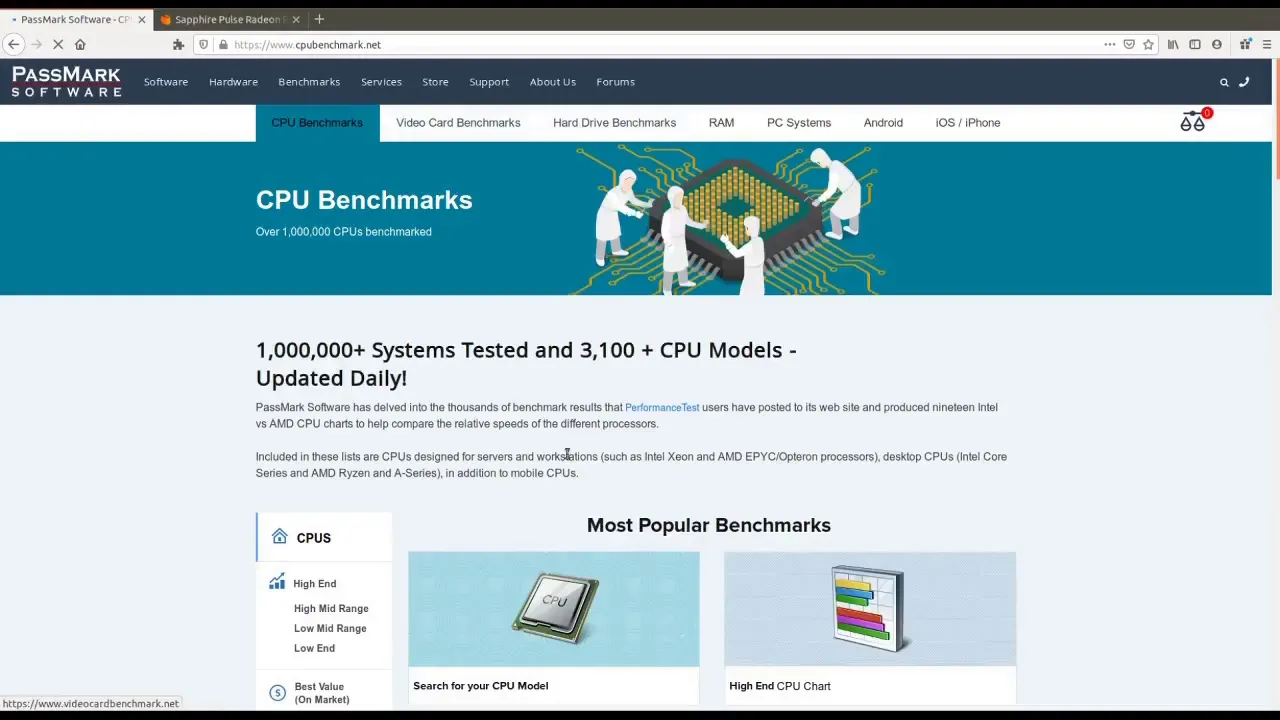
- Online resources provide benchmarks comparing different GPUs across various applications like gaming or video editing to assess performance effectively.
Performance Comparisons
- Websites dedicated to benchmarking offer insights into frame rates at different resolutions (e.g., 1080p vs. 1440p), helping users understand the performance differences between models.
- Recommendations include checking multiple sources for comparisons; Tom's Hardware is mentioned as a reliable site for GPU evaluations.
Evaluating Price vs. Performance
- The importance of considering both performance metrics and pricing when selecting hardware is emphasized. Higher-performing components often come at significantly higher prices.
- An example comparison illustrates how different CPUs perform relative to their cost—highlighting that sometimes lower-priced options may offer better price-to-performance ratios.
High-End Graphics Cards Insights
- The Titan series from NVIDIA represents high-end options in the market; however, there may be minimal performance differences compared to other top-tier models like the GeForce GTX 2080 despite significant price variations.
Graphics Card Performance Comparison
Overview of Graphics Card Performance
- The discussion highlights the performance differences between modern graphics cards, specifically comparing GeForce and Radeon models. While GeForce cards generally offer higher performance, the differences are not excessively large.
- It is suggested to check various benchmarks available online to understand how different graphics cards perform in real-world scenarios, particularly in high-end gaming.
- The importance of comparative analysis when choosing a graphics card is emphasized, noting that this consideration extends beyond gaming to include graphic design and video editing applications.
Importance of Benchmarking
- Users are encouraged to verify benchmark comparisons based on specific tests conducted across multiple games, which can provide insights into effective 3D speeds and overall performance metrics.