Getting started with customizing foundation models on Amazon SageMaker | Amazon Web Services
How to Customize Foundation Models Using Amazon SageMaker
Introduction to Customization Techniques
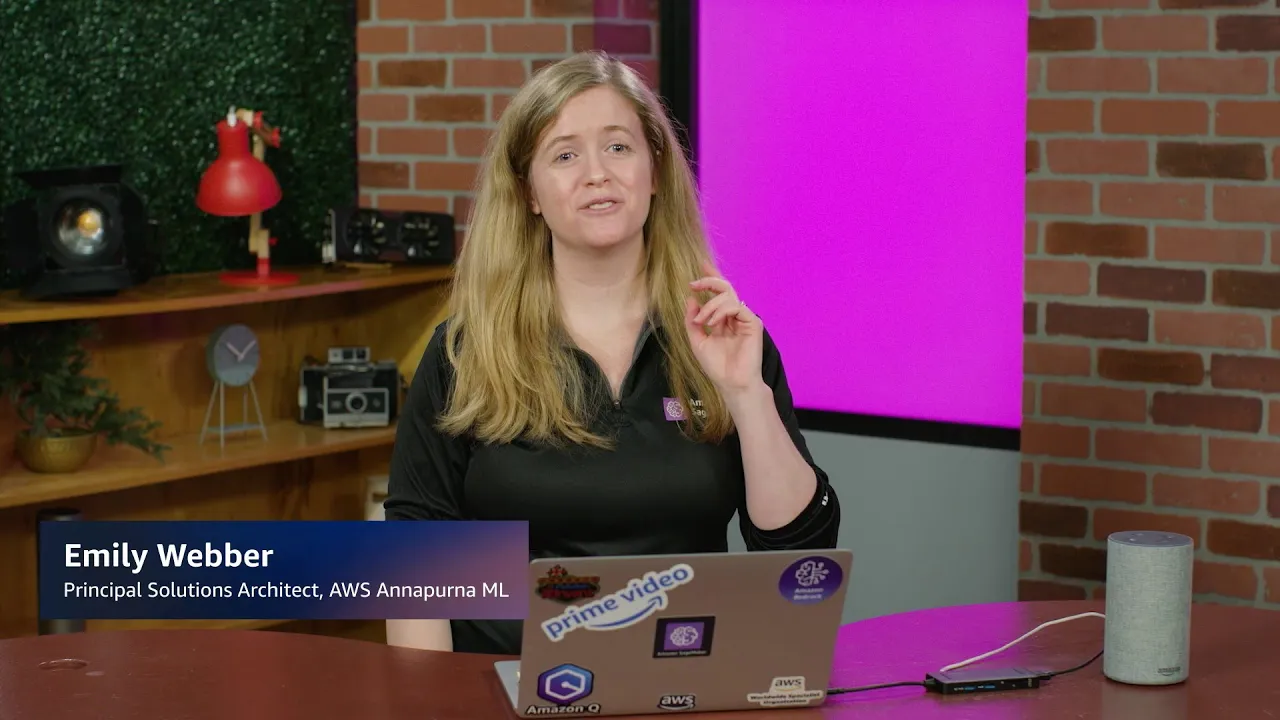
- Emily introduces the session focused on customizing foundation models using Amazon SageMaker, building on previous lessons about deploying models with SageMaker JumpStart.
- Key customization techniques mentioned include prompt engineering, fine-tuning, retrieval augmented generation, and model evaluation.
Model Evaluation Process
- To evaluate a model in SageMaker Studio, navigate to the Model Evaluation section and select "Create a model evaluation."
- Users can enter a job name (e.g., "evaluates") and choose between automatic evaluation with prebuilt algorithms or setting up a human evaluation job.
- The process allows for adding specific models like Llama 2 or Chat models before proceeding with the evaluation setup.
Fine-Tuning Models
- Emily discusses the option to fine-tune models available in SageMaker JumpStart, specifically highlighting Llama-based models.