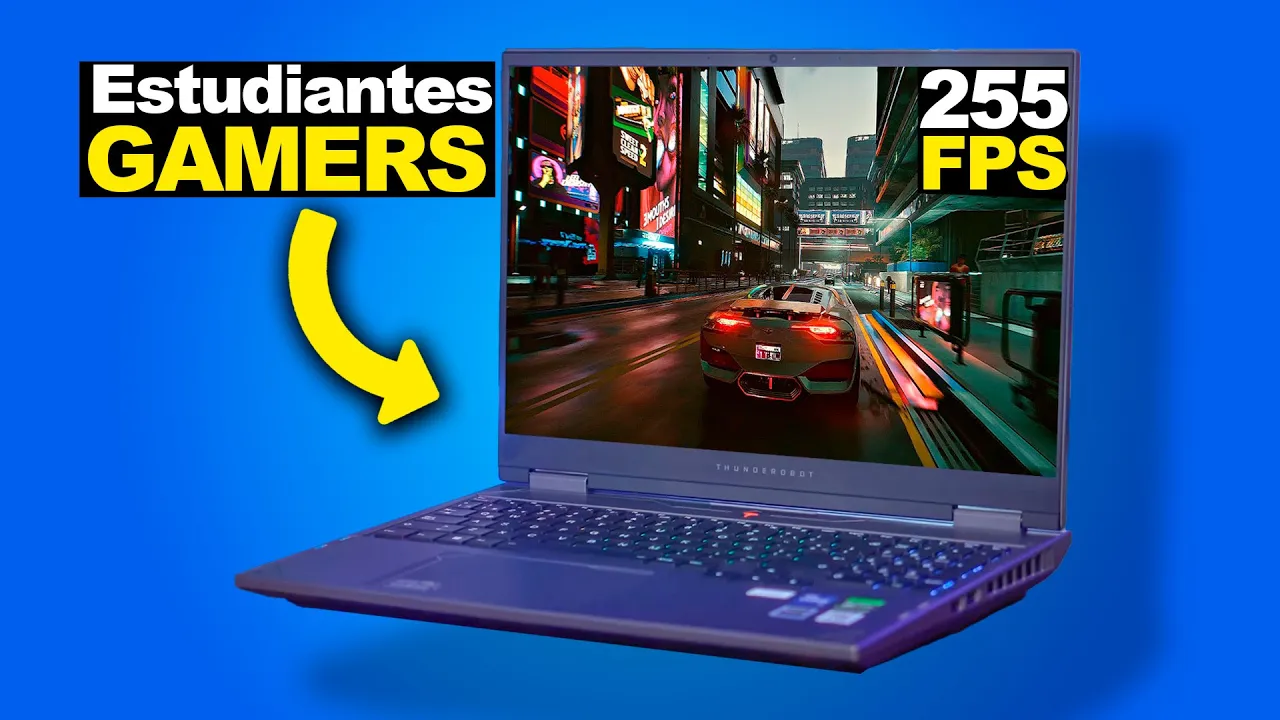
Laptop para ESTUDIANTES GAMERS de "bajo costo" Thunderobot R16
Detailed Laptop Review
In this review, the speaker provides an in-depth analysis of a laptop suitable for students who are gamers or want to work efficiently. The review covers physical features, keyboard details, screen specifications, and practical tips for users.
Physical Features
- The Thunder robot r10 16 laptop is visually appealing with decent finishes and a matte gray exterior.
- It offers good connectivity with two USB type-A ports on one side, another USB type-A port on the other side, a 3.5mm audio jack at the back, HDMI port, and an RJ45 port for internet connection.
Keyboard Details
- The keyboard is membrane-based but provides a tactile feel similar to mechanical keyboards.
- It features RGB backlighting; however, the illumination may be obstructed by the design of the keycaps.
Screen Specifications
- The laptop has a 16-inch display with a unique aspect ratio of 16:10, offering a resolution of 2560 x 1600 pixels.
- Impressively, it boasts a high refresh rate of 240Hz and uses IPS technology for accurate color reproduction up to 99% sRGB.
Performance Testing and Specifications
This segment delves into performance testing and specifications of the laptop under review. Details about the processor, cooling system effectiveness through air vents, and weight considerations are discussed.
Processor Performance
- The laptop features an Intel Core i7 processor from the latest generation (14650 HX), promising robust performance.
- Five air vents contribute to efficient cooling during demanding tasks or gaming sessions.
Weight Considerations
- Despite its sturdy build and robust features, the laptop weighs close to 4 kg due to its gaming-oriented design.
Practical Tips and Recommendations
Practical advice is shared regarding software activation using VIPR RC DK for Windows licensing at low costs via PayPal. Additionally, insights on screen configuration settings are provided along with ergonomic considerations like dimensions.
Software Activation
- Users are advised to use VIPR RC DK for affordable Windows activation post-formatting their laptops securely through PayPal.
Screen Configuration Settings
- Demonstrates how to access screen settings showcasing a high refresh rate of 240Hz with IPS technology ensuring color accuracy up to 99% sRGB.
Ergonomic Considerations
Detailed Laptop Performance Testing
In this section, the speaker conducts detailed performance testing on a laptop, focusing on aspects like temperature, graphics, and gameplay experience.
Evaluating Laptop Performance
- The laptop features 16GB of DDR5 RAM and an m.2 SSD.
- Testing with Cyberpunk 2077 to assess the laptop's capabilities under heavy load.
- Emphasizing the importance of monitoring temperatures for optimal performance and longevity.
- Noting the significance of maintaining temperatures below 80-85 degrees Celsius for efficient operation.
- Adjusting settings in Cyberpunk 2077 to optimize performance while managing temperatures effectively.
Optimizing Gaming Experience with Different Games
This segment focuses on testing gaming performance with Forza Horizon 5 and exploring how different games impact laptop functionality.
Gaming Performance Analysis
- Opening Forza Horizon 5 to evaluate gaming experience at high settings.
- Configuring game settings for optimal performance at quad HD resolution.
- Noting the smooth gameplay experience despite high graphical demands.
- Observing stable frame rates and system utilization during gameplay sessions.
Specifics of Counter-Strike Gameplay
In this segment, the speaker discusses the gameplay specifics of Counter-Strike Global Offensive, focusing on frame rates and screen resolutions.
Frame Rates and Screen Resolutions
- The speaker mentions that achieving 240 frames per second (fps) at quad HD resolution is crucial for optimal gameplay in Counter-Strike.
- Testing the game at 2560 by 1600 resolution with high settings yields around 130 fps, emphasizing the importance of smooth performance for competitive play.
- Despite arguments that 240 Hz monitors are unnecessary as humans can barely distinguish beyond 144 or 120 Hz, aiming for higher fps like 240 enhances gameplay quality.
- Adjusting graphic settings to low for a more competitive advantage to reach the desired 240 fps highlights the significance of balancing visual quality with performance requirements.
Evaluation of Gaming Laptop Performance
This section delves into assessing a gaming laptop's capability to deliver optimal performance in gaming scenarios.
Performance Assessment
- The speaker encounters challenges in achieving consistent high frame rates on a gaming laptop with a 240 Hz monitor due to hardware limitations.
- Discussing the pricing of the laptop at approximately $23,999 MXN, highlighting it as a reasonable cost-effective option compared to other laptops with similar specifications.
- Comparing the laptop's price range with other models featuring Core i7 processors and RTX graphics cards reinforces its competitive pricing and overall value proposition.
Recommendation and Conclusion
Concluding remarks on recommending the gaming laptop based on its performance, pricing, and overall suitability for gaming enthusiasts.
Recommendation Summary