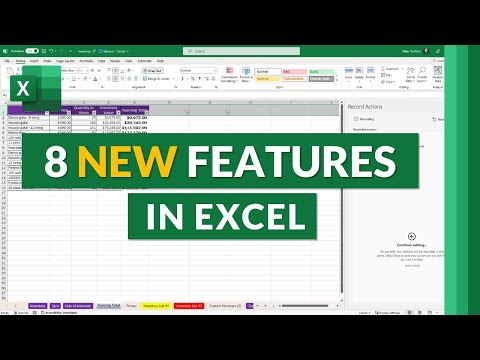
8 New Features in Microsoft Excel | Summer 2023
Excel New Features
In this video, the speaker demonstrates new features in Excel including a handy table paste shortcut, comment and task assignment, record actions, power query editor, immersive reader for inclusively text and content, and improved accessibility.
Handy Table Paste Shortcut
- A new feature allows users to easily paste tables by using the Ctrl+Shift+V shortcut.
- This eliminates the need to go through multiple steps to paste a table.
Comment and Task Assignment
- Users can now assign tasks to themselves or others within comments in desktop Excel.
- Assigned tasks will show up in the user's task list.
- Completed tasks can be marked as resolved within the task list.
Record Actions
- Excel has added macros or actions that allow users to quickly access frequently used commands.
- Users can create more complex scripts by editing existing ones or creating new ones from scratch.
Power Query Editor
- The power query editor now has an easy-to-use shortcut that allows users to quickly access it.
Immersive Reader for Inclusively Text and Content
- Immersive reader is a new feature that provides inclusive text and content options such as translation and reading preferences in Excel for the web.
- Users can select text and have it read out loud with customizable voice settings.
- Reading preferences include font size, color contrast, line focus, and language translation.
Improved Accessibility
- Excel has improved accessibility by adding a search box to the menus, making it easier to find commands.
- Users can navigate through larger groups of commands using the tab and shift+tab keys.
Turn any video into a summary like this
YouTube links, meetings, lectures. With transcripts, search, and chat.