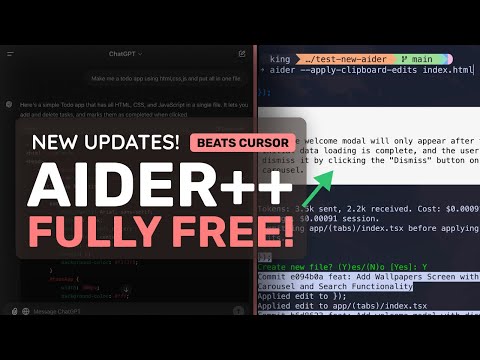
Aider (Upgraded) + FREE Claude / ChatGPT + Files To Prompt: This is the BEST FREE Way for AI Coding!
Ader and Klein: New Upgrades for Coding
Introduction to Ader's Upgrades
- The video introduces the latest upgrades from Ader, highlighting its superiority over competitors like Klein.
- The new version supports the Haiku model and allows users to apply file edits easily from chat interfaces such as ChatGPT or Claude.
Features of the Latest Update
- Users can generate code using free chat interfaces, copy it, and run AER with the "apply clipboard edits" option to integrate changes into their files.
- To utilize this feature effectively, a model must be configured in AER; simple models like Gemini or Mr. Draw are recommended.
Setting Up AER
- New users can install AER using a specific command; existing users should upgrade to the latest version.
- It is suggested to use Gemini Flash due to its free access, fast performance, and favorable rate limits for applying code changes.
Using Chat Interfaces for Code Generation
- The presenter recommends using ChatGPT or Deep Seek for generating code due to fewer rate limits compared to other platforms.
- An example is provided where a user requests a simple HTML/CSS/JS To-Do app from ChatGPT, demonstrating how easy it is to copy generated code into AER.
Editing Code with AER
- After creating an initial file, users can request modifications (e.g., adding features), copy updated code from ChatGPT, and apply it seamlessly in AER.
- This process showcases how efficiently one can iterate on projects without needing extensive manual coding.
Advanced Tool: Files-to-Prompt
- The video introduces the "files-to-prompt" tool that consolidates multiple files into a single prompt for context when working with larger projects.
- By running this tool on project directories, users can provide comprehensive context about their entire project when querying AI models like ChatGPT.
Applying Changes Across Multiple Files
- When making changes across several files, it's advised to handle one file at a time—copying changes sequentially ensures accuracy in updates.
- Despite being somewhat tedious, this method allows developers to maintain high-quality outputs while leveraging free tools effectively.
Conclusion and Call-to-action