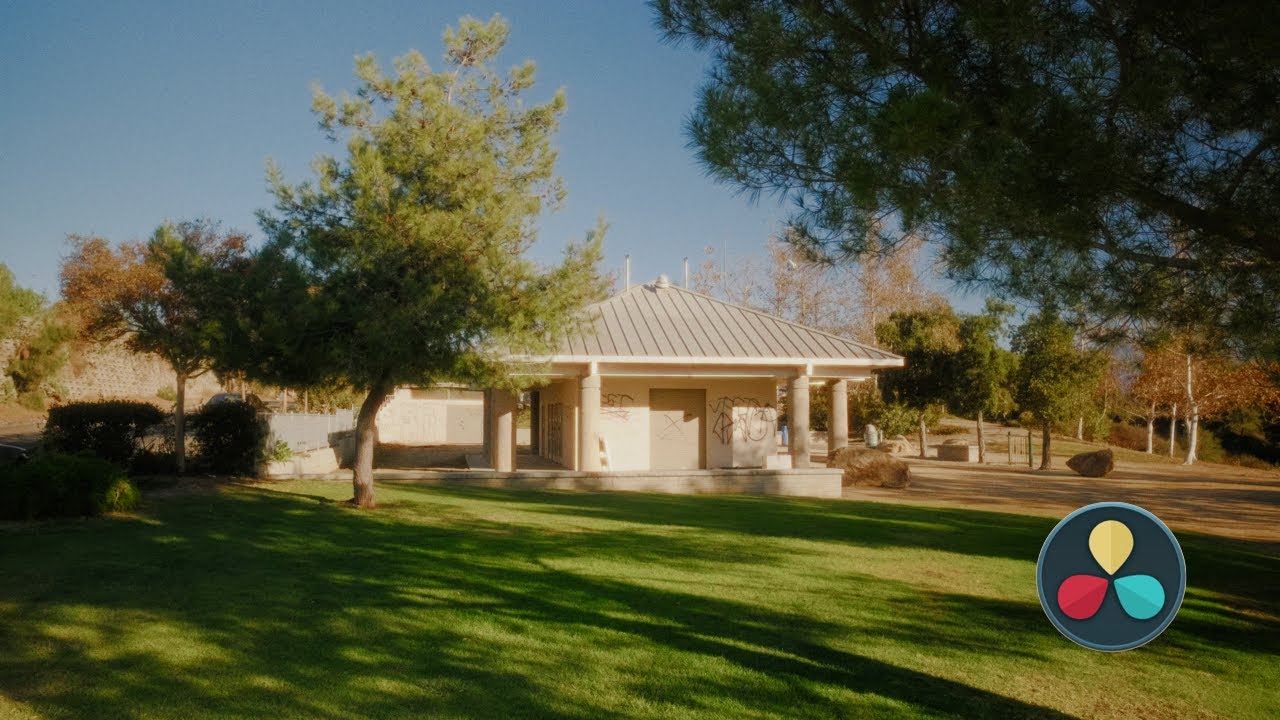
Emulating 16mm or 35mm Film // Color Grading Tutorial

Emulating 16mm or 35mm Film // Color Grading Tutorial

复制 16 或 3500 万胶卷

在这一部分中,讨论了如何复制16或3500万胶卷以及影响胶卷外观的因素,介绍了四种方法来模仿电影效果。

复制16或3500万胶卷

  • 复制16或3500万胶卷需要考虑多个因素,包括底片曝光方式和打印过程。
  • 使用自定义段落和LUT着色是其中一种方法,重点是提供电影模拟选项。
  • 在伽玛中输入色彩空间进行调整,建议首先进行曝光、白平衡和色彩校正。
  • 添加发光和软化素材,并调整饱和度以获得所需外观。
  • 使用颗粒、光晕等节点来增加质感,并选择适合的节点根据最终使用目的。

Juan Millara创建的功率等级

介绍了由Juan Millara创建的功率等级,作为一种电影仿真工具。

Juan Millara创建的功率等级

  • Juan Millara创造了几种胶片打印仿真功率等级,其中包括cineprint 16 by Tom Bowles和Kodak 2383电网。
  • 功率等级提供灵活性,可用于学习并调整胶片特征以获得所需外观。

达芬奇谷物应用

探讨了在达芬奇中应用谷物效果以增强图像质感。

达芬奇谷物应用

  • 在达芬奇中使用谷物可以增加图像纹理,建议尝试不同设置以获得满意结果。
  • 创建复合节点并添加高斯模糊、柔焦等效果来调整外观。

模拟程序的最佳设置方法

在这部分视频中,讨论了如何在电影模拟程序中获得最佳设置,以确保输出质量高且不受YouTube压缩的影响。

电影上色提示

  • 4K素材和导出对抗YouTube压缩效果更好。
  • 时间线和导出分辨率都设为4K可提高质量。
  • 将质量限制在100,000可保持高画质。

比较四种方法

  • 展示四种方法下相同场景的颜色差异。
  • 方法间使用相同曝光和白平衡节点进行平衡。
Video description

Hopefully this video wasn't too hard to follow along to, especially for those that are new to Davinci Resolve. I'd definitely recommend for you to first go the free route and see what you can do without having to spend money, then you can decide if you want to invest into a film emulation tool. My store: https://www.shopmoment.com/digital?menu=LUTs%20%26%20Presets&filter-brands=SERR Everything spoken about in the video is linked below- Free Film Grain: https://tdcat.com/downloads/filmgrain Film Vision Powergrade & LUT: https://partner.shopmoment.com/9gEOeY Juan Melara’s Powergrade: https://juanmelara.com.au/products/kodak-2383-powergrade Dehancer (code “serr” for 10% off): https://www.dehancer.com Tom Bolle's CinePrint 16: https://www.tombolles.net/cineprint16 Video resources that have helped me with Film Emulation- https://www.youtube.com/watch?v=iuQ7FWQeH9E https://www.youtube.com/watch?v=brPPM05NK_0 https://www.youtube.com/watch?v=vQhRVcJbCAk Footage in the video was shot with the following- Fujifilm X-T4: https://amzn.to/3tBI95J Fujifilm X-E4: https://amzn.to/3vOJ57V DJI Osmo Pocket 2: https://amzn.to/3jZrMfc 16mm F1.4: https://amzn.to/3jlNwAV 23mm F2: https://amzn.to/3jhuyM2 Diffusion Filter: https://amzn.to/3cCQ8JA Take your films to the next level with music from Musicbed. Sign up for a free account to listen for yourself: https://fm.pxf.io/c/3418825/1347628/16252 Buy me a roll of film! https://www.buymeacoffee.com/serrv 0:00 Intro 1:38 Method #1: Film Vision ($45) 7:20 Method #2: Resolve FPE Luts (Free) 14:56 Method #3: Juan Melara PG (Pay what you want) 18:30 Method #4: Dehancer OFX ($399) 21:45 Quick Grain Exporting Tip 22:30 Comparison of 4 Methods 22:54 Outro #filmemulation #davinciresolve #kodakvision3 #dehancer