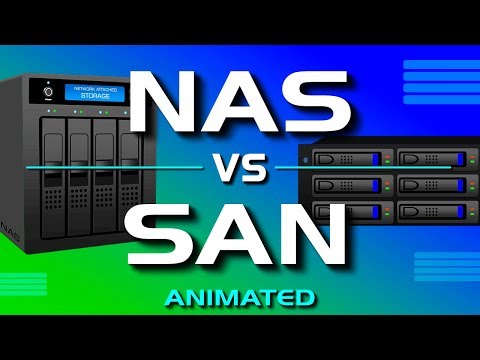
NAS vs SAN - Network Attached Storage vs Storage Area Network
What is the Difference Between a NAS and a SAN?
Understanding NAS (Network Attached Storage)
- Definition: NAS stands for Network Attached Storage, which allows centralized data storage accessible from all devices on a network.
- Functionality: A NAS device primarily stores data and typically consists of multiple hard drives configured in RAID for redundancy, along with a network interface card for connectivity.
- Usage: Commonly used in homes and small to medium-sized businesses; however, it has a single point of failure risk—if one component fails, access to data can be lost.
Exploring SAN (Storage Area Network)
- Definition: A SAN is a high-speed network dedicated to storing and providing access to large amounts of data through multiple disk arrays, switches, and servers.
- Fault Tolerance: Unlike NAS, SAN offers fault tolerance; if one component fails (like a switch or server), data remains accessible due to its distributed nature.
- Data Access Methodology: Servers interact with SAN as if accessing local hard drives rather than shared network drives like in NAS setups. This enhances performance and scalability without disrupting the network during expansion.
Technical Aspects of SAN
- Interconnectivity & Speed: Devices within a SAN are interconnected using Fiber Channel technology, which supports speeds ranging from 2 Gbps up to 128 Gbps.
- Cost Considerations: While Fiber Channel provides high speed, it is also expensive. Some SAN implementations use iSCSI as an alternative that is more cost-effective but slower than Fiber Channel.