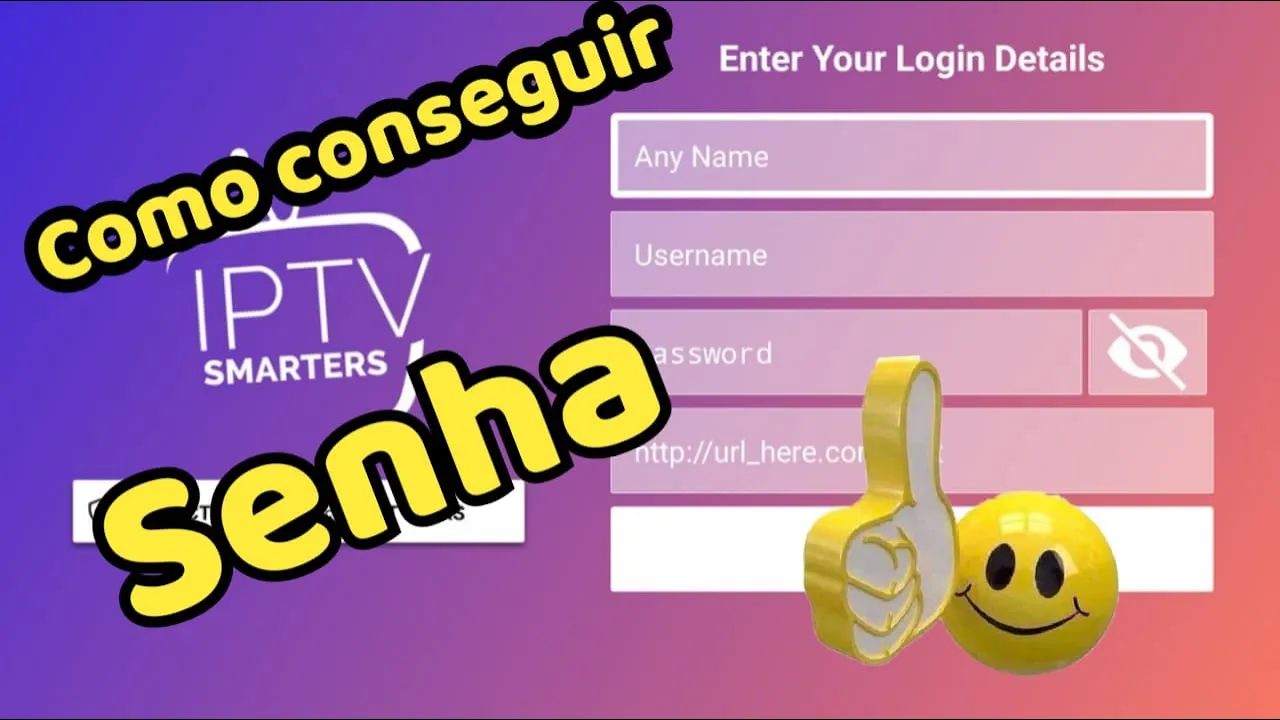
CONFIGURAR IPTV SMARTERS PRO EM TV LG SMART SAMSUNG OU ANDROID
How to Set Up IPTV Smarters on Your Device
Introduction to IPTV Smarters
- The video provides a quick guide on how to download and set up the IPTV Smarters application on various devices, including LG and Samsung TVs.
- Emphasizes the simplicity of the setup process for users.
Configuration Steps
- Users are instructed to select the option to log in with an API key after opening the app.
- The first field requires a short name for identifying the list; any name can be used.
- The second field is for entering a username provided by the service provider.
- The third field is designated for entering a password associated with that username.
Important Details for Access
- A crucial step involves inputting a specific link in the last line, which must be entered exactly as provided; any errors will prevent access.
- After successful login with user credentials and link, users will see their main interface.
Navigating Content Categories
- The app categorizes content into three main sections: Live TV (for channels), Movies (for films), and Series (for shows).