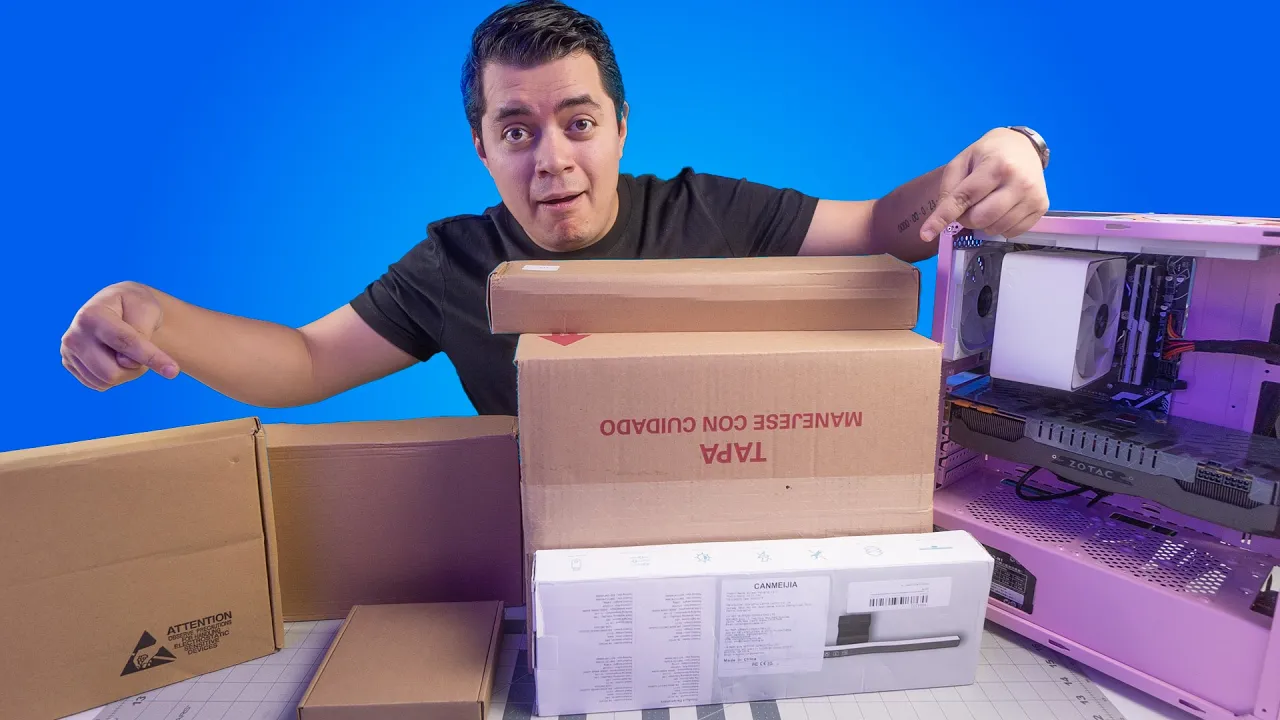
Compro TODO de Alliexpres para PCs ¡Y TENGO códigos de DESCUENTO! en Junio 2024
Opening and Introduction
The video begins with an introduction to unboxing various products ordered from AliExpress, including items for testing PC performance and enhancements.
Unboxing Products
- The host, Higgs, introduces the unboxing of multiple products for PCs.
- Unveiling a 1TB Western Digital solid-state drive (SSD) for improving PC performance.
- Discussion on the NVMe PCIe Express SSD with a 1TB capacity for enhancing the existing PC setup.
Installing SSD and Hardware Compatibility
The focus shifts to installing the SSD into the PC and discussing hardware compatibility.
Installing SSD
- Installation process of the SSD discussed, highlighting its impact on PC performance.
- Differentiating NVMe SSD from SATA based on slot design and compatibility with motherboards.
Hardware Compatibility
- Exploring motherboard ports' compatibility with NVMe SSDs for improved speed and cost-effectiveness.
- Demonstrating the installation process of the SSD into the motherboard for enhanced PC performance.
Operating System Installation
Instructions on installing an operating system on the newly installed SSD for optimal functionality.
Operating System Setup
- Step-by-step guide on formatting and partitioning the new SSD for operating system installation.
- Emphasizing the importance of installing the OS on an NVMe SSD to leverage speed benefits effectively.
PC Assembly Considerations
Addressing potential challenges in assembling components within a compact PC case.
Component Assembly
- Discussion on accessories and considerations while assembling components in a compact PC case.
Detailed PC Building Process
The individual is exploring the process of building a PC, encountering challenges and seeking guidance on how to proceed effectively.
Exploring the PC Build Process
- The individual is uncertain about how to install a particular component, expressing confusion and seeking assistance.
- Collaboration with another person named Javi is mentioned, indicating a joint effort in navigating the assembly process.
- Discussion revolves around identifying the correct placement for components and acknowledging the complexity of the task at hand.
- Connecting cables prompts questions about their purpose and proper utilization within the build.
- Deliberation on USB connections highlights the importance of precise configurations for optimal functionality.
Optimizing PC Performance with Accessories
The focus shifts towards enhancing PC performance through accessories and meticulous setup procedures.
Enhancing Performance
- Challenges related to intricate setups are acknowledged, emphasizing precision in handling components.
- Importance of RGB components is discussed, underscoring their role in customization and aesthetic appeal.
- Attention is drawn to power requirements for various components, ensuring proper functionality during operation.
- Examination of magnetic features in accessories showcases attention to detail for optimal positioning within the build.
- A satisfying moment is experienced upon successful connection and activation of components, reflecting progress in the assembly process.
Importance of Storage Devices in PC Setup
Emphasis is placed on storage devices' significance within a PC setup, addressing queries regarding hardware choices.
Storage Considerations
- Exploration of additional accessories indicates a comprehensive approach to optimizing system performance.
- Viewer engagement involves inquiries about essential components like hard drives or solid-state drives for efficient system operation.
- Comparison between traditional hard drives and solid-state drives highlights speed benefits and cost considerations influencing hardware selection.
Connecting and Setting Up New PC Components
The individual is excited to connect and set up new PC components, expressing eagerness to see the screen and check everything thoroughly.
Excitement for Setting Up
- Expresses eagerness to see the screen and check all components thoroughly.
- Discusses aligning cables quickly and hiding them for a clean setup.
- Appreciates the quality of the components, particularly praising the IPS display for its clarity.
Exploring Additional Features of PC Components
Delving into the additional features of the PC components, including customizable options like displaying temperatures and images.
Customization Options
- Highlights the ability to display temperatures, images, and other content on the PC components.
- Discusses a lamp that helps protect eyes by providing ambient lighting during extended computer use.
Appreciating Lighting Features in PC Setup
Exploring lighting features in the PC setup, focusing on RGB lighting for aesthetic enhancement.
Lighting Enhancements
- Appreciates RGB lighting for illuminating walls and enhancing aesthetics.
- Enjoys the visual impact of RGB lighting in creating an appealing environment during computer usage.
Reviewing Functionalities of Different PC Components
Reviewing functionalities of various PC components while emphasizing their practicality and value.
Component Functionality
- Reviews different PC components based on functionality and practicality.
- Unpackaging a new component with excitement about its potential benefits.
Assembling ATX Motherboard Components
Assembling an ATX motherboard with detailed instructions on component placement and setup.
Assembly Process
- Details assembling an ATX motherboard with a focus on component organization.
Opening and Initial Assembly Process
In this section, the speaker begins assembling components, highlighting the process of aligning and preparing parts for assembly.
Assembling Components
- The speaker adjusts three components to align them properly before assembly.
- The assembly process is described as straightforward yet engaging, requiring attention to detail for proper alignment.
- Discussion on tightening screws and ensuring proper alignment of components.
- Mention of a previous mini TX build that was aesthetically pleasing but lacked functionality due to limited motherboard availability.
- Emphasis on meticulous assembly following specific instructions in the manual.
Challenges and Solutions in Assembly
This section delves into challenges faced during assembly and solutions proposed by the speaker.
Overcoming Challenges
- Discussion on aligning screws while addressing a query about protecting against USB Killers.
- Exploring the lack of devices to detect USB Killers, prompting consideration for a potential invention.
- Reflecting on the absence of pre-check mechanisms for USB Killers and contemplating the need for a verification device.
Final Assembly Steps and Reflection
The final steps of assembly are completed, with reflections on the process shared by the speaker.
Completing Assembly
- Finalizing alignment processes before proceeding with motherboard installation.
- Acknowledgment of minor challenges in alignment but overall intuitive assembly experience with occasional reference to instructions.
- Completion of alignment tasks leading to readiness for motherboard installation.
Component Installation and Q&A Interaction
Component installations are discussed along with an interactive Q&A session between speakers.
Component Installations
- Mounting components such as bases and power supply unit in preparation for further installations.
- Detailed steps involved in installing components like video cards and power supplies efficiently.
Personal Account: YouTube Channel Creation
Insights into the creation of a YouTube channel shared by one of the speakers.
YouTube Channel Creation Journey
Desarrollo Personal y Profesional
In this section, the speaker discusses the importance of personal and professional development, emphasizing learning and overcoming fear to pursue passions.
Prioritizing Learning and Hands-On Experience
- Emphasizes the significance of individuals learning and being able to do things with their own hands.
- Stresses the continuous need for evolution, learning something new daily, and engaging in activities that bring joy.
Overcoming Fear and Pursuing Passions
- Shares personal experience of living off one's passion without letting fear hinder progress.
- Encourages people to engage in what they love profitably by demonstrating how to build computers and pursue such endeavors.
Evolving Constantly
This part focuses on the speaker's commitment to continuous improvement, growth, and advancement in personal and professional endeavors.
Commitment to Evolution
- Highlights the importance of evolving constantly, improving, advancing, and growing.
- Expresses motivation derived from pursuing passions wholeheartedly despite challenges or time constraints.
Technical Insights on Computer Building
The speaker delves into technical aspects related to computer building processes, highlighting specific components like motherboards for testing purposes.
Purpose of Specialized Cabinets